> ## Documentation Index
> Fetch the complete documentation index at: https://relevanceai.com/docs/llms.txt
> Use this file to discover all available pages before exploring further.
# Add conditions to steps
> Running a step only if conditions are met
By default, when running a Tool, each tool step is executed once. However, Relevance supports conditional execution. Where
a step runs only if the defined condition is met
## Conditions
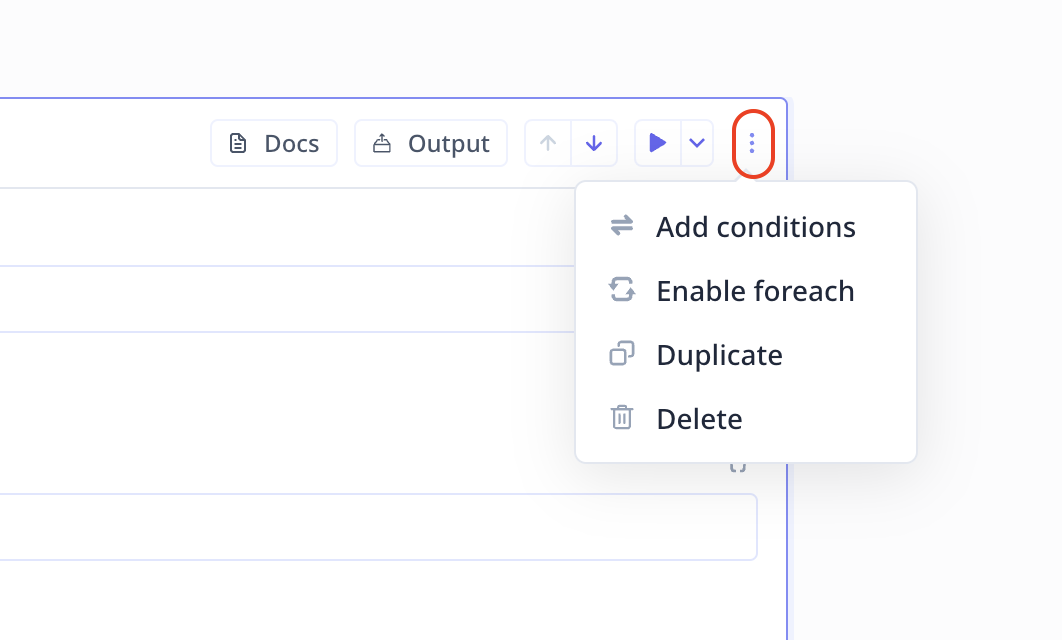
Access loops under the three-dot menu on the top right of steps. Click on **Enable conditions**.
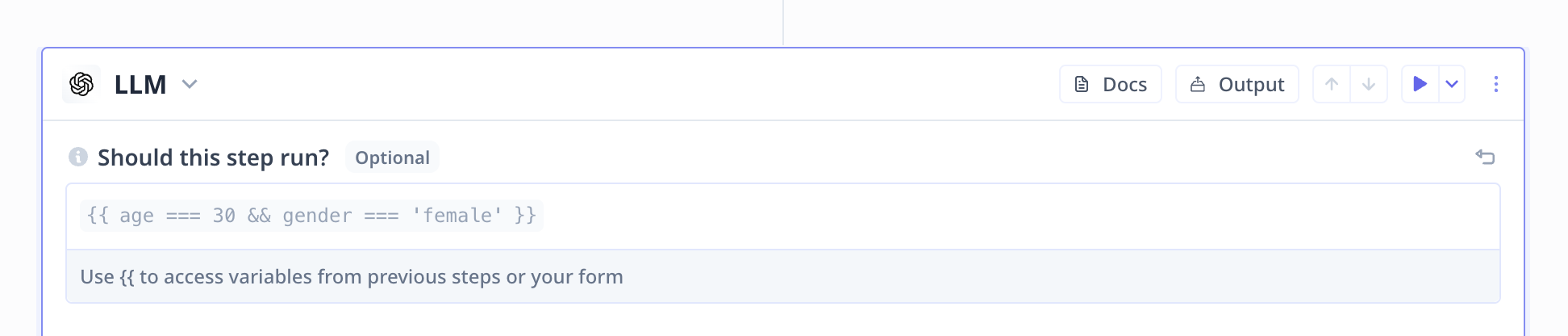
Conditions must follow JavaScript syntax and must be written inside the template handlebars `{{ condition }}`.
You can use `&&` and `||` for "and" and "or", respectively.
In the example below, the LLM step runs if the input variable `age` is 30 (`{{ age === 30 }}`) and the input variable
`gender` is female (`{{ gender === "female" }}`).