> ## Documentation Index
> Fetch the complete documentation index at: https://relevanceai.com/docs/llms.txt
> Use this file to discover all available pages before exploring further.
# JSON
> Input a JSON object
## What is a JSON input
JSON input is an input component that allows you to enter a JSON objects.
## When to use the JSON input component
The JSON input component is suitable for an entry composed of multiple key values.
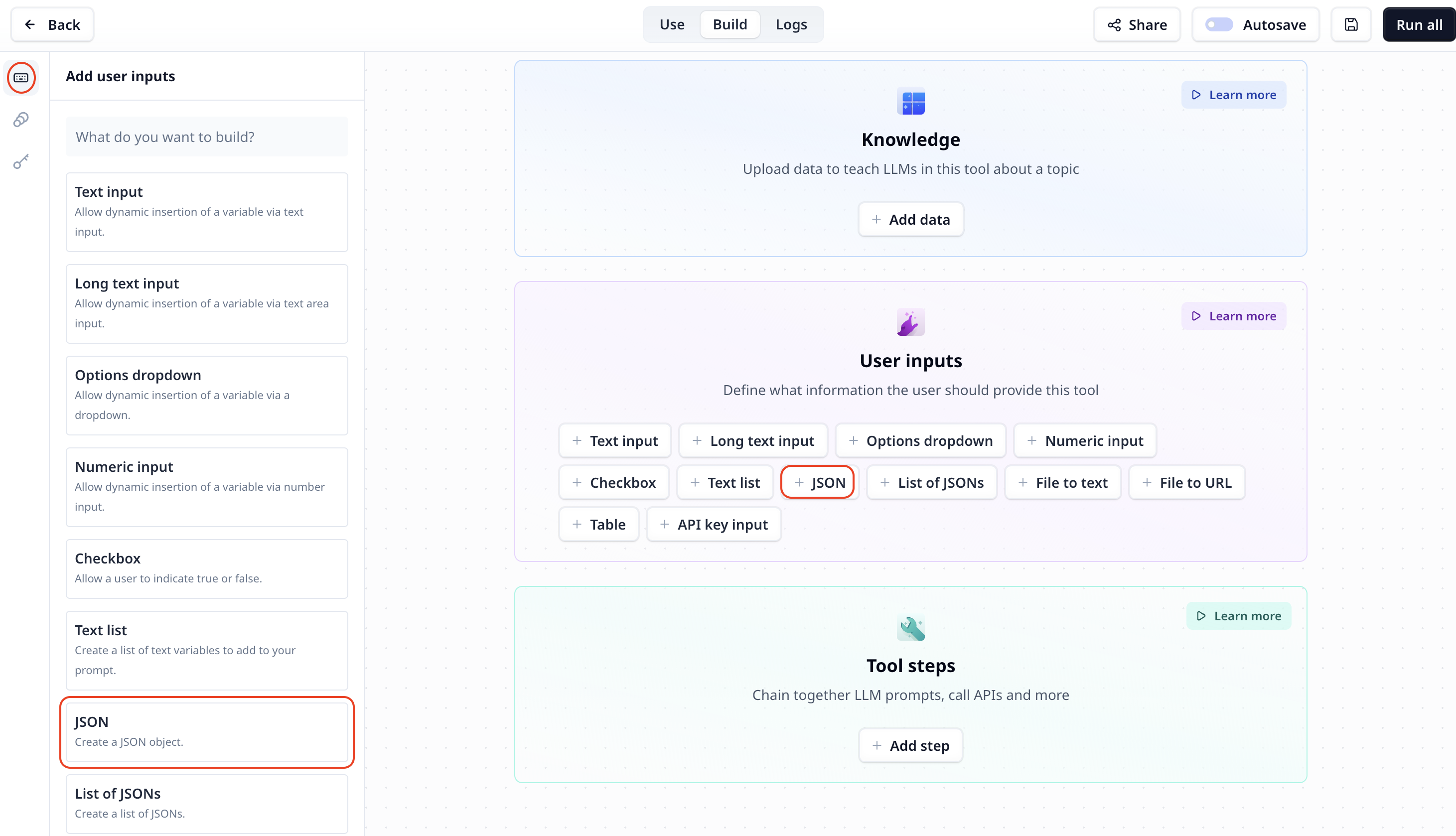
## How to add a JSON input to my custom Tool
The JSON component is listed under User inputs. You can add it to your Tool using the main section
or the side-bar.
 ## JSON input setting
## Access the entered JSON
To access the entered data use the variable mode `{{}}` and the input step name. Under the default setting it is accessible
via `{{json}}` (or `params.json` in a JavaScript step).
## JSON input setting
## Access the entered JSON
To access the entered data use the variable mode `{{}}` and the input step name. Under the default setting it is accessible
via `{{json}}` (or `params.json` in a JavaScript step).