> ## Documentation Index
> Fetch the complete documentation index at: https://relevanceai.com/docs/llms.txt
> Use this file to discover all available pages before exploring further.
# Numeric input
> Input numerical values
## What is a Numeric input
Numeric input is an input component that allows you to enter a numeric value to be treated as a number (i.e. not a string).
The value can be entered by the user or later fetched from an uploaded dataset (bulk-run).
## When to use the Numeric input component
The Numeric input component is suitable for situations when a number is needed for an analysis that involves some math or counting.
For instance, when a process needs to be executed x number of times.
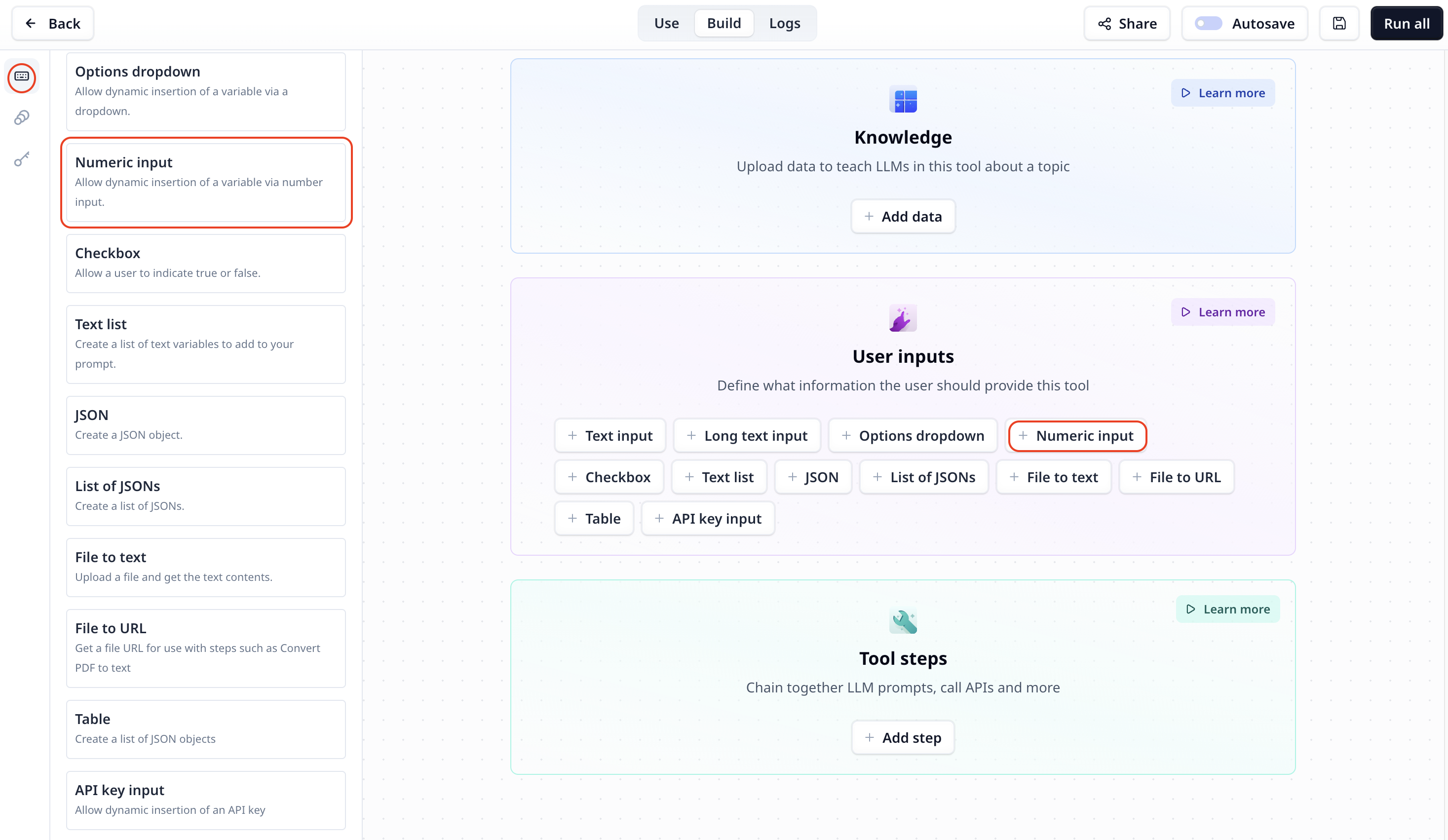
## How to add a Numeric input to my custom Tool
The Numeric input component is listed under User inputs. You can add it to your Tool using the main section
or the side-bar.
 ## Numeric input setting
Keep in mind that the entered value must be a number and when used in a code step it must be treated as a number.
## Access the entered number
To access the entered text use the variable mode `{{}}` and the input step name. Under the default setting it is accessible
via `{{number}}` (or `params.number` in a JavaScript step).
## Numeric input setting
Keep in mind that the entered value must be a number and when used in a code step it must be treated as a number.
## Access the entered number
To access the entered text use the variable mode `{{}}` and the input step name. Under the default setting it is accessible
via `{{number}}` (or `params.number` in a JavaScript step).