> ## Documentation Index
> Fetch the complete documentation index at: https://relevanceai.com/docs/llms.txt
> Use this file to discover all available pages before exploring further.
# Text list
> Input a list of string values
## What is a Text list input
Text list input is an input component that allows you to enter a list of text values (e.g. list of states).
## When to use the Text list input component
The Text input component is suitable for situations where we have multiple string values that needs to be kept and reached independent of
each other.
## How to add a Text list input to my custom Tool
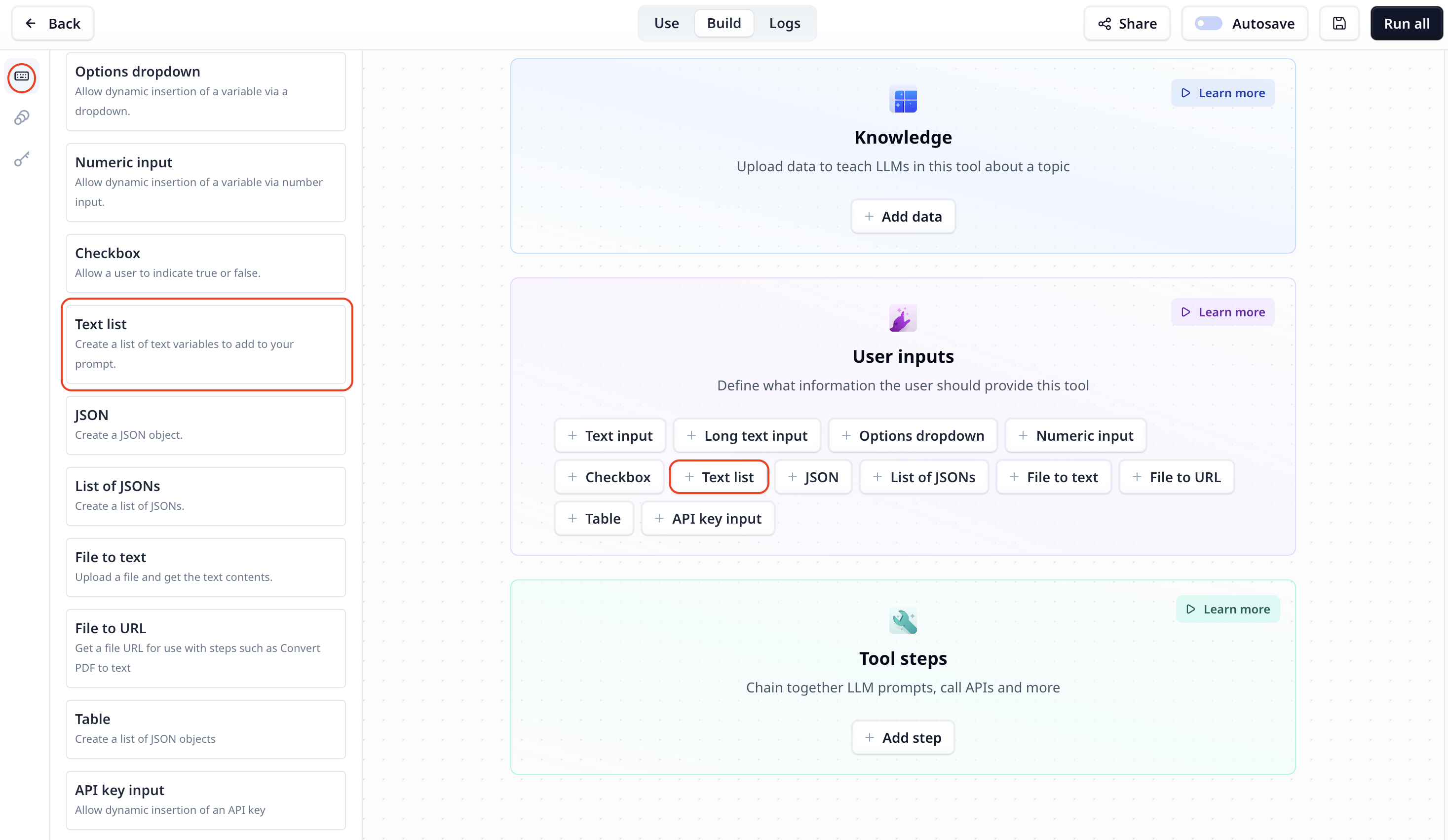
The Text list input component is listed under User inputs. You can add it to your Tool using the main section
or the side-bar.
 ## Text list input setting
## Access the entered list of text
To access the entered text use the variable mode `{{}}` and the input step name. Under the default setting it is accessible
via `{{list}}` (or `params.list` in a JavaScript step).
## Text list input setting
## Access the entered list of text
To access the entered text use the variable mode `{{}}` and the input step name. Under the default setting it is accessible
via `{{list}}` (or `params.list` in a JavaScript step).