> ## Documentation Index
> Fetch the complete documentation index at: https://relevanceai.com/docs/llms.txt
> Use this file to discover all available pages before exploring further.
# Introduction
> Relevance AI is the home of your AI Workforce.
Relevance AI is a low/no-code platform where you can build AI agents and multi-agent teams that autonomously complete tasks, much like human employees.
Whether you're looking to automate customer support, scale your sales operations, or streamline internal workflows, Relevance AI provides the tools and infrastructure to build, deploy, and manage your AI workforce.
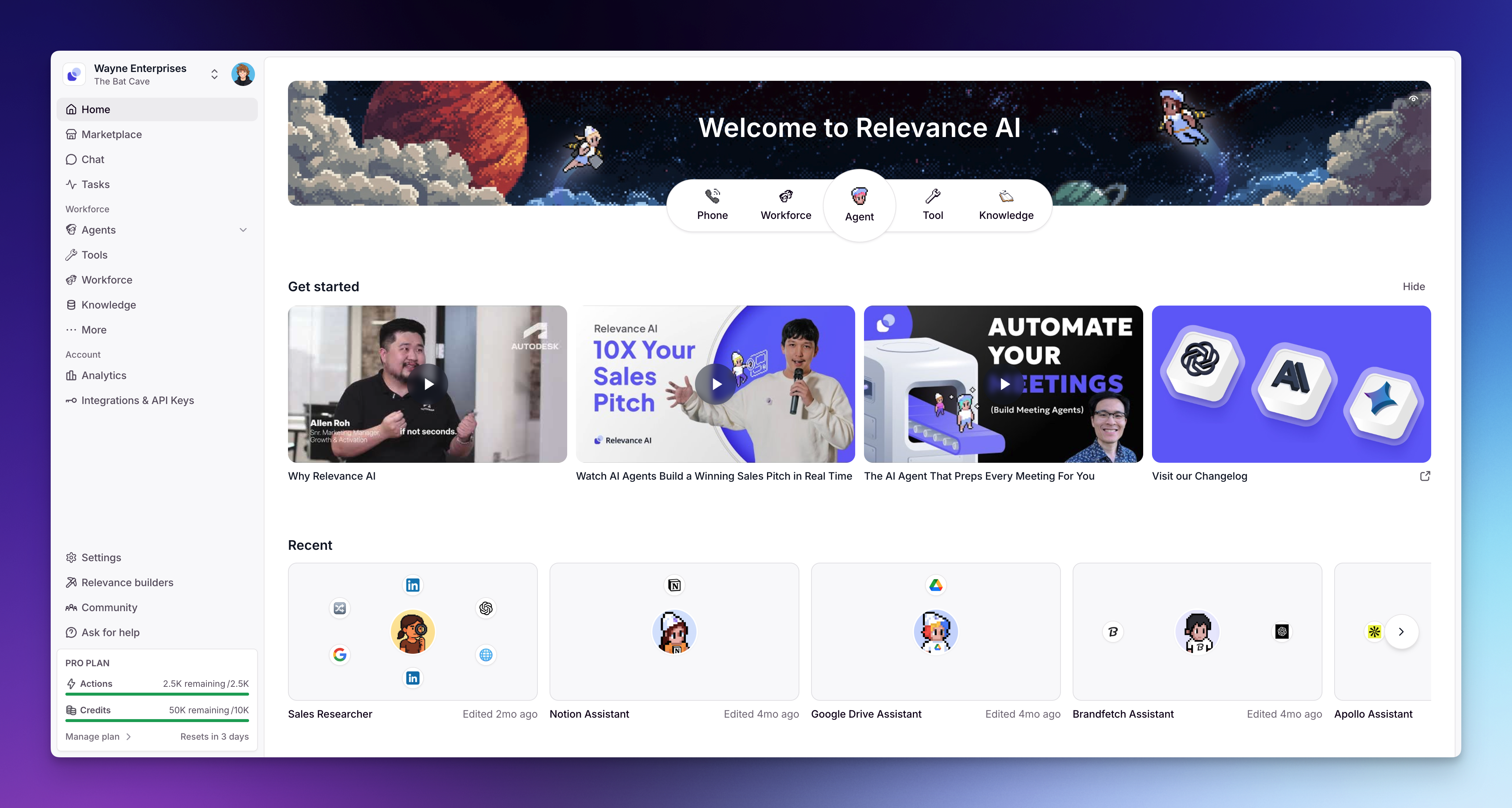 ## Why Relevance AI?
Traditional automation tools require rigid workflows and constant maintenance. AI agents are different—they think, adapt, and learn from experience. With Relevance AI, you can:
* **Deploy agents in minutes** using our no-code builder or pre-built templates
* **Scale on demand** without hiring or training new team members
* **Integrate seamlessly** with your existing tools and workflows
* **Maintain control** with human oversight and approval workflows
* **Customize everything** from agent behavior to escalation protocols
## Quick Links
Follow our step-by-step guide to build and deploy your first AI agent
Start using AI agents instantly — no setup required
Learn from our video library covering agents, tools, and best practices
Access our support team, community, and troubleshooting guides
## Core Features
AI entities that autonomously complete tasks like human employees
Built-in chat interface for human-like conversations with your agents
Multi-agent teams where specialized AI agents collaborate on complex tasks
RAG solution giving agents access to specific information beyond pre-trained knowledge
No-code workflow builder for integrations and automations
Pre-built agents, tools, and workforces you can clone and customize
## Build your first agent
Follow along to see how to create an agent from scratch:
## Why Relevance AI?
Traditional automation tools require rigid workflows and constant maintenance. AI agents are different—they think, adapt, and learn from experience. With Relevance AI, you can:
* **Deploy agents in minutes** using our no-code builder or pre-built templates
* **Scale on demand** without hiring or training new team members
* **Integrate seamlessly** with your existing tools and workflows
* **Maintain control** with human oversight and approval workflows
* **Customize everything** from agent behavior to escalation protocols
## Quick Links
Follow our step-by-step guide to build and deploy your first AI agent
Start using AI agents instantly — no setup required
Learn from our video library covering agents, tools, and best practices
Access our support team, community, and troubleshooting guides
## Core Features
AI entities that autonomously complete tasks like human employees
Built-in chat interface for human-like conversations with your agents
Multi-agent teams where specialized AI agents collaborate on complex tasks
RAG solution giving agents access to specific information beyond pre-trained knowledge
No-code workflow builder for integrations and automations
Pre-built agents, tools, and workforces you can clone and customize
## Build your first agent
Follow along to see how to create an agent from scratch:
## How It Works
Relevance AI gives you everything you need to build, connect, and scale an AI workforce:
1. **Build agents** — create AI agents that autonomously complete tasks. Use Invent to generate one from a description, clone a pre-built agent from the Marketplace, or build from scratch.
2. **Give them tools** — equip agents with actions like sending emails, updating your CRM, searching the web, or calling any API — all built in a no-code tool builder.
3. **Add knowledge** — connect your data so agents respond with accuracy. Upload files, sync from Google Drive, SharePoint, Notion, or pull from websites.
4. **Connect them into workforces** — link multiple agents together on a visual canvas to handle complex, multi-step workflows. Each agent focuses on what it's best at, and the workforce handles the handoffs.
5. **Set guardrails and deploy** — configure escalations, approval workflows, and triggers, then put your workforce to work.
## Popular Use Cases
Deploy AI agents that handle routine inquiries, troubleshoot common issues, and escalate complex problems to human agents. Reduce response times and free your support team to focus on high-value interactions.
Automate prospect research, lead qualification, and initial outreach. AI agents can engage with prospects, gather information, and identify promising leads for your sales team to close.
Generate drafts of routine documents, reports, social media posts, and communications. Maintain your brand voice while scaling content production.
Process and summarize large volumes of information to extract actionable insights. Automate report generation and data visualization.
Manage calendars, set up meetings, send reminders, and coordinate across teams. Eliminate scheduling conflicts and reduce administrative overhead.
## Learning Resources
Join our Community to connect with other users and get help from the Relevance AI team
Stay updated with the latest features, best practices, and customer stories
***
Ready to build your AI Workforce? [Start building now!](https://app.relevanceai.com/auth)