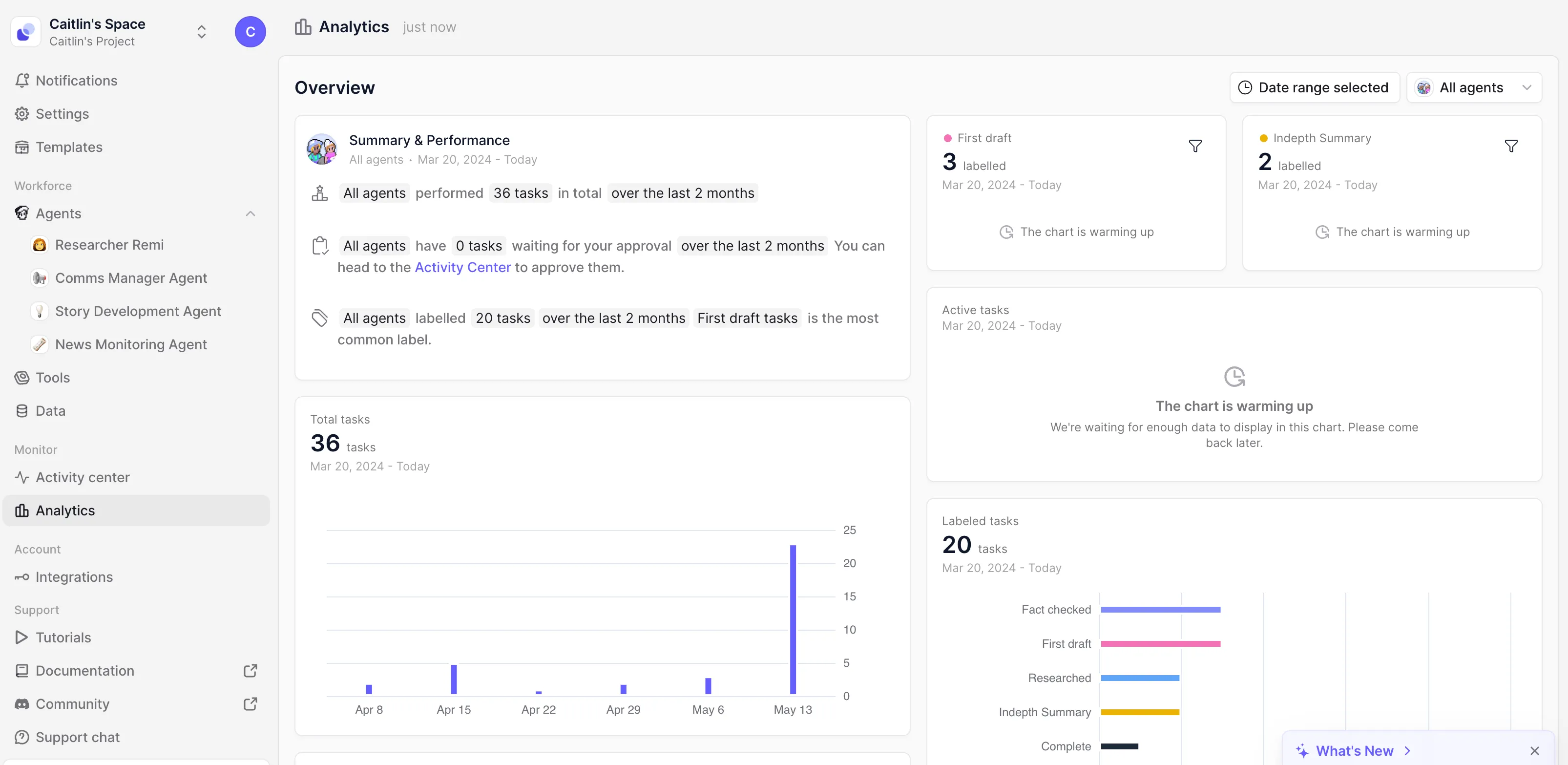
What: We've revamped the task UI to give you an intuitive, clean design for viewing and managing your agent’s tasks.
Why: The UI offers a streamlined layout that reduces information overload and makes it easier to understand what your agents have been working on.
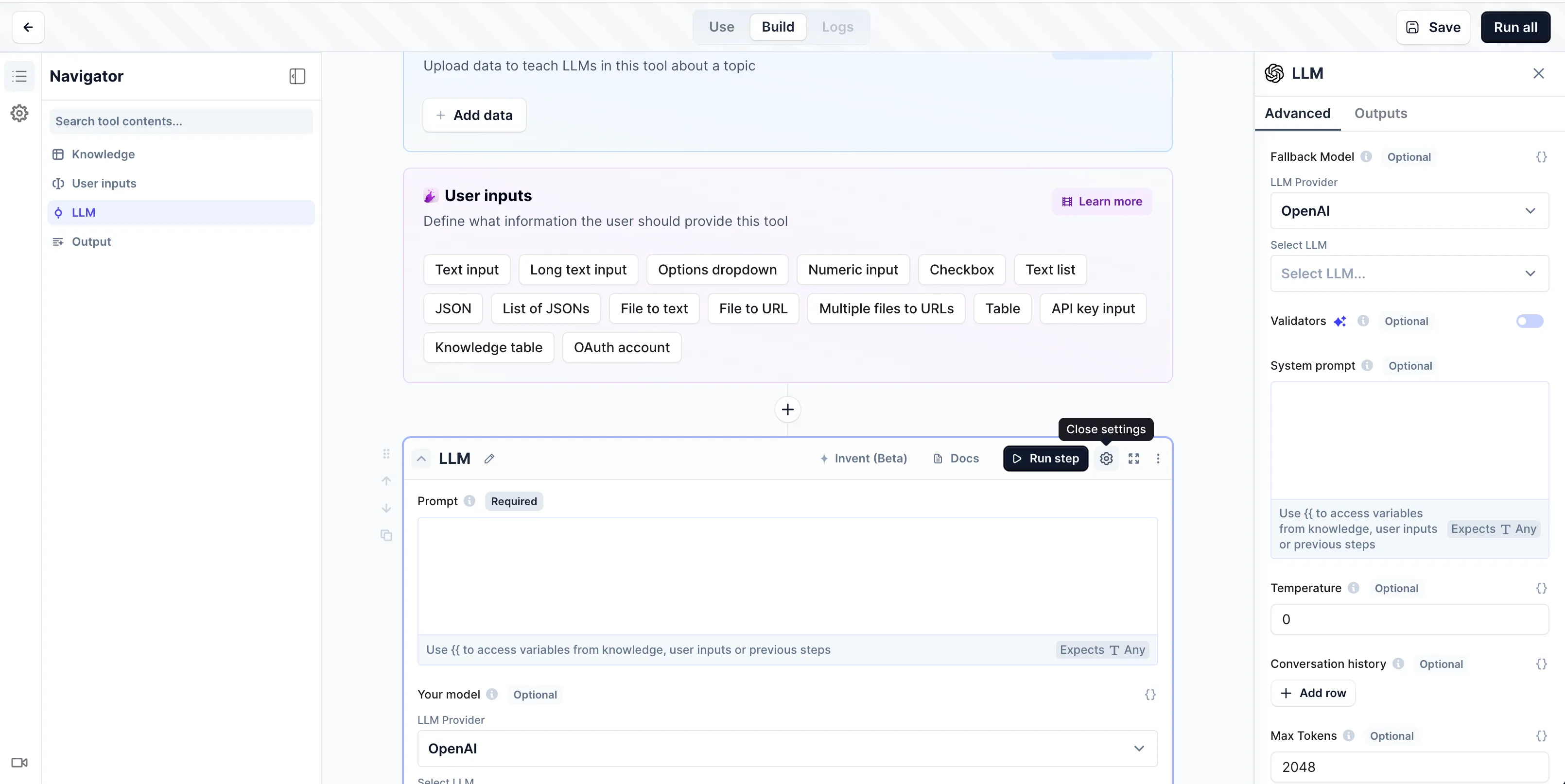
What: A dedicated left sidebar that houses the navigator and your tool's settings in one convenient place.
Why: We’ve made it easier to find and manage your tool settings, while keeping the right sidebar for the advanced tool step settings focused on your selected step.
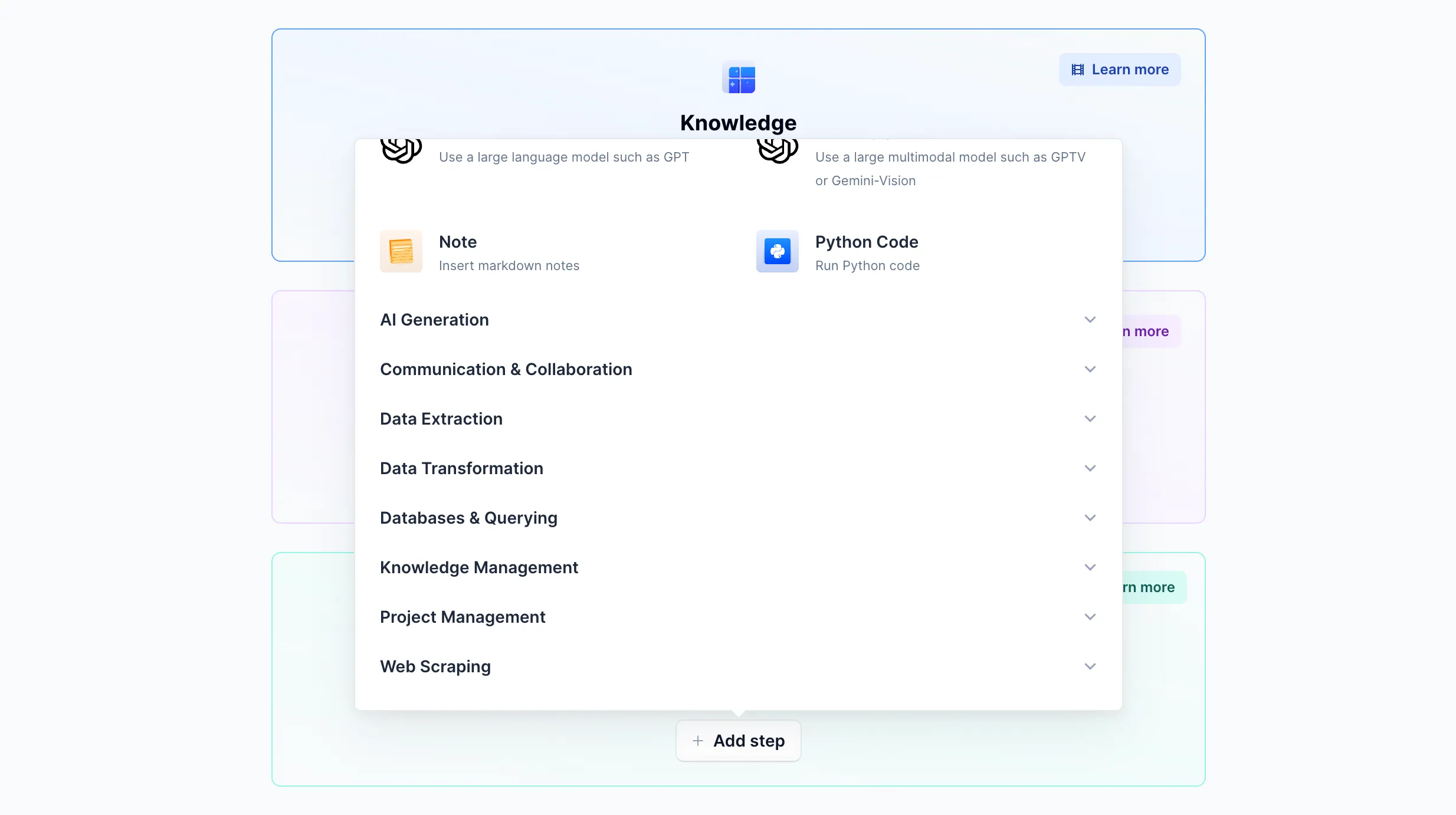
What: We've introduced more logical categories in the "Add Tool Step" dropdown menu.
Why: Now you can easily find the capability you need and discover new step options.
What: A new dashboard for viewing high-level activity and performance of your AI workforce.
Why: Get a real-time pulse on your agents' output across your organization by monitoring their performance and activities.