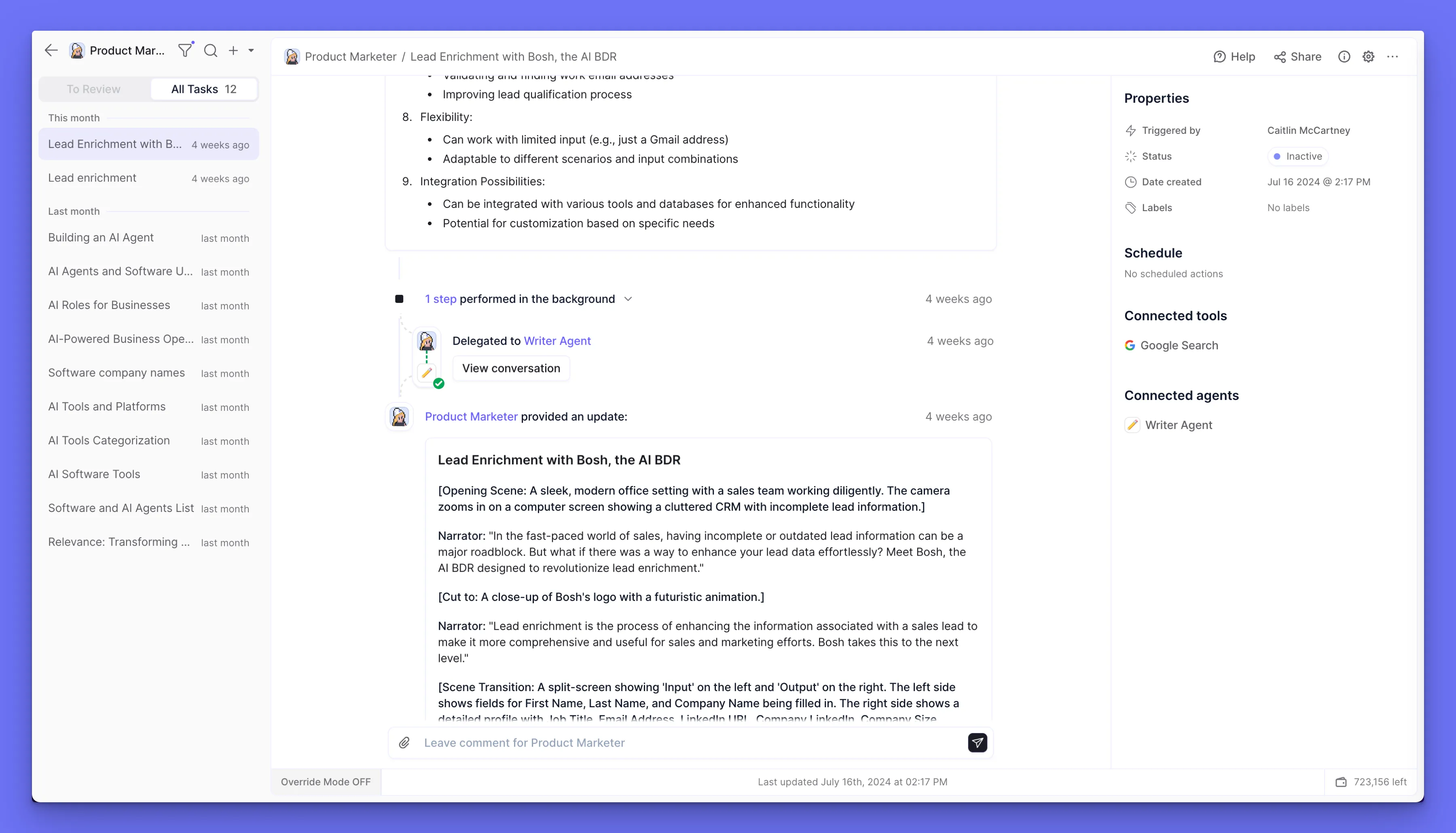
Our latest release includes an extremely powerful feature for debugging multi-agent systems, that underlines our commitment to being the most advanced agent platform. With Override Mode, you can mock inputs and outputs for all parts of your agent’s system.
When building advanced multi-agent systems, it’s important that you’re able to test your agents efficiently.
We noticed, when observing our internal agent building squad, that this involves re-running certain tasks over and over as you make tweaks to your agent’s instructions.
This takes up a lot of time and sucks up credits, running through tools that you aren’t even testing. To help with this debugging experience, we’ve built what we call Override Mode!
Override Mode allows you to mock inputs and outputs for any of your tools or subagents. If an output is mocked, the tool or subagent won’t actually run, saving on credits and time!
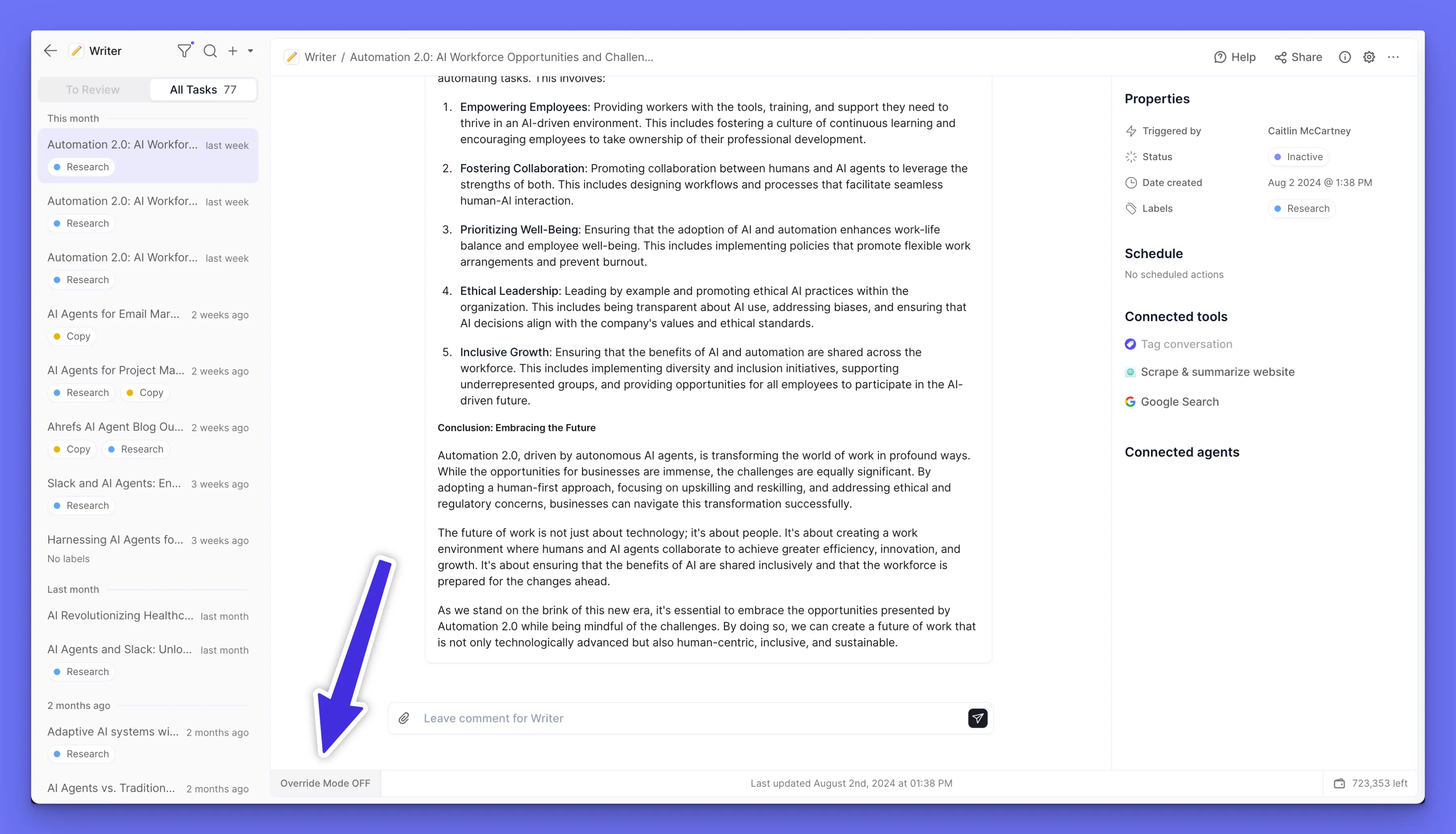
You can toggle any agent into Override Mode:
You will be asked whether you want to clone the task into Override Mode, or just continue:
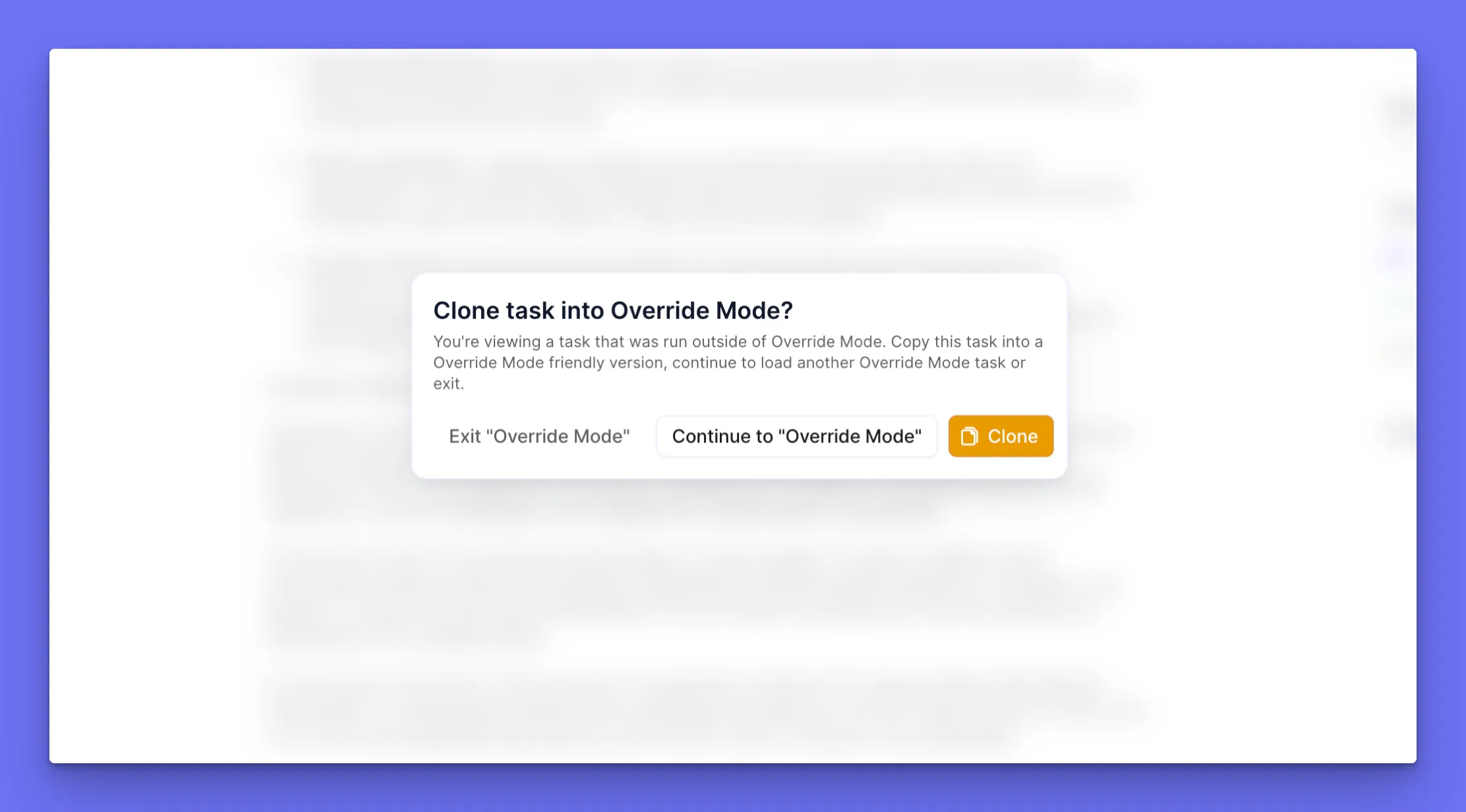
Note: the same task can’t exist in both normal and “Override” mode. You need to clone a task into Override Mode if you want to mock its inputs and outputs.
Once you are in Override Mode, you can click your settings cog to start configuring your overrides.
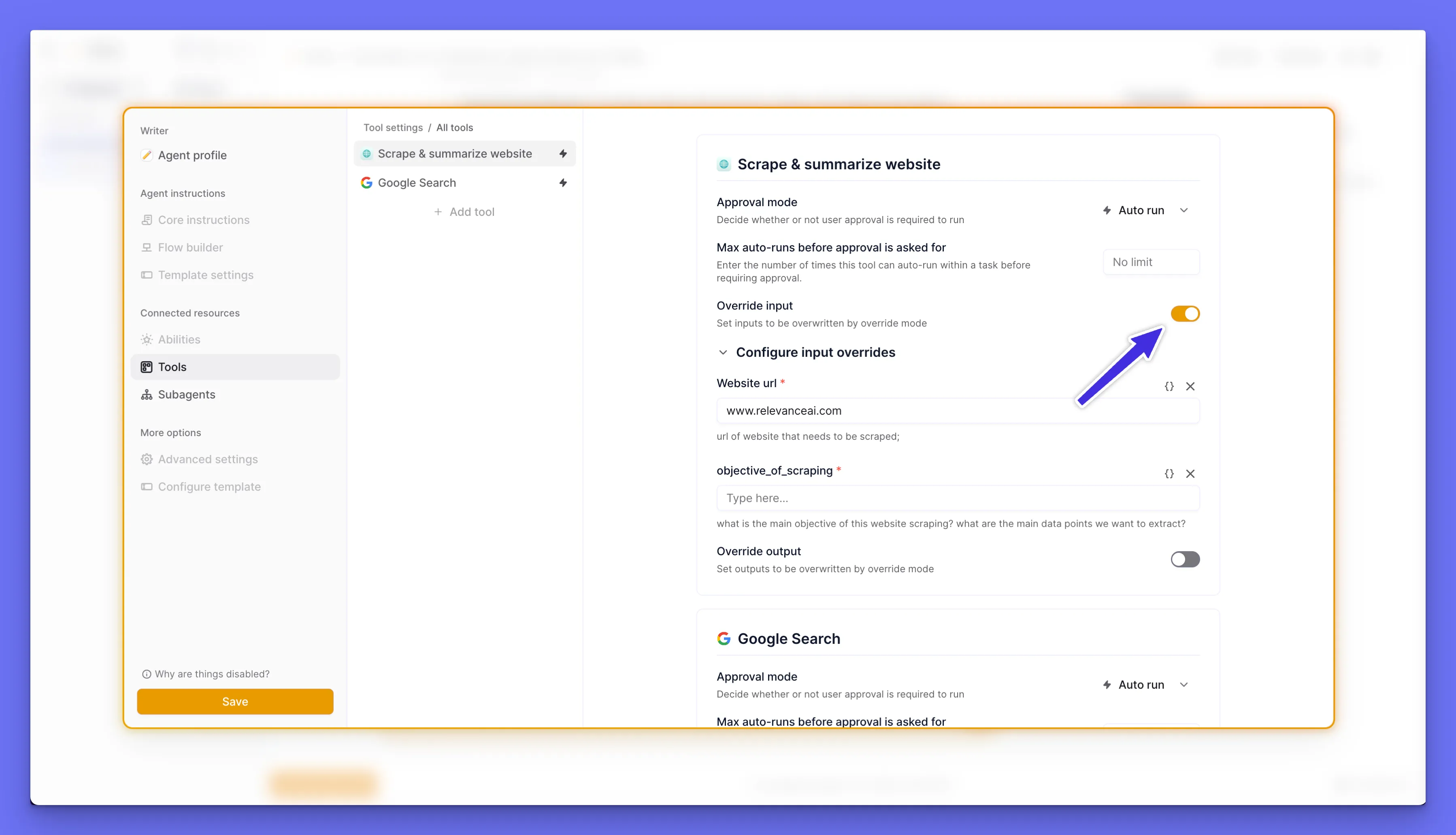
For inputs, we show you a form where you can force inputs to be used by the agent for the tool. This lets you control certain variables in your agents flow, if you are experimenting with something later in its flow.
It also lets you lock in certain testing variables - for example, if you’re testing a “Send email” tool, you may want to always ensure it sends the email to your test email rather than some external email.
For output mocking, you can provide a JSON object. If you mock an output, the tool won’t run and will simply return the mocked output immediately.
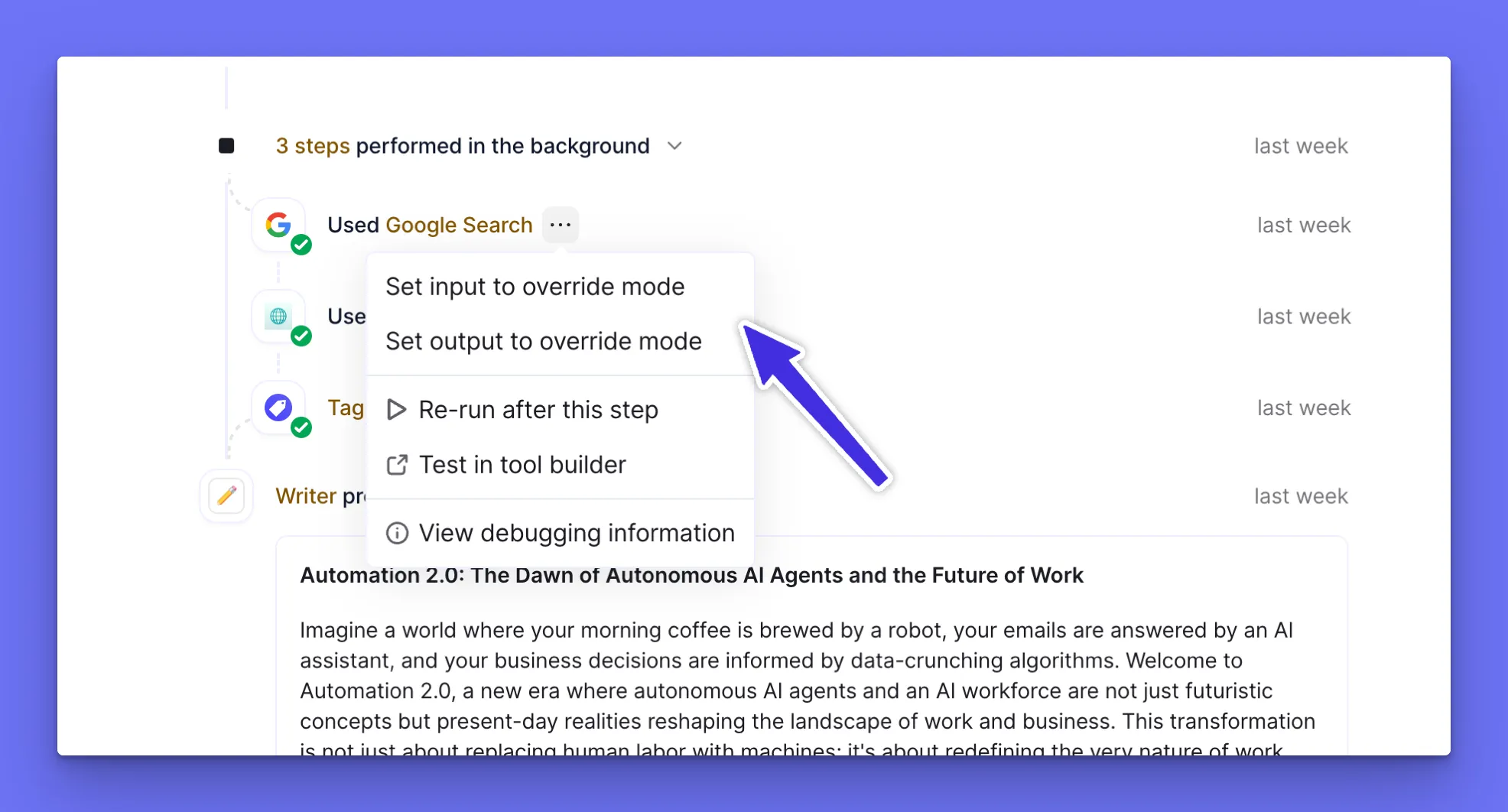
You can also set input/output overrides from tools or subagents that have run in your timeline. Click the three dots and set the input or output.
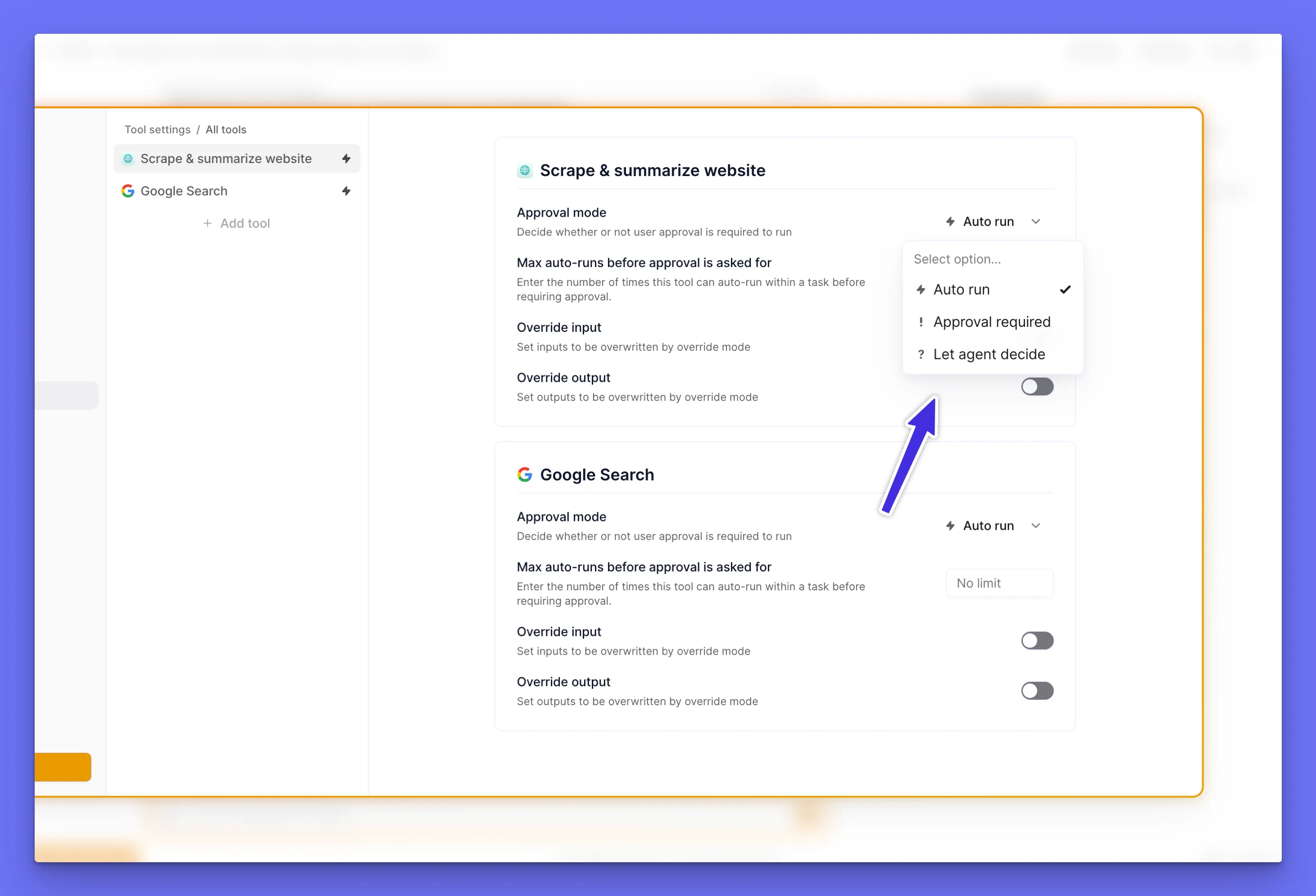
Also note that in Override Mode, you can set different Approval mode settings that will only take effect in Override Mode.
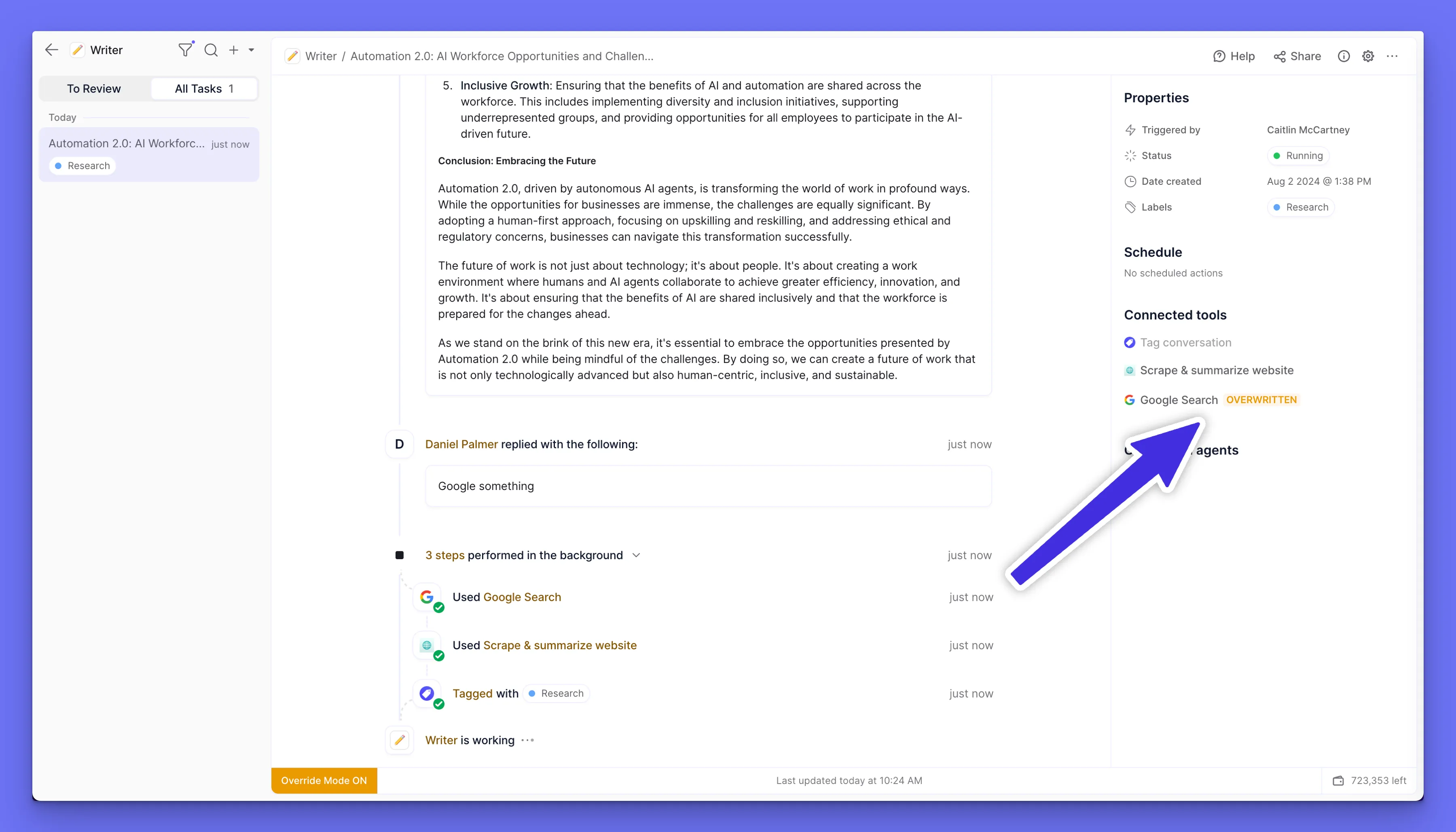
If a tool or subagent has mocked inputs or outputs, you will see this in the sidebar on your task view:
While you’re checking out Override Mode, you may notice that our Task View experience is feeling snappier than ever.
We’ve invested time into the internals of this part of our platform to iron out bugs and make it faster to navigate between tasks.
We wouldn’t usually dedicate an entire changelog section to an optimization like this, but after our work here, the experience of viewing your agent’s tasks feels seriously better.