

Table
Input data in a tabular format
What is a Table input
Table input is an input component that allows you to enter a structured table-line data.
When to use the Table input component
The Table input component is suitable for situations where we have structured data. For example Responses and their corresponding labels.
How to add a Table input to my custom Tool
The Table input component is listed under User inputs. You can add it to your Tool using the main section or the side-bar.
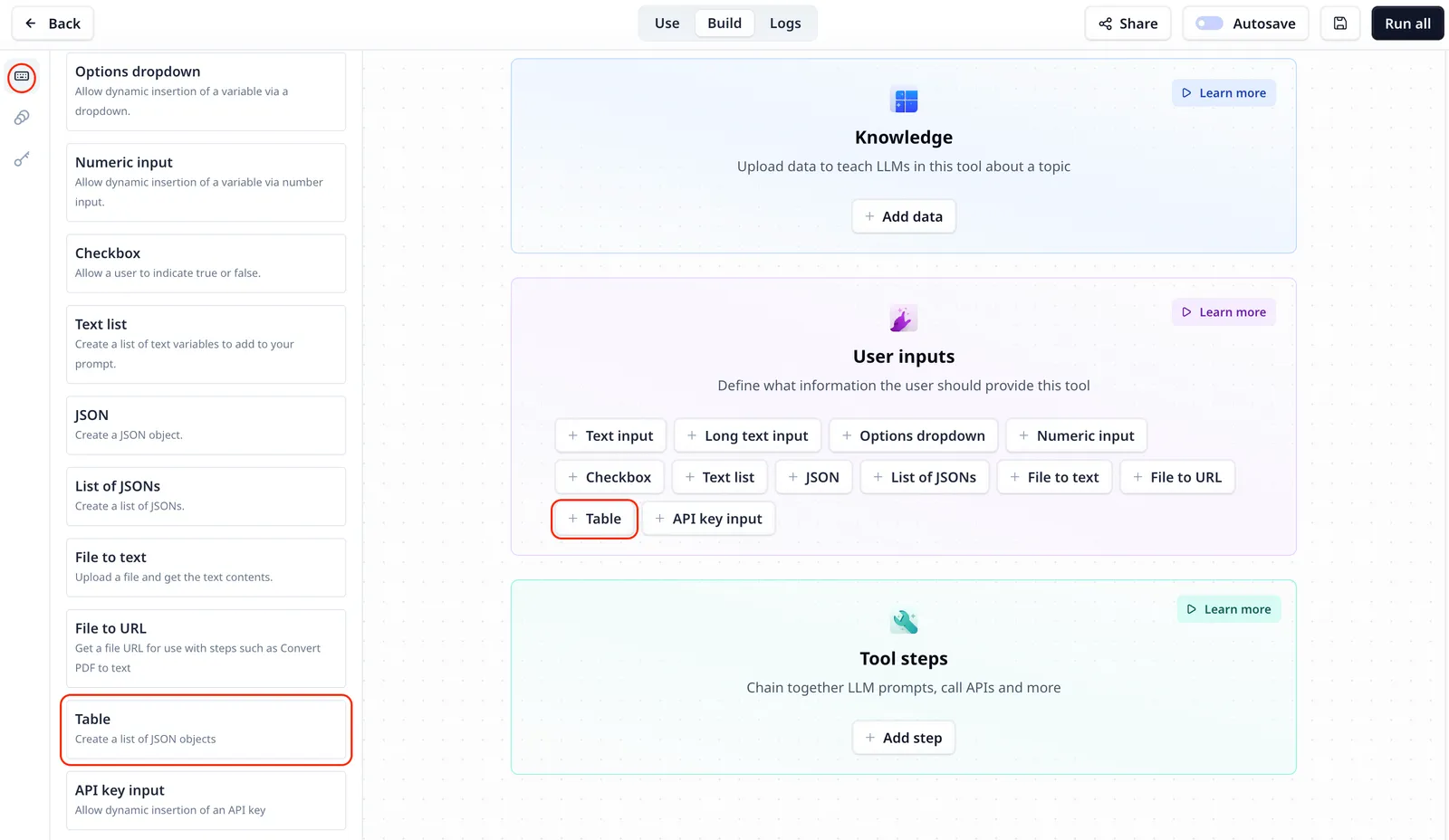
Table input setting
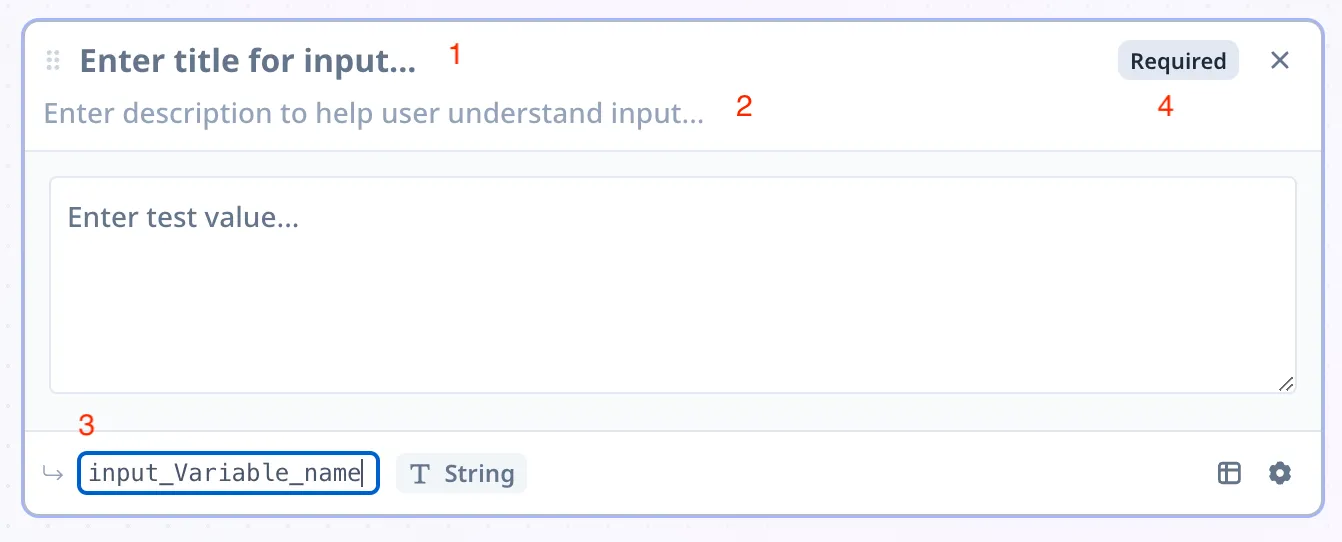
- Title: the title of your input component
- Description: To describe what this input is or will be used for, etc.
- Variable name: located on the bottom left and marked in green, you can rename the variable and use the name to access the data in your Tool
- Optional/Required: located on the top right, as the name suggests, unlike an optional component, a required components must be provided before your analysis starts.
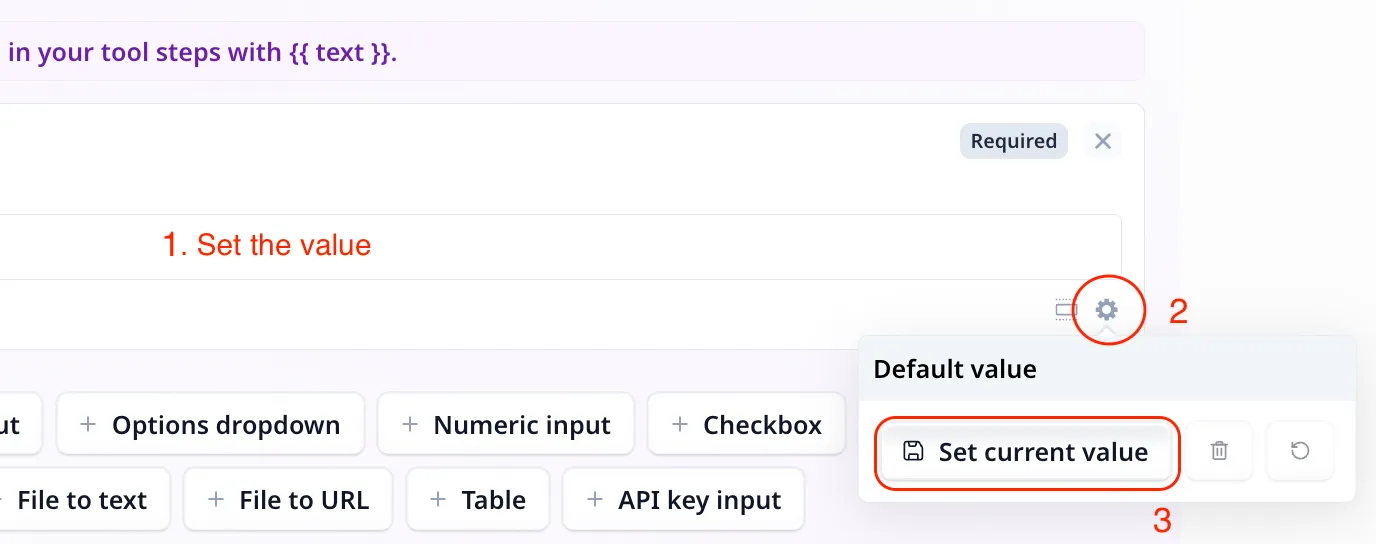
Set a default value
To set a default value for an input component, enter the value and click on the small setting icon on the bottom right. Next click on
Set current value.
Add new rows using the “Add row” button. When the first row is added, you can specify number of column and their corresponding headers.
Access the entered data
To access the entered text use the variable mode {{}} and the input step name. Under the default setting it is accessible
via {{table}} (or params.table in a JavaScript step).