

Overview
Build with Relevance AI
An overview of building and managing agents with Invent or configuring agents, tools, knowledge, and workforces directly.
Relevance AI has two main experiences — the builder platform for creating, and Chat for using.
The builder platform is where you create and configure everything — agents, tools, workforces, and knowledge. You’ll also find the Marketplace here, where you can clone pre-built agents and tools instead of starting from scratch. This section of the docs covers the builder platform and all of its features.
Relevance Chat is a conversational interface where you and your team interact with your agents directly. You can @ mention agents, use multiple agents in a single conversation, and give your team access to your agents — all through a familiar chat experience.
This section focuses on building. To learn more about Chat, head to the Relevance Chat page in Getting Started.
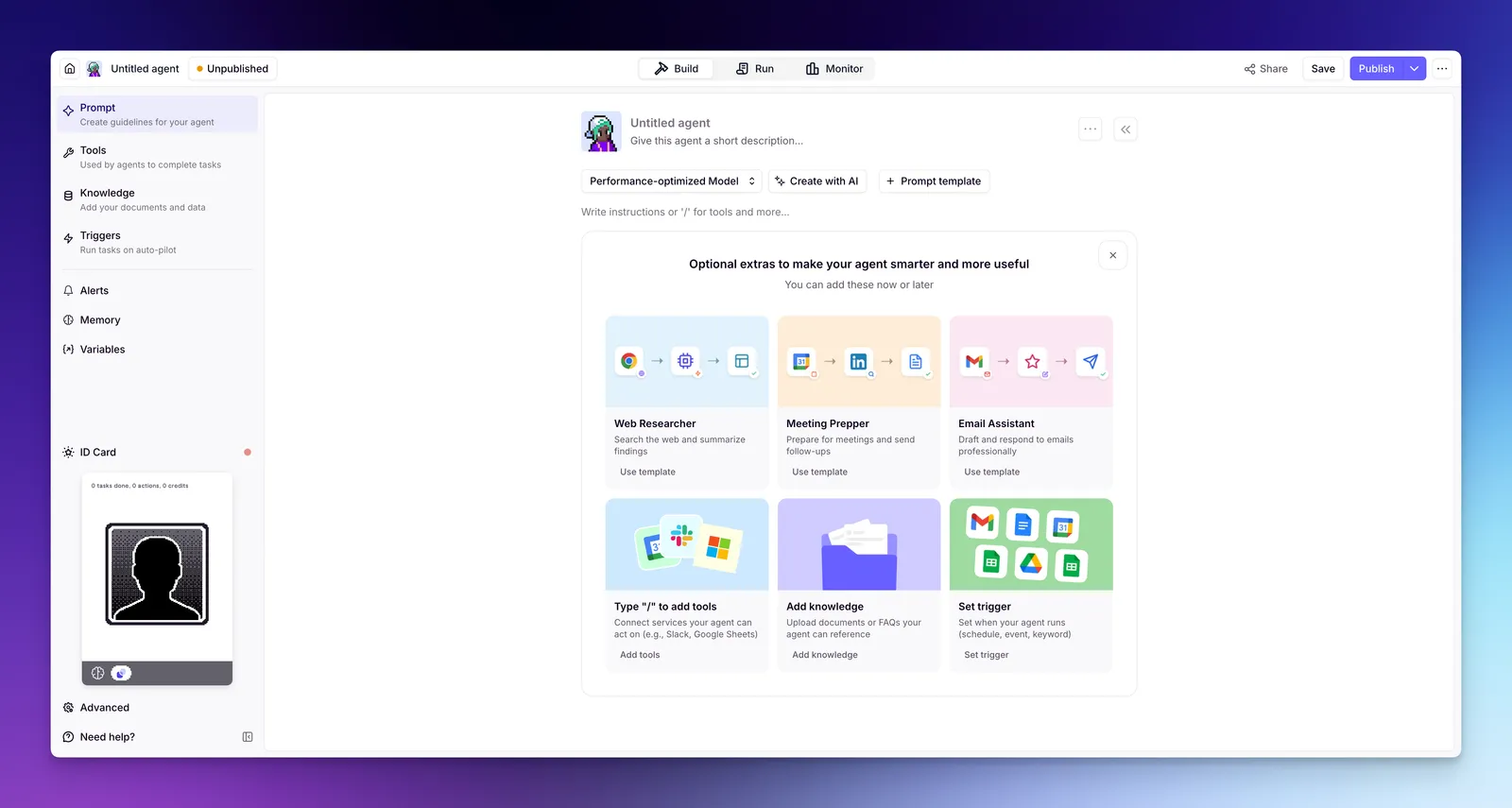
Build with Invent
Invent is one of the main ways to build in Relevance AI. Describe a business process in plain language and work with Invent to define its inputs, systems, decisions, exceptions, and measures of success.
Invent creates and connects the Agents, Tools, Triggers, Knowledge, and Workforces needed to run the process. After launch, it can review Evals and live performance, diagnose quality problems, and propose tested improvements for your approval.
Explore Invent
Learn how Invent helps you understand a process, build the Agent team, and maintain its quality after launch.
How it all fits together
Invent can assemble and coordinate these components for you, or you can configure them directly:
Agents — the workers
You create agents that use your tools and knowledge to autonomously complete tasks, following the instructions and guardrails you set.
Tools — the actions
You build tools that define what your agents can do — call an API, send an email, search your CRM, run custom code, or chain steps together into a workflow.
Workforces — the team
You connect multiple agents into a workforce on a visual canvas — they collaborate and hand off work to each other.
Knowledge — the context
You connect knowledge so agents have access to your data — documents, spreadsheets, databases, websites — and can respond with accuracy.
Choose how to build
You can work with Invent or configure each component directly:
Build with Invent
Describe a business process in plain language. Invent builds and connects the Agents, Tools, Knowledge, Triggers, and Workforces needed to run it, then helps monitor and improve performance after launch.
Build directly
Full step-by-step control over every setting and configuration. Ideal when you need precision, have a specific workflow in mind, or want to fine-tune behavior.
What’s next?
Start with Invent to build and manage a process with natural language. To configure each component directly, begin with building an agent’s prompt, then explore how to create custom tools, connect knowledge sources, and wire it all together in a workforce.