

Running Tasks
Task Operations
Monitor, troubleshoot, and resolve Agent and Workforce Tasks in bulk from one place
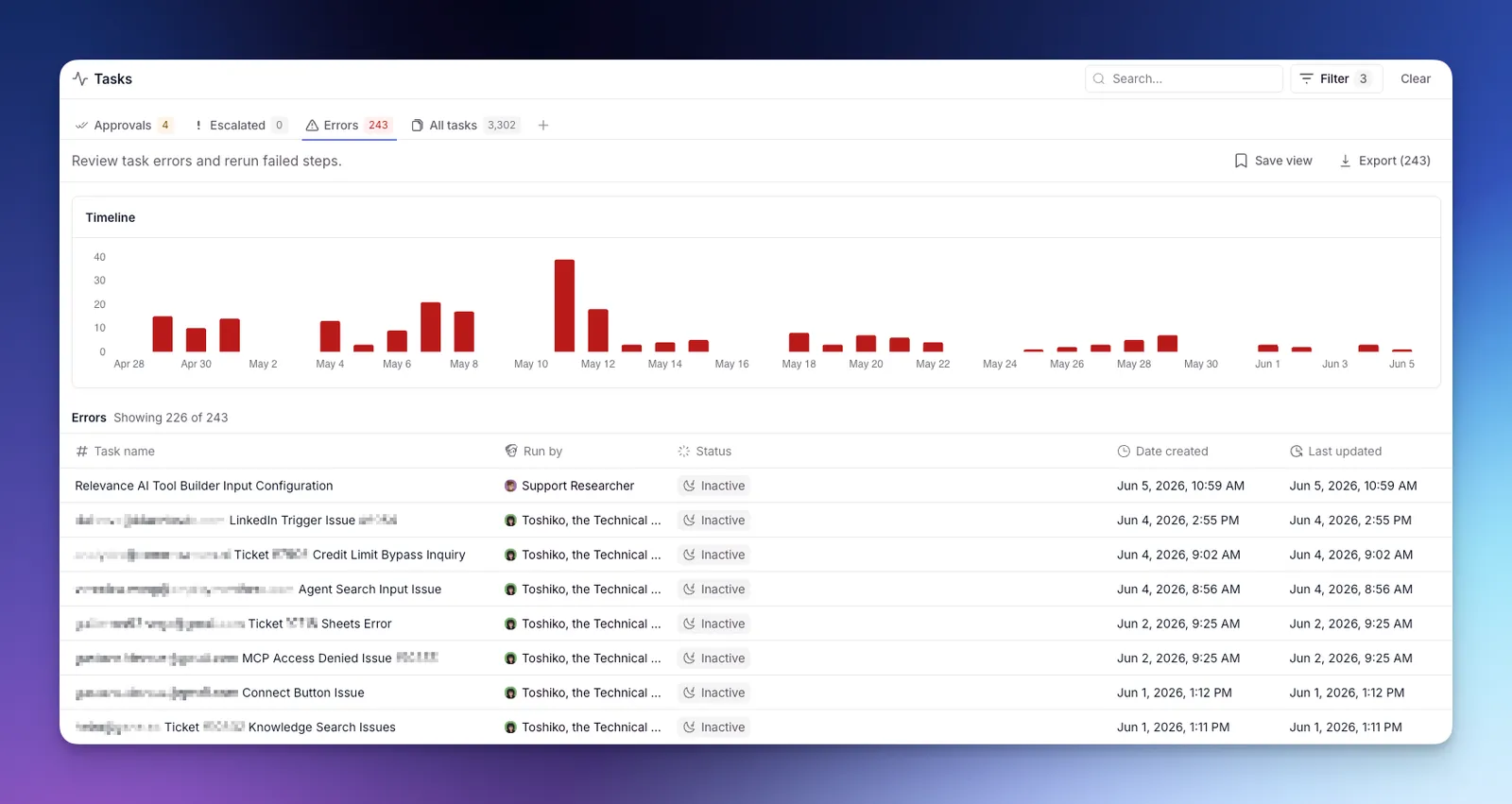
The Tasks page is where you monitor everything your Agents and Workforces are doing: reviewing outputs, approving pending actions, and rerunning failed runs. You can act on a single Task or apply the same action across every matching Task at once.
Tasks from both Agents and Workforces appear here, and the same triage and bulk action flows apply to both.
Each Task is a single run of work (a conversation or workflow) carried out by an Agent or Workforce. For what a Task is and how to read one, see Tasks.
Tabs
The page is split into tabs:
- Approvals — Tasks waiting on your approval before they can continue.
- Escalated — Tasks the Agent paused on to ask you a question.
- Errors — Tasks that hit a Tool failure or runtime error.
- All tasks — every conversation across your Agents and Workforces.
Bulk actions
When you open a Task, the page checks for other Tasks from the same Agent in the same state and surfaces a bottom sheet so you can act on the whole group at once.
Available bulk actions:
- Approve or Reject pending approvals.
- Rerun errored Tasks from the failing step.
A confirmation modal shows how many Tasks will be affected before anything is sent.
A Task with more than one pending approval isn’t bulk-actionable and stays one-at-a-time.