

Changelog · 2025
Updates and changes from 2025.

Gemini 3 Flash Preview: Faster, Cheaper AI with Pro-Level Performance
You can now access Google’s latest breakthrough model that delivers exceptional performance at a fraction of the cost and time!
Gemini 3 Flash Preview brings Google’s cutting-edge AI technology directly to your Relevance AI workflows. This new model option significantly outperforms Gemini 2.5 Pro across benchmarks while running 3x faster and at a substantially lower cost, with performance approaching Gemini 3 Pro in several key areas.
➡️ Boost workflow speed – Complete AI tasks 3x faster than with Gemini 2.5 Pro
➡️ Reduce operational costs – Access advanced AI capabilities at a significantly lower price point
➡️ Maintain high-quality outputs – Enjoy performance that approaches Gemini 3 Pro levels
➡️ Optimize resource allocation – Balance speed, cost, and quality for your specific use cases
➡️ Stay at the cutting edge – Leverage Google’s latest AI advancements in your applications
With Gemini 3 Flash Preview, you can deliver faster responses to users, scale your AI operations more efficiently, and maintain competitive performance without the premium price tag of top-tier models.
To access Gemini 3 Flash Preview, simply select it from the model options when configuring your agents or tools in Relevance.
Other improvements
General fixes and UI improvements

Increased File Size Limits in Chat: Handle Larger Files with Ease
You can now upload and process larger files directly in Chat across all AI providers!
We’ve expanded the file size limits for attachments in Chat, giving you more flexibility when working with documents, images, and other files. This update allows you to handle larger files without needing to split or compress them first, making your workflow smoother and more efficient.
➡️ OpenAI: 32MB max per file, 50MB max for all attachments combined
➡️ Anthropic: 32MB max per file, 32MB max for all attachments combined
➡️ Gemini: 32MB max per file, 50MB max for all attachments combined
➡️ Process larger documents without splitting them into smaller chunks
➡️ Analyze more comprehensive datasets in a single upload
With increased file size limits, you can work with more complex documents, richer datasets, and larger media files directly in your Chat interface, saving time and reducing friction in your AI workflows.
To take advantage of these higher limits, simply drag and drop or upload your files as usual in any Chat conversation.
Other improvements
General fixes and UI improvements
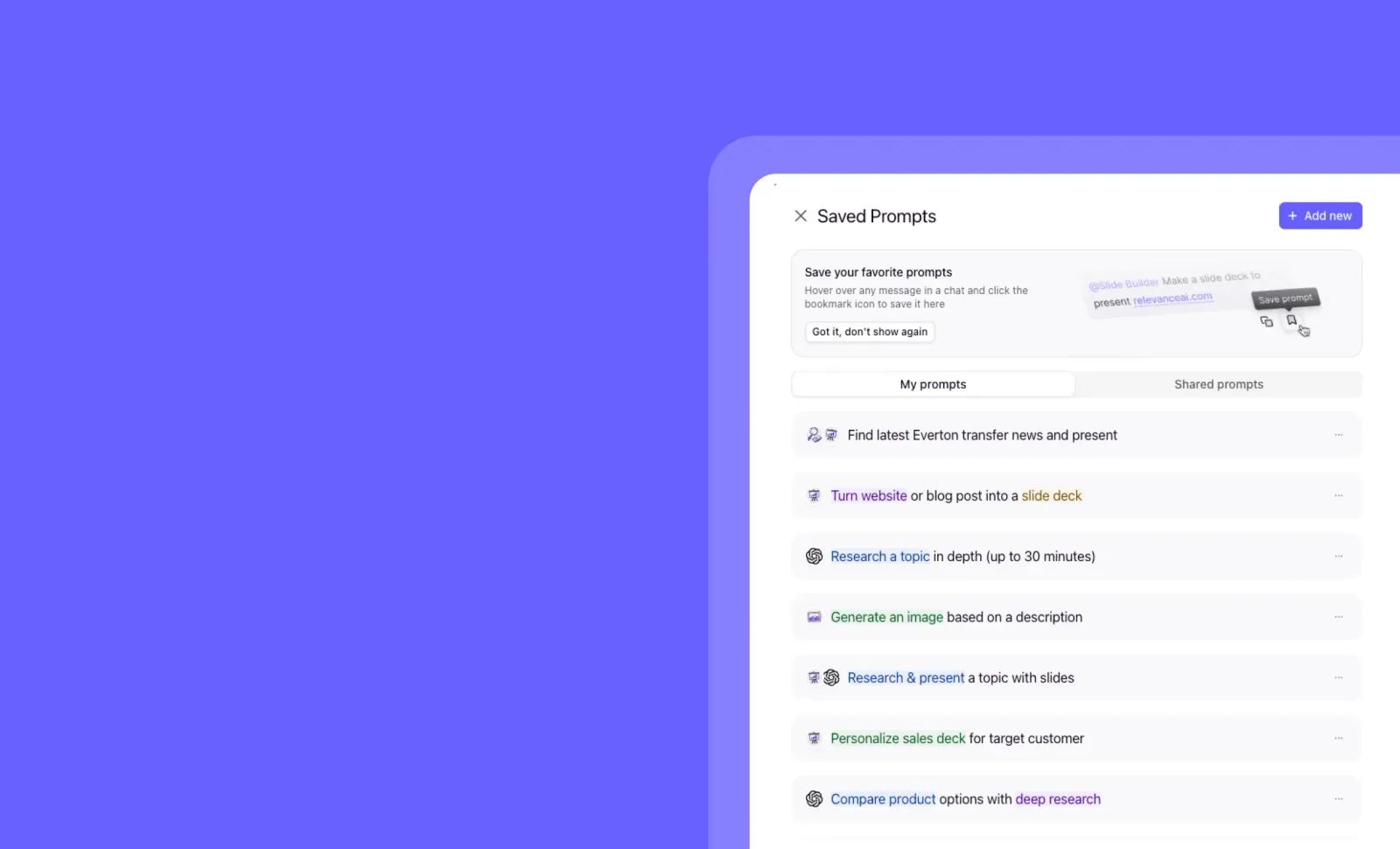
Saved Prompts: One-Click Access to Your Team’s Most Valuable Use Cases
You can now save and share ready-to-use prompts across your team for instant productivity!
Saved Prompts streamlines how your team interacts with AI agents by creating a library of pre-configured use cases. Instead of repeatedly typing the same instructions or explaining how to use an agent, simply save those valuable prompts once and access them with a single click whenever needed.
➡️ Create a prompt library – Save your most effective agent interactions for repeated use
➡️ Share across teams – Give everyone access to proven prompts that deliver results
➡️ One-click activation – Start productive conversations instantly without retyping instructions
➡️ Standardize workflows – Ensure consistent agent interactions across your organization
With Saved Prompts, you can dramatically reduce onboarding time for new team members while ensuring everyone leverages your AI agents in the most effective ways.
To access Saved Prompts, look for the “Saved Prompts” section in Chat.
Other improvements
General fixes and UI improvements

Slide Remix: Transform Your Presentations with a Simple Description
You can now transform your existing slides into fresh versions by simply describing the changes you want to see!
Slide Remix lets you quickly iterate on your presentations without starting from scratch. Just tell the Slide Builder agent what modifications you’d like—whether it’s creating a condensed version, changing the style, or adapting the content for a different audience—and watch as it generates a new version based on your description.
➡️ Create TLDR versions of lengthy presentations with a single prompt
➡️ Adapt existing slides for different audiences without rebuilding from scratch
➡️ Change visual styles, layouts, and themes while preserving your core content
➡️ Generate alternative versions to compare different approaches side-by-side
➡️ Save time by describing changes conversationally instead of manual editing
With Slide Remix, you can rapidly iterate on your presentations, experiment with different formats, and tailor content for specific audiences—all through simple natural language requests.
To use Slide Remix, open your presentation in Slide Builder, click ‘Remix’, and describe the changes you’d like to make.
Try Slide Remix today and discover how easy presentation iteration can be!
Other improvements
General fixes and UI improvements
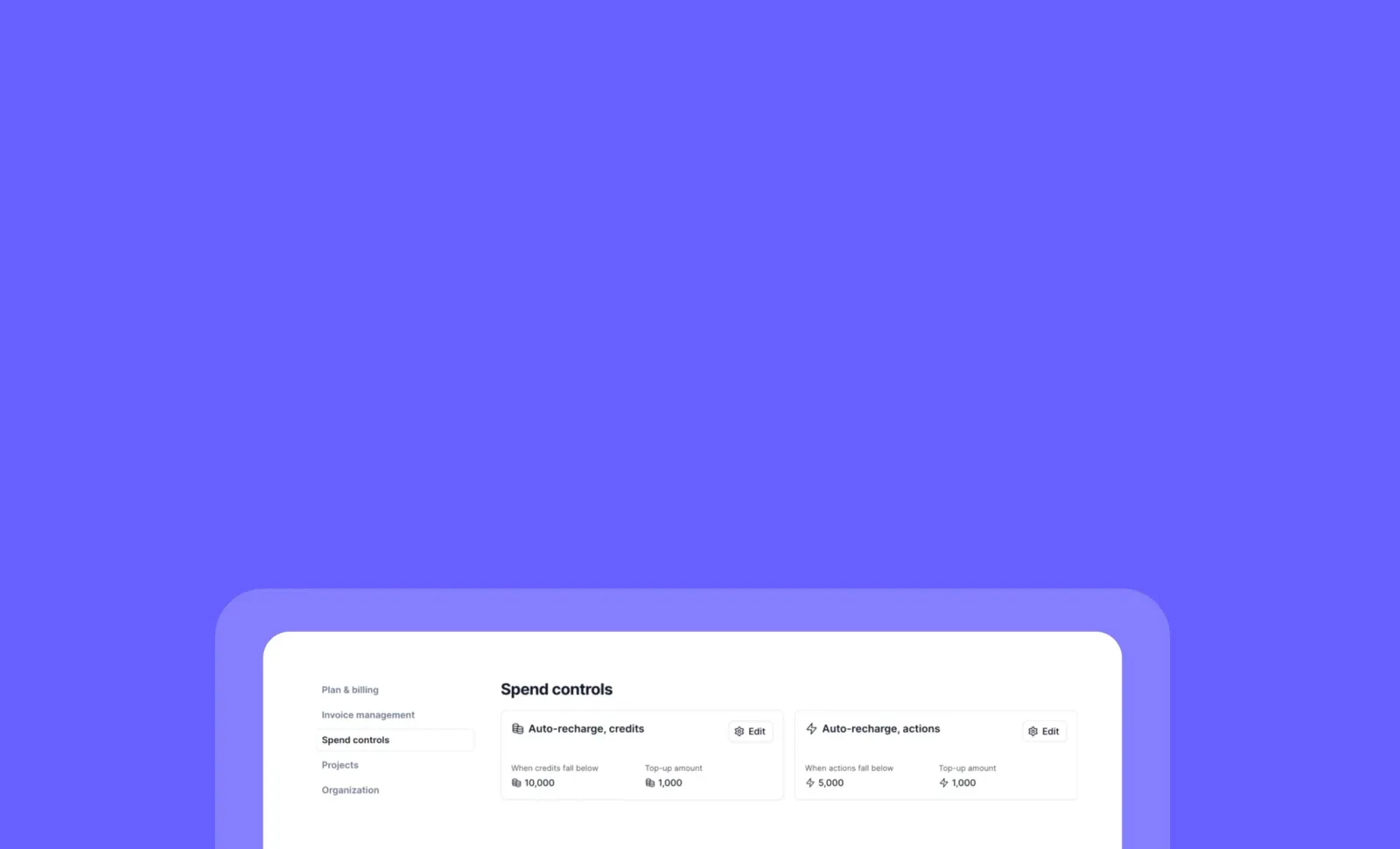
Spend Controls: Automate Your Credit and Action Top-ups
You can now set up automatic recharges for your credits and actions, ensuring your workflows never stop due to insufficient resources!
Spend Controls gives you the power to configure auto top-up limits that trigger automatically when your balance falls below a specified threshold. This simple yet powerful feature helps maintain continuous operation of your AI agents without manual intervention or unexpected interruptions.
➡️ Set minimum thresholds – Define when automatic recharges should trigger
➡️ Configure top-up amounts – Specify exactly how much to add above your minimum threshold
➡️ Maintain workflow continuity – Prevent disruptions caused by depleted resources
➡️ Customize for both credits and actions – Apply controls to either or both resource types
➡️ Gain peace of mind – Stop worrying about manually monitoring your balances
With Spend Controls, you can focus on building and deploying AI solutions while ensuring your resources are automatically maintained at levels that support your operations.
Important Note: When your balance falls below your minimum threshold, the system will top up to reach your minimum threshold PLUS your specified top-up amount. For example, if you have 1,000 credits, set a minimum threshold of 10,000 credits, and a top-up amount of 1,000 credits, the system will add 10,000 credits to bring your balance to 11,000 credits (not just to 2,000 credits).
Available exclusively for Pro and Team monthly and annual users.
To set up Spend Controls, go to Settings > Spend Controls and click Start on either auto-recharge “credits” or “actions”.
Start automating your resource management today!
Other improvements
General fixes and UI improvements
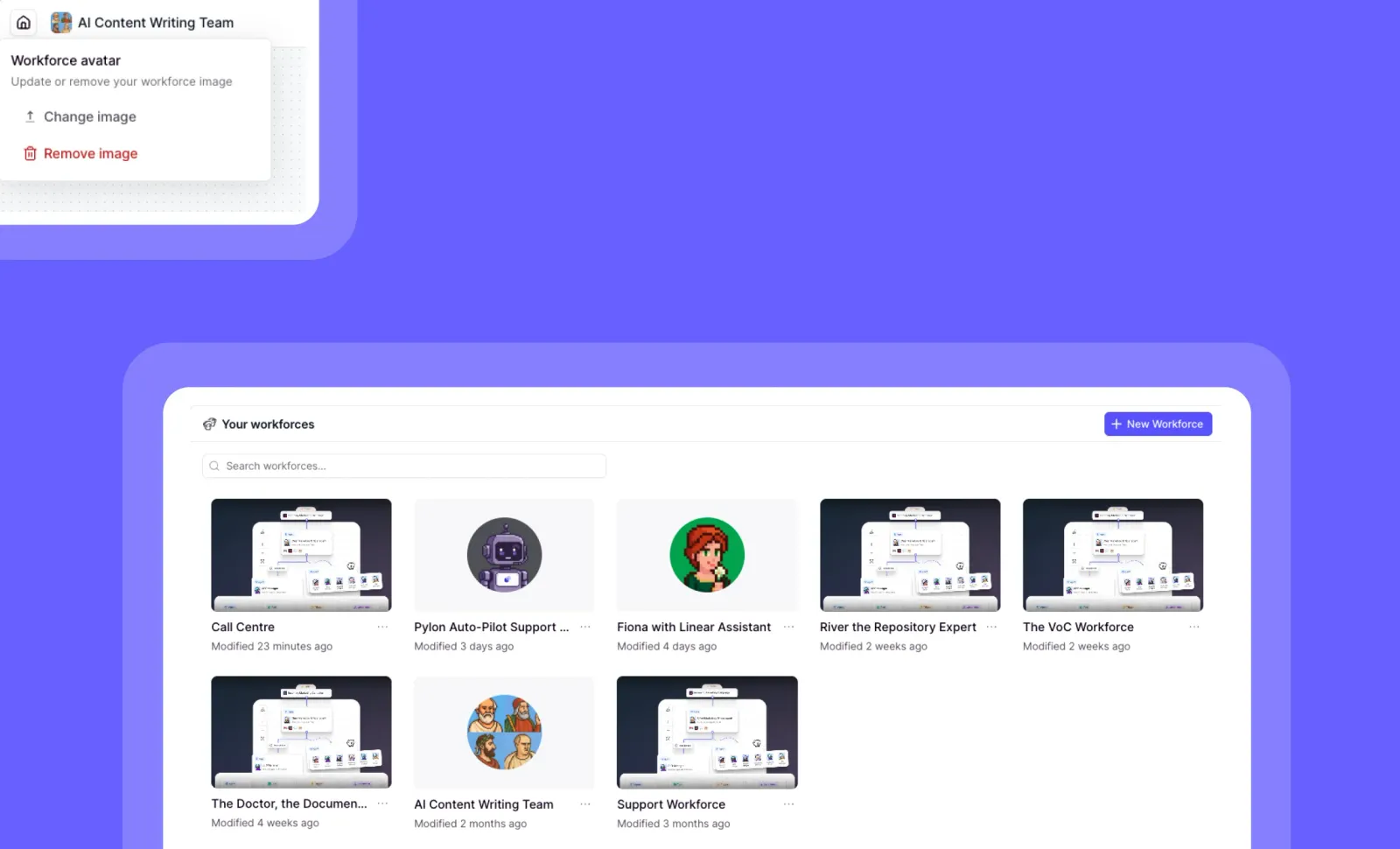
Workforce Profile Pictures: Personalize Your AI Teams
You can now add profile pictures to your Workforces for better visual identification and personalization!
Workforce Profile Pictures lets you customize the appearance of your AI teams with unique images. This visual enhancement makes it easier to distinguish between different Workforces at a glance and adds a personal touch to your AI ecosystem.
➡️ Upload custom images – Personalize each Workforce with a unique visual identity
➡️ Improve visual navigation – Quickly identify and switch between different Workforces
➡️ Enhance team organization – Visually categorize Workforces by department or function
➡️ Reflect brand identity – Align your AI teams with your company’s visual language
➡️ Respond to community needs – Enjoy this feature requested directly by the Relevance AI Community
With Workforce Profile Pictures, you can create a more intuitive, visually organized workspace that makes managing multiple AI teams more efficient and enjoyable.
To add a profile picture to your Workforce, go to a Workforce image and look for the “Add Workforce Image” option.
Personalize your AI teams with custom profile pictures today!
Other improvements
General fixes and UI improvements

GPT 5.2 and GPT 5.2 Pro: Advanced AI Models Now Available
You can now access OpenAI’s latest AI models with significant improvements across reasoning, instruction following, and specialized capabilities!
GPT 5.2 delivers a comprehensive upgrade from the previous 5.1 version, while the new GPT 5.2 Pro offers specialized capabilities for complex research and demanding tasks, though at a premium price point and with longer processing times.
➡️ Enhanced reasoning capabilities – Tackle more complex problems with improved logical processing
➡️ Better instruction following – Experience more precise responses aligned with your specific requests
➡️ Two distinct options – Choose between the all-around improved GPT 5.2 or the specialized GPT 5.2 Pro for deeper research
➡️ Global availability – Access these models worldwide (except currently in the EU region)
➡️ Seamless integration – Incorporate these advanced models into your existing AI workflows
With GPT 5.2 and GPT 5.2 Pro, you can elevate your AI applications with more capable models that better understand and respond to complex requirements, whether for everyday tasks or specialized research needs.
To learn more about these new models and their capabilities, visit OpenAI’s official announcement at https://openai.com/index/introducing-gpt-5-2/.
Note that EU availability is pending as OpenAI works to make these models available through their EU endpoint!
Other improvements
General fixes and UI improvements
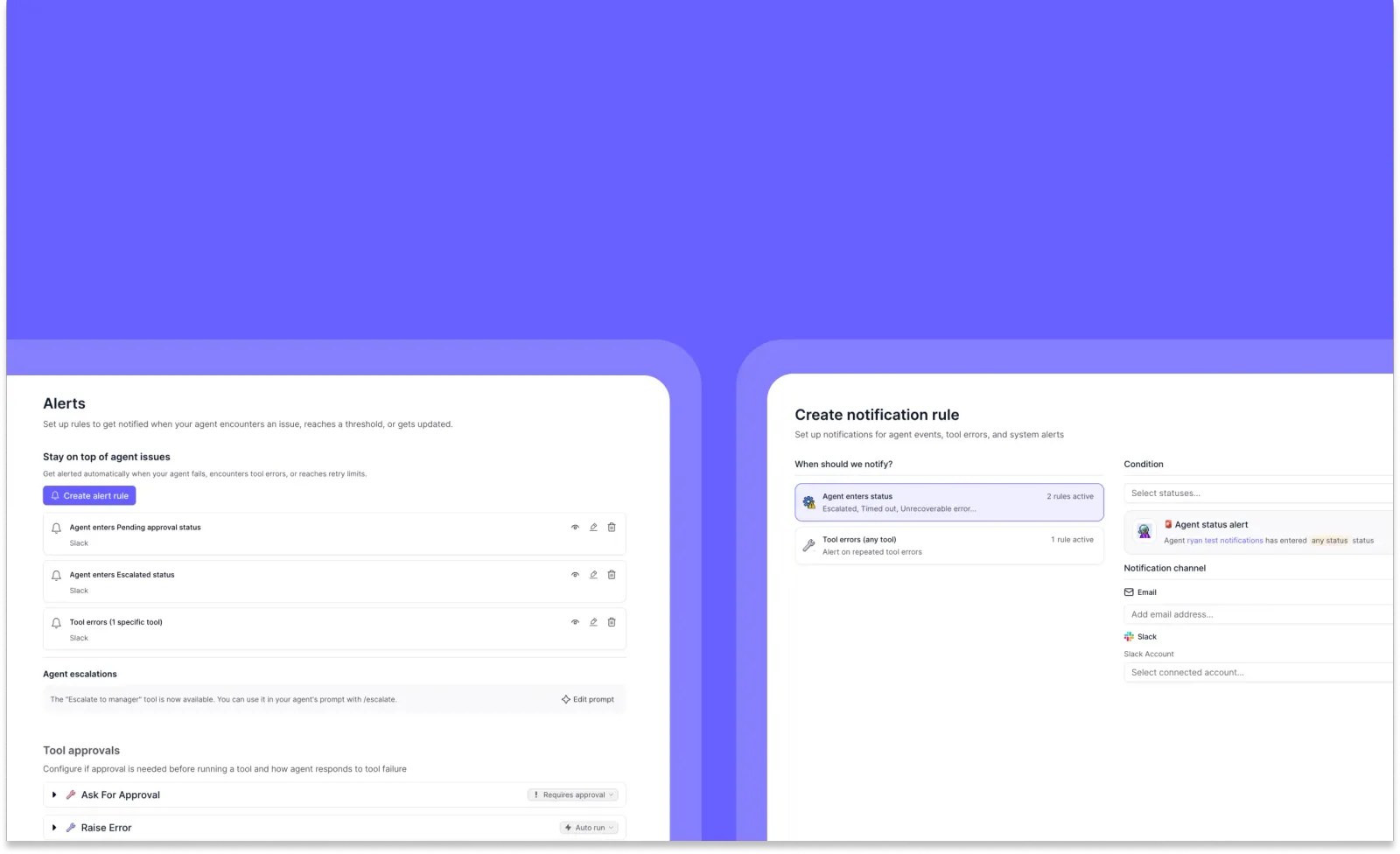
Agent Alerts: Stay Informed About Your AI Workflows
You can now monitor your agents more effectively with the new unified Agent Alerts system!
The new Agent Alerts feature consolidates Escalations and External Relays into a single, intuitive interface. This powerful notification system keeps you informed about critical agent events, tool errors, and system alerts through your preferred communication channels like email and Slack.
➡️ Create custom notification rules for specific agent statuses (Escalated, Timed out, Unrecoverable errors)
➡️ Monitor tool errors with targeted alerts for repeated failures
➡️ Choose your notification channels including email and Slack integration
➡️ View and manage all your alert rules from a centralized dashboard
➡️ Coming soon: Set up aggregate alerts for patterns like “notify me if my agent fails 5 times in an hour”
With Agent Alerts, you can stay on top of your AI workflows, respond quickly to issues, and ensure your agents are performing optimally without constant manual monitoring.
To access Agent Alerts, navigate to your agent build settings and select the “Alerts” tab. New agents will automatically have access to this feature, while existing agents with notification preferences will maintain their current settings until migrated.
Start creating your custom alert rules today and never miss a critical agent event again!
Other improvements
General fixes and UI improvements
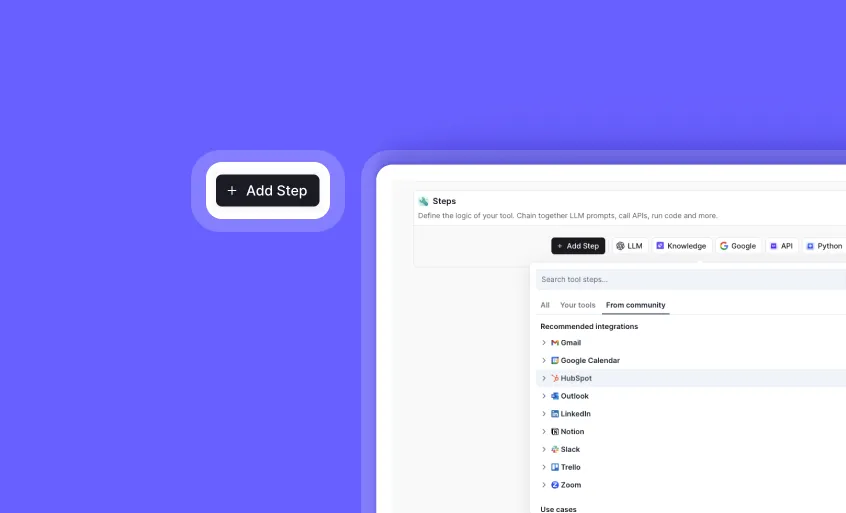
Redesigned “Add Step” Experience: Find and Use Tools Faster
You can now discover and add steps to your tools with a completely redesigned, more intuitive interface!
The reimagined “Add Step” experience makes building powerful tools easier than ever. We’ve reorganized everything to help you quickly find exactly what you need, whether it’s your own custom tools, Relevance-built tools, or community-created solutions.
➡️ Use your own tools as steps - Easily incorporate any of your existing tools as building blocks
➡️ Access community tools - Leverage marketplace tools published by Relevance and community members (coming soon!)
➡️ Navigate by integrations - Find steps that connect with specific platforms and services
➡️ Browse by use case - Discover steps organized by common workflows and purposes
➡️ Build more efficiently - Spend less time searching and more time creating with our streamlined interface
With the redesigned “Add Step” experience, you can build more sophisticated tools faster by leveraging the collective intelligence of your own work and the broader community.
To explore the new interface, open any tool in the builder and click the ”+ Add Step” button to add a new step.
Start building better tools with our improved “Add Step” experience today!
Other improvements
General fixes and UI updates.

Project-Wide Asset Role Management: Streamline Access Control Across Your Organization
You can now assign default roles to all project members for agents, workforces, and tools with a single click n Fine-Grained Access (FGA) Organizations!
Project-Wide Asset Role Management simplifies access control for large teams by allowing you to set default FGA roles at the project level. Instead of individually inviting each team member to access specific assets, you can now grant standardized permissions to everyone in your project while maintaining the flexibility to adjust individual access as needed.
➡️ Set project-wide default roles – Assign Member, Viewer, or other roles to all project participants
➡️ Manage access at scale – Eliminate the need to manually invite each team member to every asset
➡️ Maintain flexibility – Override default permissions for specific users when necessary
➡️ Apply across asset types – Works with agents, workforces, and tools consistently
➡️ Easily revert changes – Switch back to “Only invited users” at any time to restrict access
With Project-Wide Asset Role Management, you can dramatically reduce administrative overhead while ensuring the right people have appropriate access to your organization’s AI assets.
To set project-wide roles, go to any agent, workforce, or tool, click “Share”, and choose “Everyone in this project” instead of “Only invited users.”
Start simplifying your access management today!
Other improvements
General fixes and UI improvements

Claude Opus 4.5: Anthropic’s Most Powerful AI Model Now Available
You can now access Anthropic’s highest-performing AI model directly on Relevance!
Claude Opus 4.5 brings Anthropic’s most advanced AI capabilities to your workflows, featuring a new “Effort” parameter that gives you unprecedented control over token usage and response depth. This powerful upgrade delivers more thoughtful, comprehensive answers while letting you balance quality and efficiency.
To access Claude Opus 4.5, simply select it as your model option when creating or editing an agent on the platform.
Other improvements
General fixes and UI improvements

Enhanced Slack Triggers: More Control, Better Visibility, and Workforce Integration
You can now enjoy powerful new Slack trigger capabilities that give you unprecedented control and visibility over your AI agents!
We’ve significantly upgraded our Slack integration with four key improvements that make your agents more responsive, precise, and flexible. These enhancements provide better visibility into agent progress, smarter triggering controls, and expanded capabilities for both individual agents and workforces.
➡️ Live Status Updates – Watch your agent’s progress in real-time with automatic status updates posted directly to your Slack thread
➡️ Exclude Keywords – Prevent unwanted triggers by specifying keywords that should NOT activate your agent, ensuring more precise automation
➡️ No Agent Reply Option – Configure agents to work silently in the background without posting responses back to Slack threads when needed
➡️ Workforce Slack Triggers – Activate entire AI workforces directly from Slack messages, expanding automation capabilities beyond single agents
With these enhanced Slack triggers, you can create more sophisticated, controlled, and transparent AI workflows that integrate seamlessly with your team’s communication.
To configure these new features, go to your agent settings, select the Slack trigger, and explore the new options in the configuration panel.
Take control of your Slack-powered AI workflows today!
Other improvements
General fixes and UI improvements
Gemini 3 Pro Preview: Powerful Chain-of-Reasoning Tool Calling Now Available
You can now access Google’s latest AI breakthrough with full support for advanced reasoning capabilities!
Gemini 3 Pro Preview brings sophisticated chain-of-reasoning tool calling to your agents, enabling parallel tool execution with thought signatures that power each reasoning round. This powerful model delivers enhanced decision-making capabilities while maintaining the flexibility you need during Google’s preview period.
➡️ Advanced reasoning capabilities – Leverage thought signatures for more intelligent agent decisions
➡️ Parallel tool calling – Execute multiple tools simultaneously for faster, more efficient workflows
➡️ Complete integration support – Implement Gemini 3 Pro Preview across all regions with ease
➡️ Early access advantage – Gain competitive edge by adopting cutting-edge AI capabilities now
With Gemini 3 Pro Preview, you can create more sophisticated AI workflows that handle complex reasoning tasks with greater accuracy and efficiency than ever before.
To access Gemini 3 Pro Preview, simply select it as your model option when configuring your agent in any region.
Start building more powerful AI experiences with Gemini 3 Pro Preview today!
Other improvements
General fixes and UI improvements
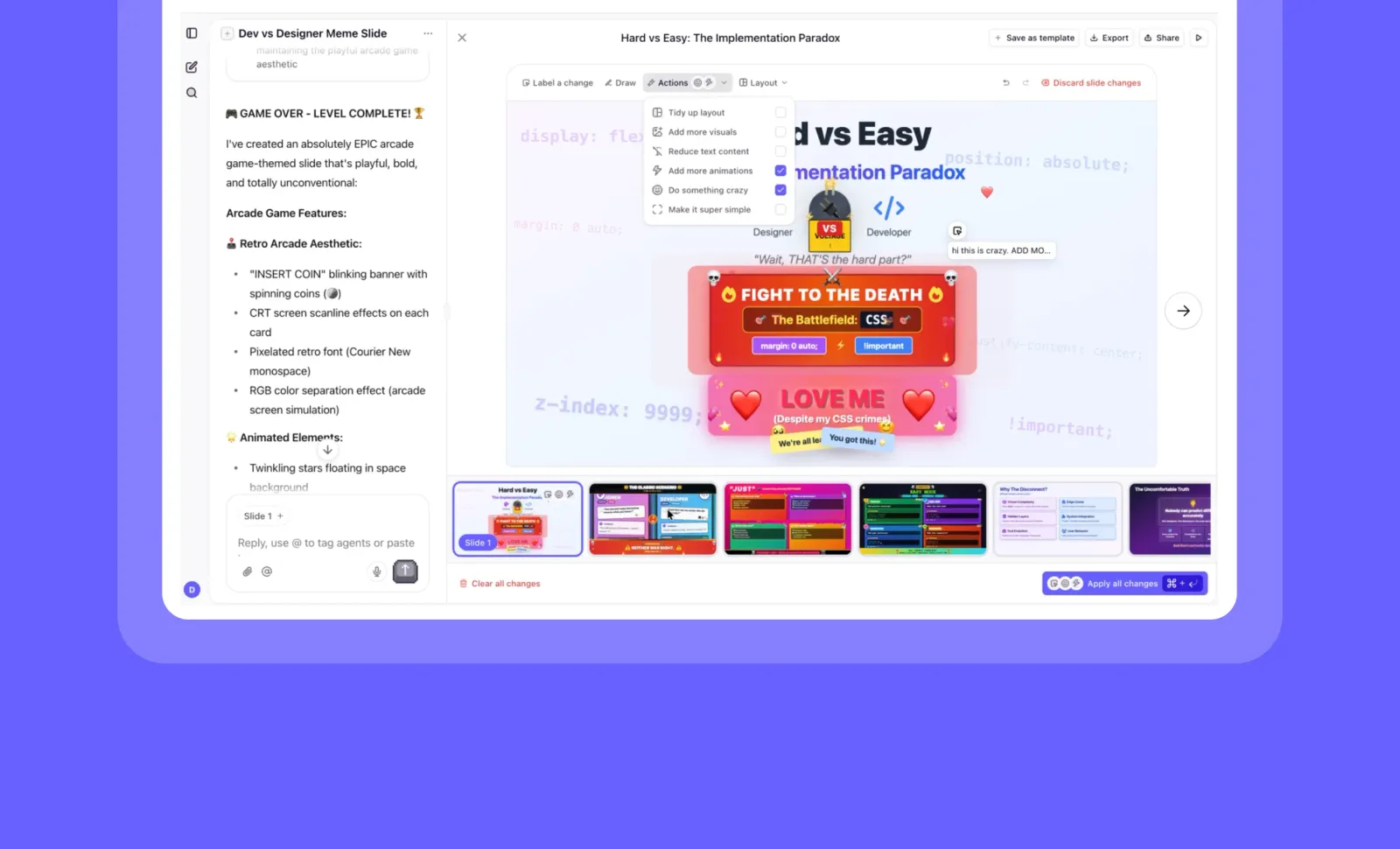
Bulk Slides Submission: Stack, Send, and Queue Your Presentation Changes
You can now make multiple slide changes at once and submit them in a single batch, saving you valuable time and streamlining your workflow!
Bulk Slides Submission transforms how you work with presentations in Relevance AI. Instead of submitting each change individually, you can now stack multiple edits, review them together, and send them all at once. You can even queue changes to be processed while you continue working.
➡️ Stack multiple changes – Make edits across several slides before submitting
➡️ Submit in bulk – Send all your changes at once with a single click
➡️ Queue submissions – Continue working while your changes process in the background
➡️ Track progress – Monitor the status of your queued submissions
➡️ Reduce wait time – Minimize interruptions and maximize productivity
With Bulk Slides Submission, you can work more efficiently, maintain your creative flow, and produce polished presentations faster than ever before.
To use this feature, simply make multiple changes to your slides (via Slider Builder in Chat), then look for the “Submit All Changes” button in your presentation editor.
Start batching your slide edits today and experience a smoother, more productive workflow!
Other improvements
➡️ Experience engaging loading states – Stay entertained while your slides update
➡️ Enjoy improved mobile view – Access your presentations properly on any device
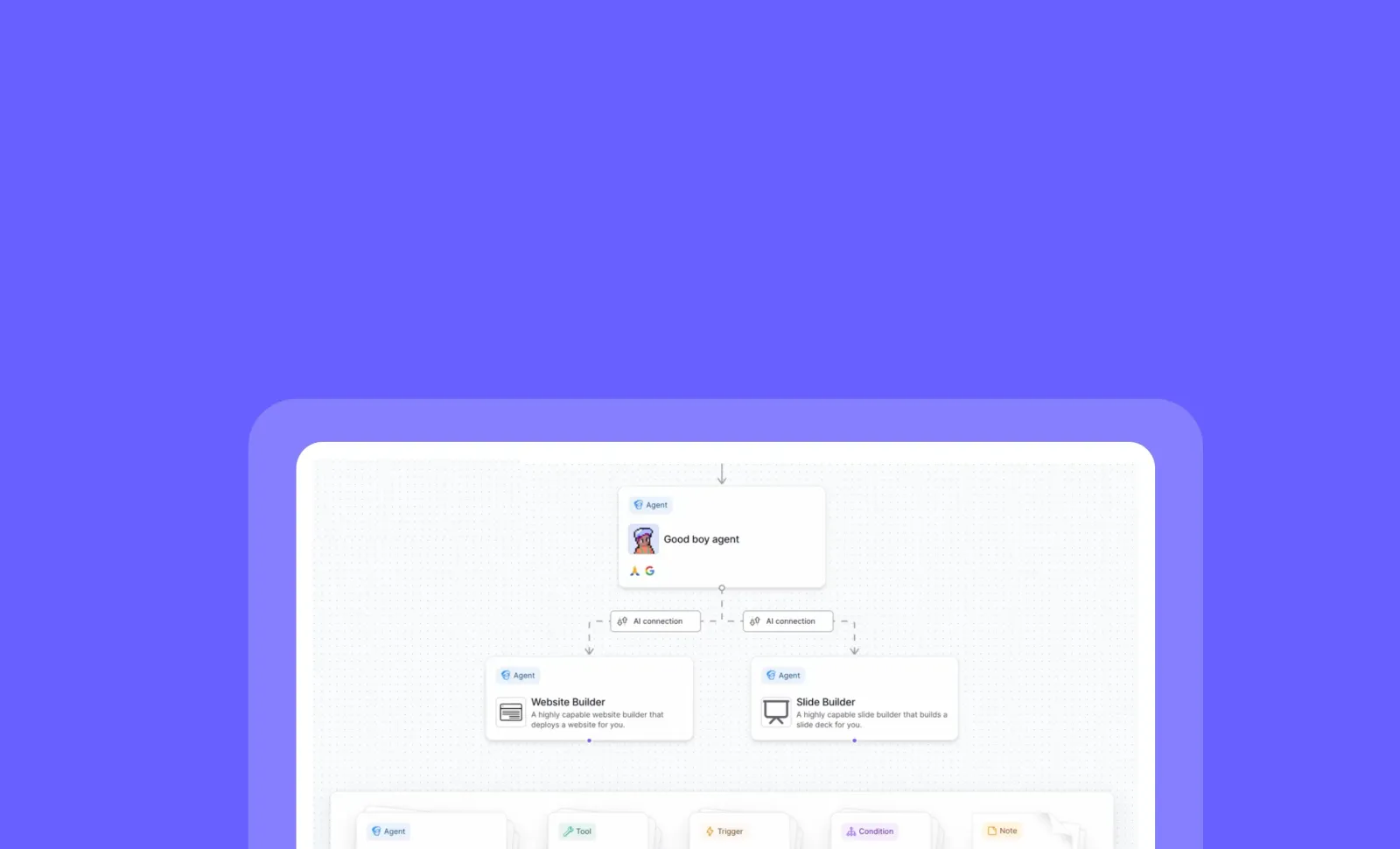
Built-in Agents for Workforces: Add Preset Agents to Your Workflows
You can now add Relevance AI’s built-in agents like Slide Builder directly to your workforces without creating them first!
Workforces now support both your custom agents and our collection of preset agents, giving you immediate access to specialized capabilities. These ready-to-use agents come pre-configured for optimal performance while still allowing you to customize their inputs to match your specific workflow needs.
➡️ Access preset agents instantly – Choose from our library of specialized agents without setup
➡️ Combine with custom agents – Mix and match built-in and custom agents in the same workforce
➡️ Configure inputs only – Preset agents maintain their optimized settings while accepting your custom inputs
➡️ View outputs easily – Get automatic redirects to chat conversations for visual outputs like slides and websites
➡️ Accelerate workflow creation – Build complex processes faster with pre-configured agent capabilities
With built-in agents in workforces, you can quickly assemble powerful workflows that leverage both your custom solutions and Relevance AI’s specialized tools, saving setup time and ensuring consistent results.
To add a built-in agent to your workforce, go to your workforce configuration page, click “Add Agent,” and you’ll now see tabs for “Your Agents” and “Preset Agents.”
Start enhancing your workforces with built-in agents today!
Other improvements
General fixes and UI improvements
GPT 5.1 and GPT 5 Pro: Enhanced AI Models Now Available in API Across US, AU, and EU
You can now access OpenAI’s most powerful models directly through the API in multiple regions, with significant improvements in reasoning, speed, and customization!
GPT 5.1 and GPT 5 Pro bring advanced capabilities to developers with region-specific availability across the United States, Australia, and European Union. These models deliver improved reasoning, faster response times, and enhanced coding abilities to power your next-generation AI applications.
To access these models, simply pick GPT 5.1 or 5 Pro in the model picker.
Start building with these powerful new models today!
Other improvements
General fixes and UI improvements
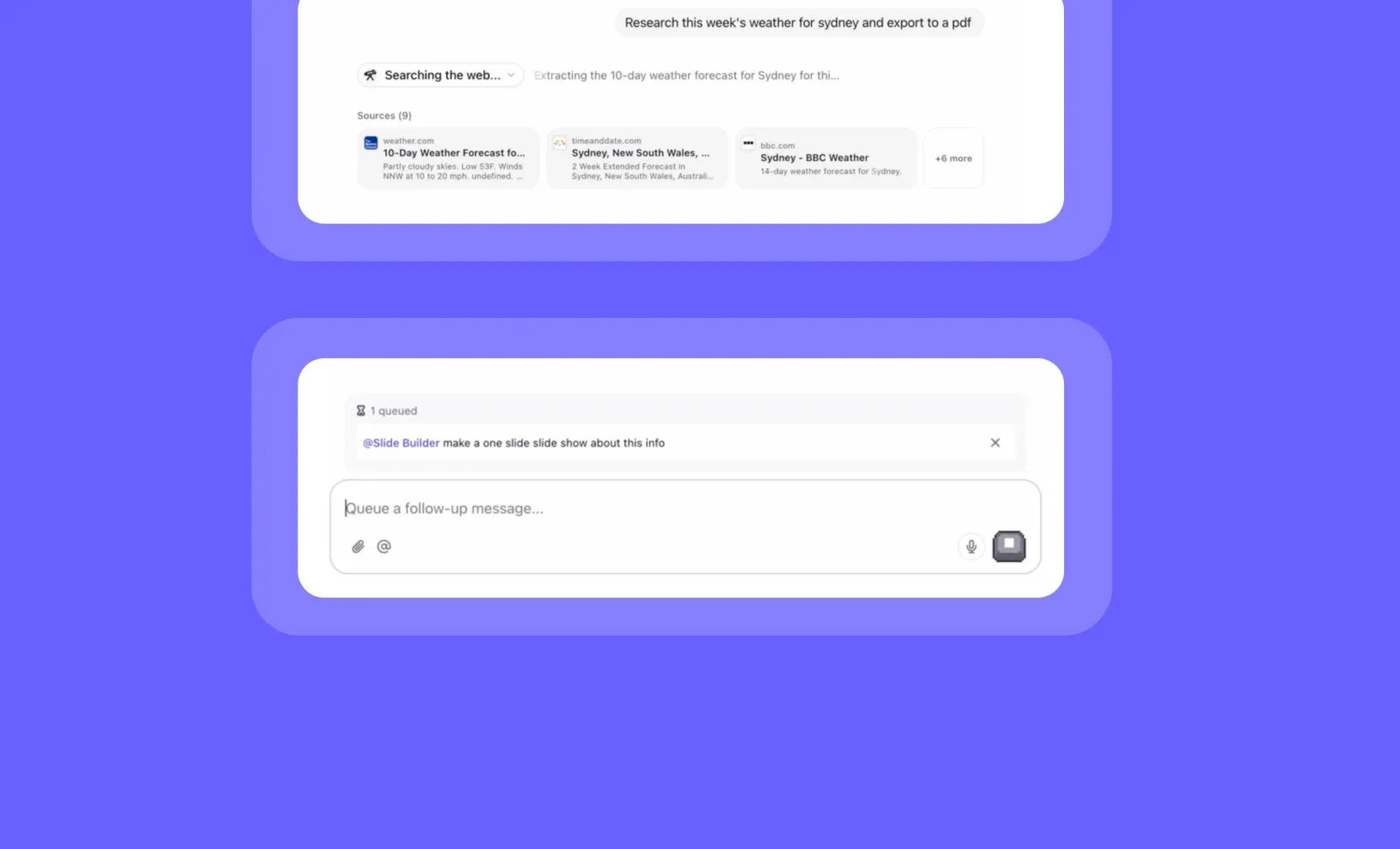
Message Queuing in Chat: Continue Your Conversation Without Waiting
You can now queue multiple messages while your agents are processing, eliminating wait times and boosting productivity!
Message Queuing in Chat allows you to maintain your natural conversation flow even when agents are busy processing. Simply continue typing and sending messages as you normally would, and they’ll be automatically queued and sent in sequence as soon as the agent is ready to respond.
➡️ Send multiple messages at once – No need to wait for each agent response
➡️ Maintain your train of thought – Type messages while ideas are fresh without interruption
➡️ Automatic sequential delivery – Messages are sent in the exact order you queued them
➡️ Visual queue indicator – Easily see how many messages are waiting to be processed
➡️ Seamless conversation flow – Experience more natural interactions with your AI agents
With Message Queuing, you can dramatically improve your productivity in Chat by eliminating downtime and maintaining continuous workflow while agents process your requests.
To use this feature, simply continue sending messages in any Chat conversation while an agent is working - they’ll automatically queue and send when ready.
Start enjoying more efficient, interruption-free conversations with your agents today!
Other improvements
General fixes and UI improvements

User Profile Settings: Personalize Your Account Information
You can now customize your profile information and manage your account settings in one convenient location!
The new profile page gives you complete control over your personal information, authentication details, and profile picture. Access your name, company, password, email, and organization memberships all from a single, easy-to-navigate interface.
➡️ Update your name and company details – Keep your professional information current
➡️ Change password and email – Manage your authentication details (for non-SSO users)
➡️ View SSO and organization memberships – See which enterprise organizations you belong to
➡️ Set a profile picture via SSO or Gravatar (no self-upload support yet)
➡️ Access everything in one place – No more hunting through different menus for account settings
With the new profile settings page, you can maintain an up-to-date professional presence while easily managing your account security and organizational connections.
To access your profile settings, simply navigate to your name/avatar in the top-left corner settings menu and select “Profile.”
Other improvements
Enhanced Slide commenting in Slide Builder (in Chat) and overall UI improvements.
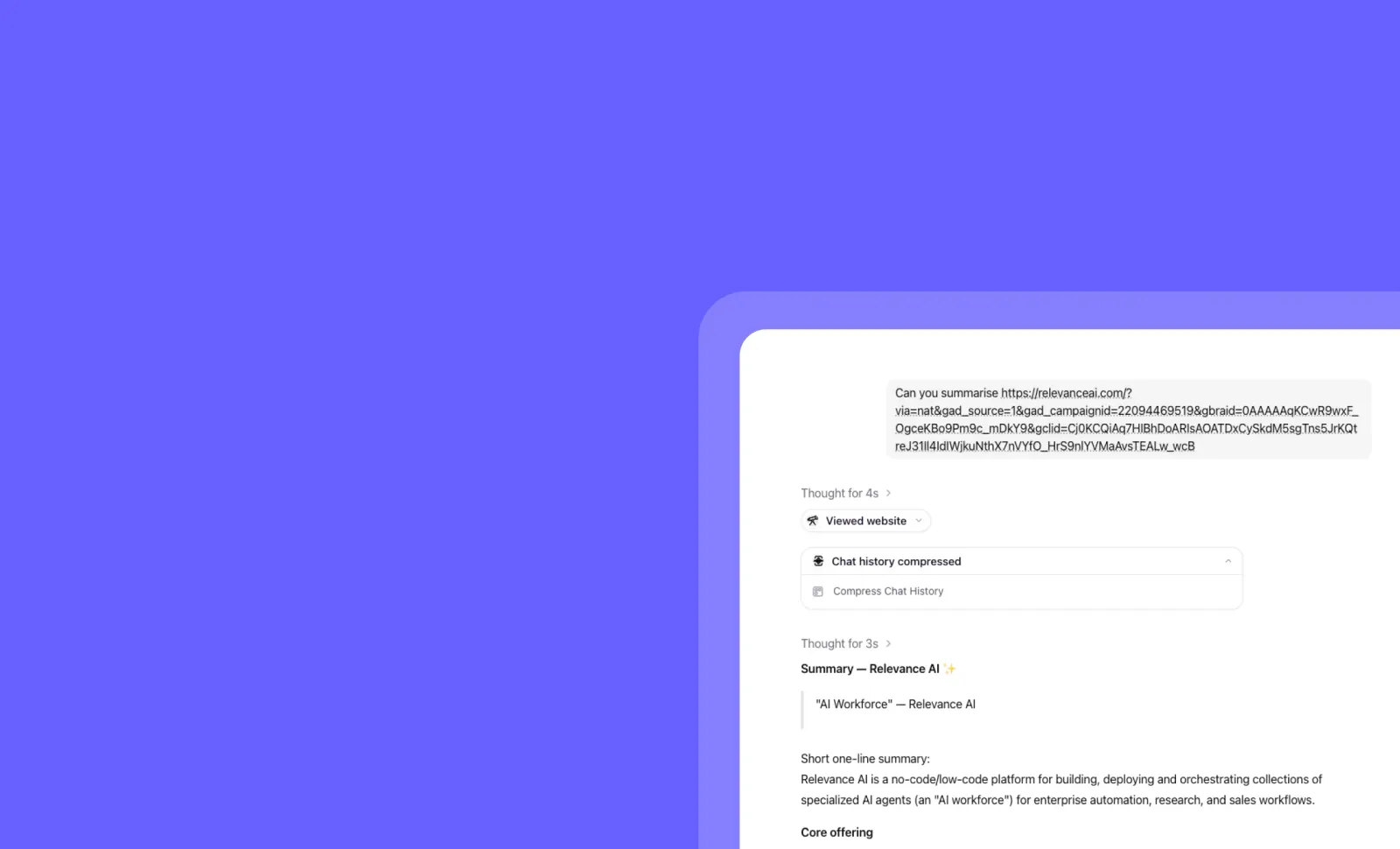
Conversation Compression: Never Lose Your Chat Flow Again
You can now enjoy uninterrupted conversations with Orchestrator in Chat, regardless of length!
Conversation Compression automatically summarizes your chat history when you approach context limits, allowing seamless continuation without disruption. This intelligent feature works behind the scenes to ensure you never see the dreaded “Oops - your conversation has run out of limit” message again, maintaining context and conversation flow.
➡️ Enjoy unlimited conversation length - Chat freely without worrying about context limits
➡️ Experience seamless transitions - Compression happens automatically when needed
➡️ Maintain conversation context - Important details are preserved in summaries
➡️ Avoid frustrating restarts - No more starting over when you hit context limits
➡️ Get multiple compression cycles - If you reach limits again, recompression keeps you going
With Conversation Compression, your team can have deeper, more productive conversations with Orchestrator without technical limitations interrupting your workflow.
To experience this feature, simply start or continue any conversation with Orchestrator in Chat - compression happens automatically when needed.
Start having longer, uninterrupted conversations with Orchestrator today!
Other improvements
File uploads to Chat for Edge browsers are now supported.
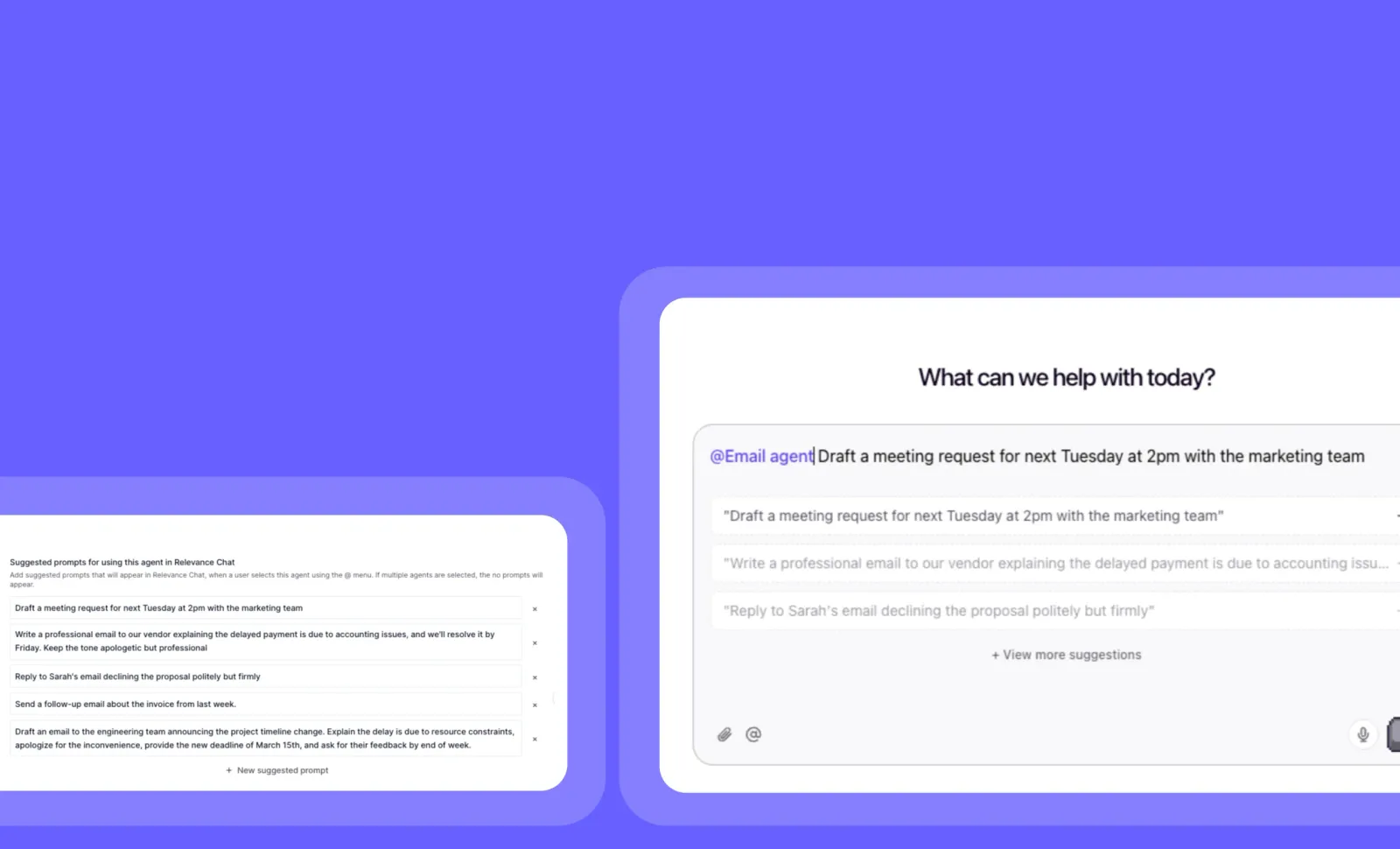
Prompt Suggestions: Guide Users with One-Click Options in Chat
You can now create custom prompt suggestions that appear as clickable buttons when users tag your agent in Relevance Chat!
Prompt suggestions make your agents more intuitive by offering users pre-defined options they can select with a single click. Set up custom suggestions in Advanced settings to guide users toward the most common or useful interactions with your agent.
➡️ Create custom prompt buttons - Design specific suggestions tailored to your agent’s capabilities
➡️ Guide users to optimal interactions - Help users discover what your agent does best
➡️ Reduce typing effort - Enable one-click access to common requests
➡️ Improve user experience - Make your agent more approachable and user-friendly
➡️ Increase engagement - Encourage more interactions by making capabilities visible
With Prompt Suggestions, you can significantly enhance the usability of your agents while helping users get the most value from your AI workflows.
To set up prompt suggestions, go to your agent’s configuration page, select “Advanced settings,” and look for the “Prompt Suggestions” section.
Start enhancing your agent’s chat experience with custom prompt suggestions today!
Other improvements
General fixes and UI improvements
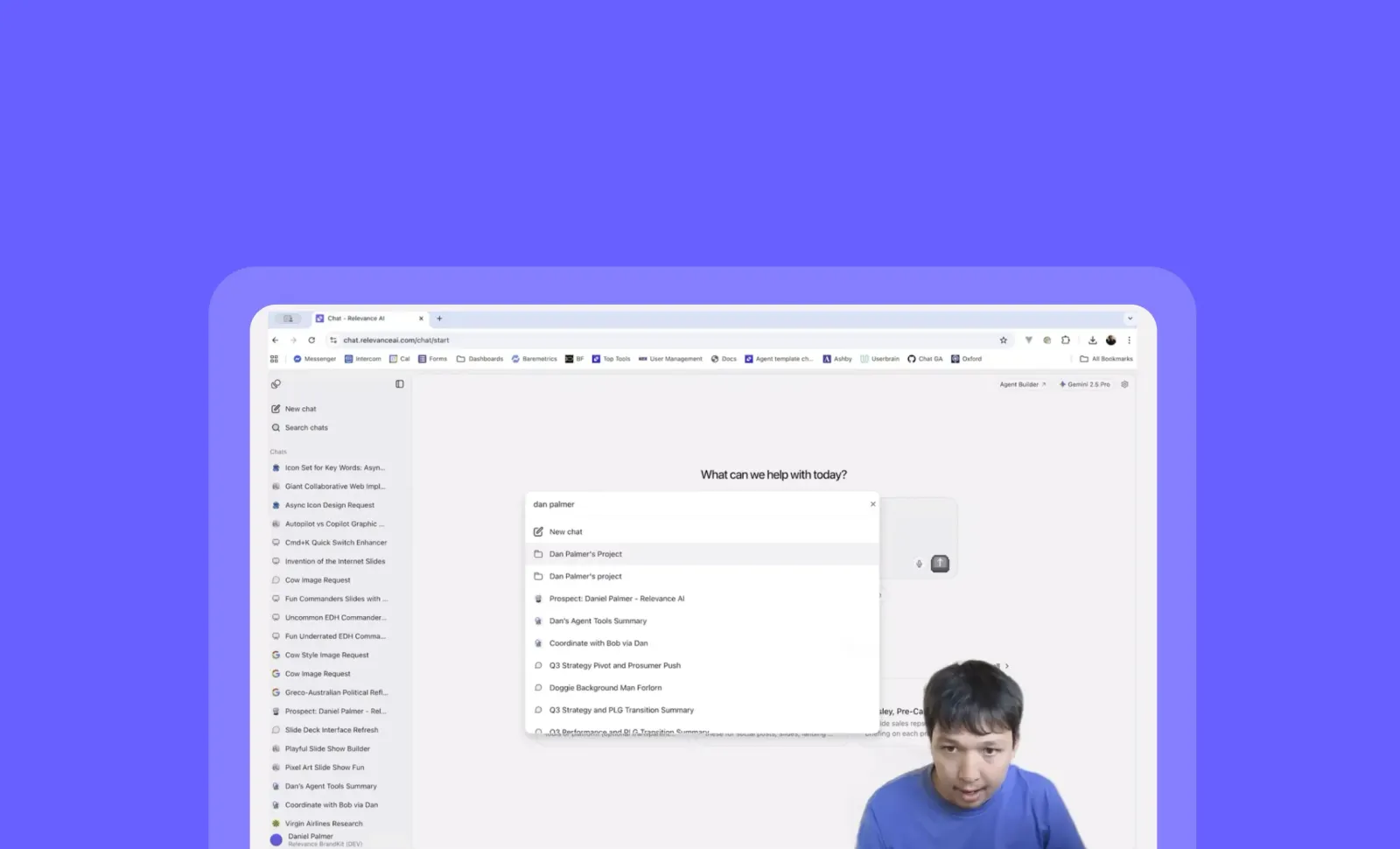
Project Quick Search: Navigate Between Projects and Chats Instantly
You can now switch between projects and chats in seconds with the enhanced Command+K search menu!
Project Quick Search expands the existing Command+K functionality to include all your projects, eliminating the need to navigate through multiple menus. Simply press Command+K, type the name of any project or chat, and press Enter to jump directly to it—saving you valuable time when working across multiple workspaces.
➡️ Find projects instantly – Type any project name and press Enter to switch immediately
➡️ Navigate with keyboard – Use arrow keys to select from search results for faster workflow
➡️ Switch between projects and chats – Search across both types of content from a single interface
➡️ Auto-select first result – Press Enter immediately for the top match or navigate with arrow keys
➡️ No more menu diving – Eliminate clicks through project dropdown menus and nested navigation
With Project Quick Search, you can maintain your creative flow while working across multiple projects, reducing friction and keeping your focus on what matters most.
To use this feature, simply press Command+K anywhere in the Relevance Chat interface and start typing the name of your project or chat.
Try the enhanced Command+K search today and experience a smoother workflow!
Other improvements
General fixes and UI improvements
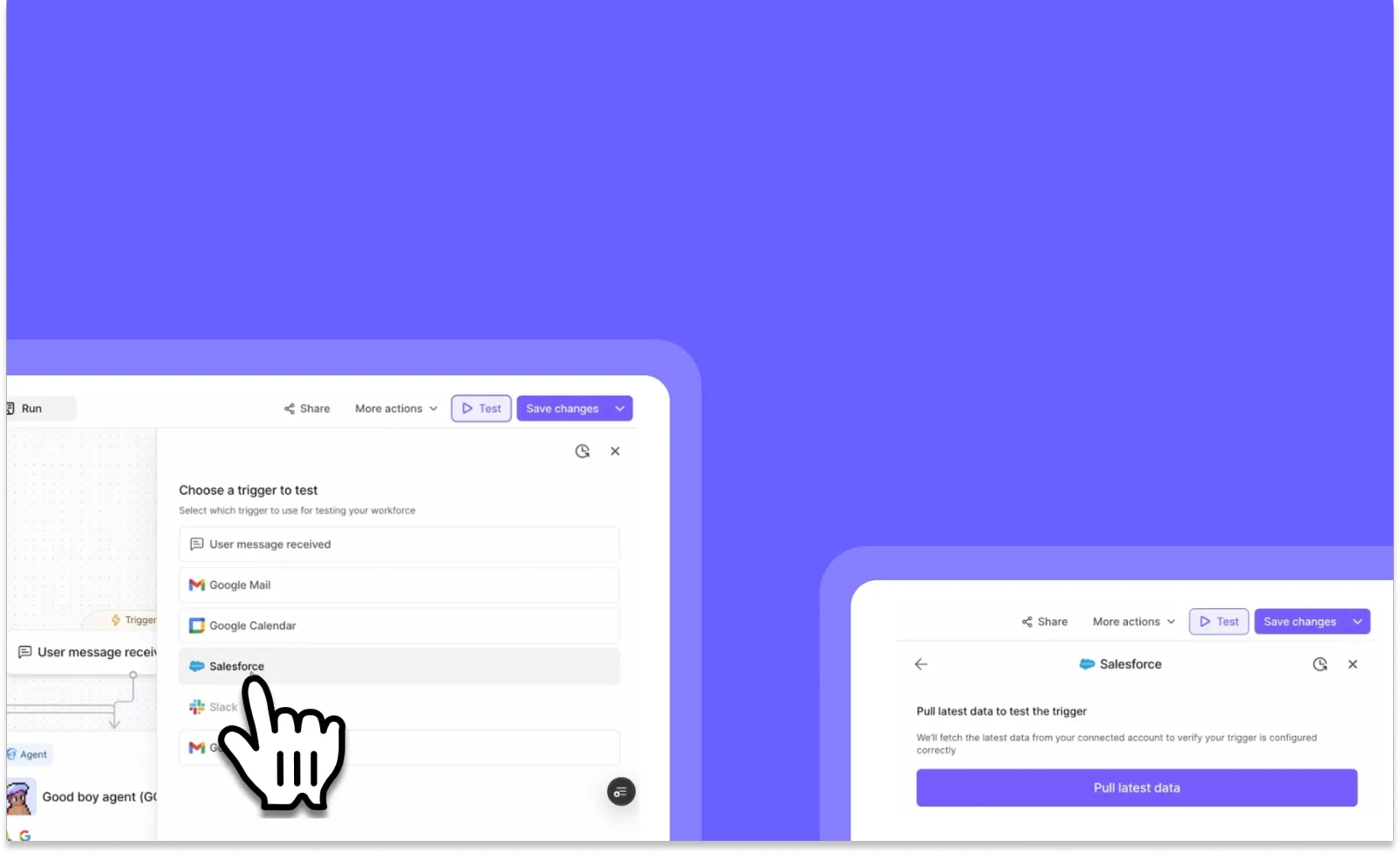
Test Workforce Triggers: Verify Your Automation Setup Before Going Live
You can now test your workforce triggers before deploying them, ensuring they work exactly as intended!
Test Workforce Triggers allows you to validate your automation setup by pulling real data from your connected sources and running end-to-end tests. This feature eliminates guesswork by showing you exactly what data will flow through your workforce, helping you catch configuration issues before they impact your production environment.
➡️ Preview trigger data – Pull your latest matching data from Gmail, Google Calendar, or Salesforce
➡️ Validate trigger configurations – Confirm your filters and conditions are capturing the right information
➡️ Run end-to-end tests – See how data flows through your entire workforce in a test environment
➡️ Debug with confidence – Identify and fix issues before deploying to production
➡️ Support for multiple platforms – Currently works with Gmail, Google Calendar, and Salesforce (with Slack and HubSpot coming soon)
With Test Workforce Triggers, you can deploy automations with complete confidence, knowing that your workflows will execute correctly when triggered by real-world events.
To test your triggers, go to your workforce configuration page and select the “Test” option when setting up a new trigger.
Other improvements
General fixes and UI improvements
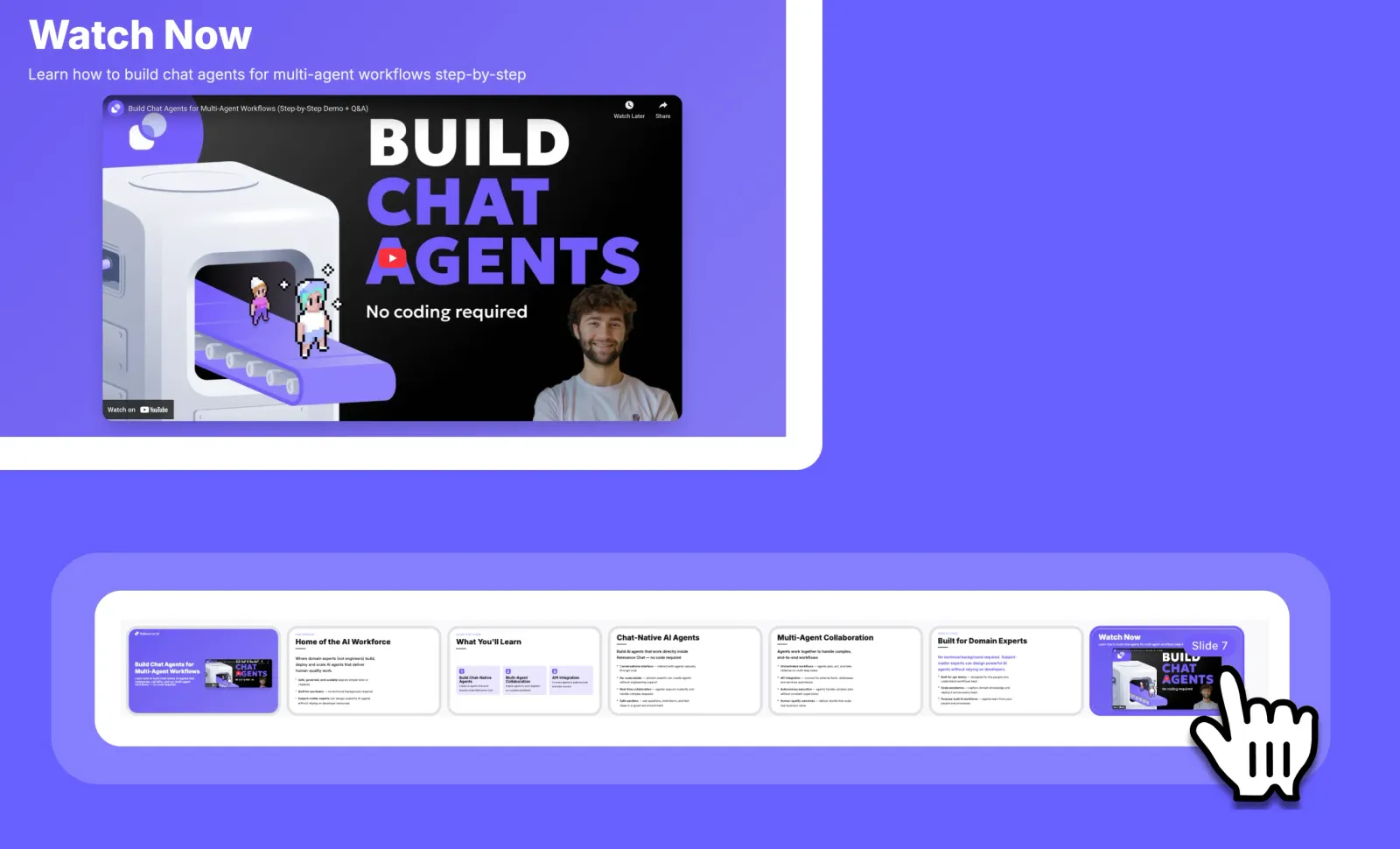
Video Embedding in Relevance Slides: Seamlessly Add Videos to Your Presentations
You can now enhance your presentations with embedded videos from popular platforms like YouTube and Loom with just a few clicks!
Relevance Slides now supports direct video embedding, allowing you to create more dynamic and engaging presentations. Simply paste the embed code from your favorite video platforms, and your videos will display perfectly when presenting, even though they may appear differently in edit mode.
➡️ Add videos from YouTube, Loom, and other platforms – Just copy and paste the embed code
➡️ Create more engaging presentations – Break up text with dynamic video content
➡️ Seamless viewing experience – Videos display perfectly in presentation mode
➡️ Easy implementation – No technical knowledge required to embed videos
➡️ Enhanced storytelling – Combine slides with video demonstrations for maximum impact
With video embedding in Relevance Slides, you can create more comprehensive presentations that combine the power of slides with the engagement of video content.
To embed a video, open your slide in edit mode, paste the embed code from your video platform, and preview it in presentation mode to see it in action.
Start creating more dynamic presentations with embedded videos today!
Other improvements
General fixes and UI improvements
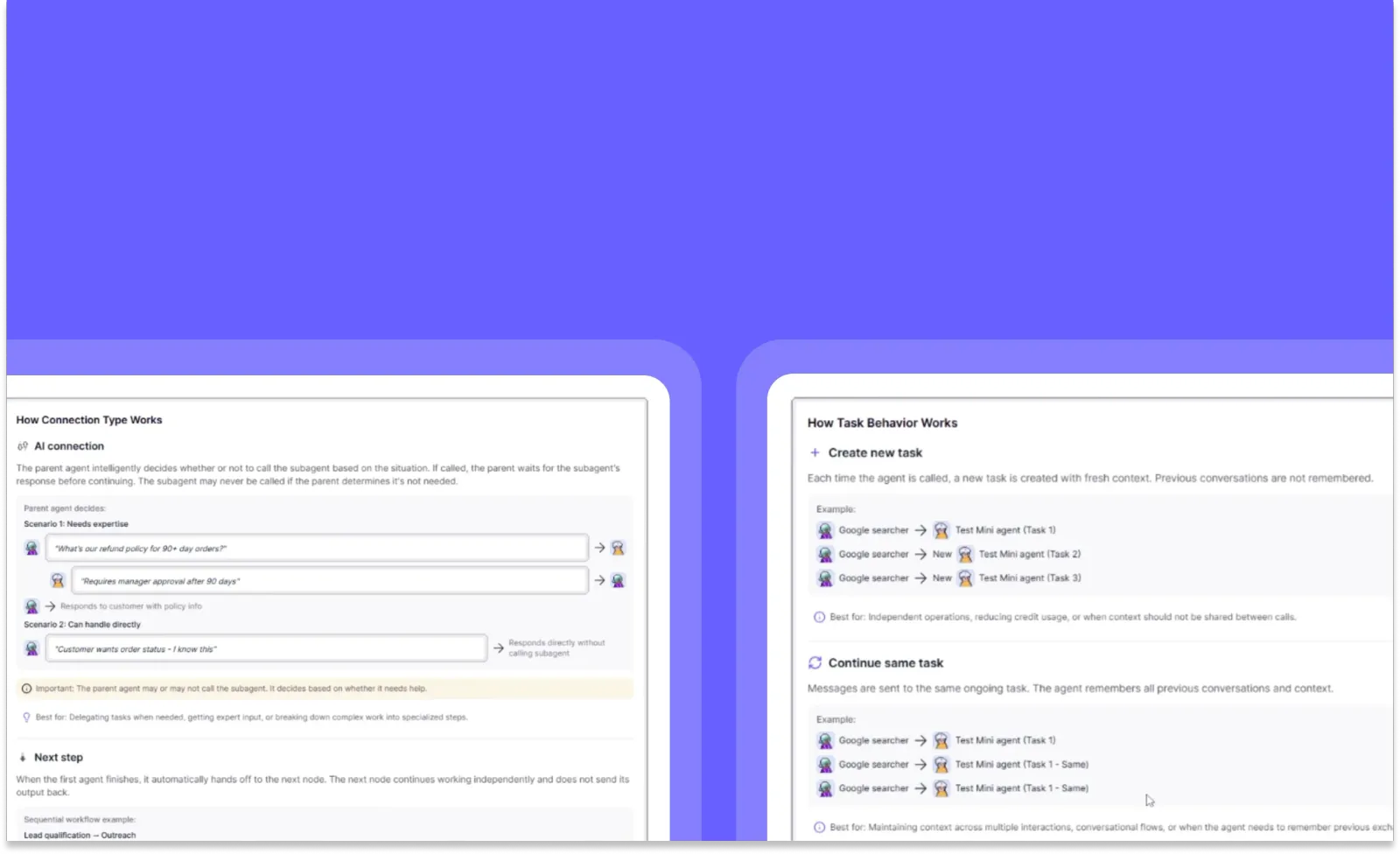
Workforce Improvements: Enhanced Variable Control & Feature Guidance
You can now pass variables deterministically throughout your workforce and get instant feature explanations!
These Workforce improvements bring powerful new capabilities to help you build more reliable and understandable agent workflows. Gain precise control over variable passing with scratchpad methodology and access instant explanations for complex features with the new “How does it work?” button.
➡️ Deterministic Variable Passing – Ensure consistent data flow between agents using scratchpad methodology
➡️ “How does it work?” Button – Get immediate explanations for complex features right when you need them
➡️ More intuitive workflow building – Create reliable agent interactions with predictable variable handling
➡️ Reduced troubleshooting time – Quickly understand feature functionality without leaving your workflow
With these Workforce improvements, you can build more sophisticated multi-agent systems with confidence, knowing exactly how data moves between agents and understanding complex features instantly.
To access these features, go to your Workforce builder interface where you’ll find the new variable passing controls and “How does it work?” buttons next to applicable features.
Other improvements
Knowledge Quality of Life Improvements: Navigate and Manage Your Knowledge Tables with Ease
You can now instantly see which agents use your knowledge tables and add knowledge to agents directly from the knowledge tab!
These intuitive improvements make knowledge management more visual and efficient. We’ve added agent avatars to knowledge tables so you can quickly identify which agents are using specific knowledge, plus new shortcuts that streamline the process of connecting knowledge to your agents.
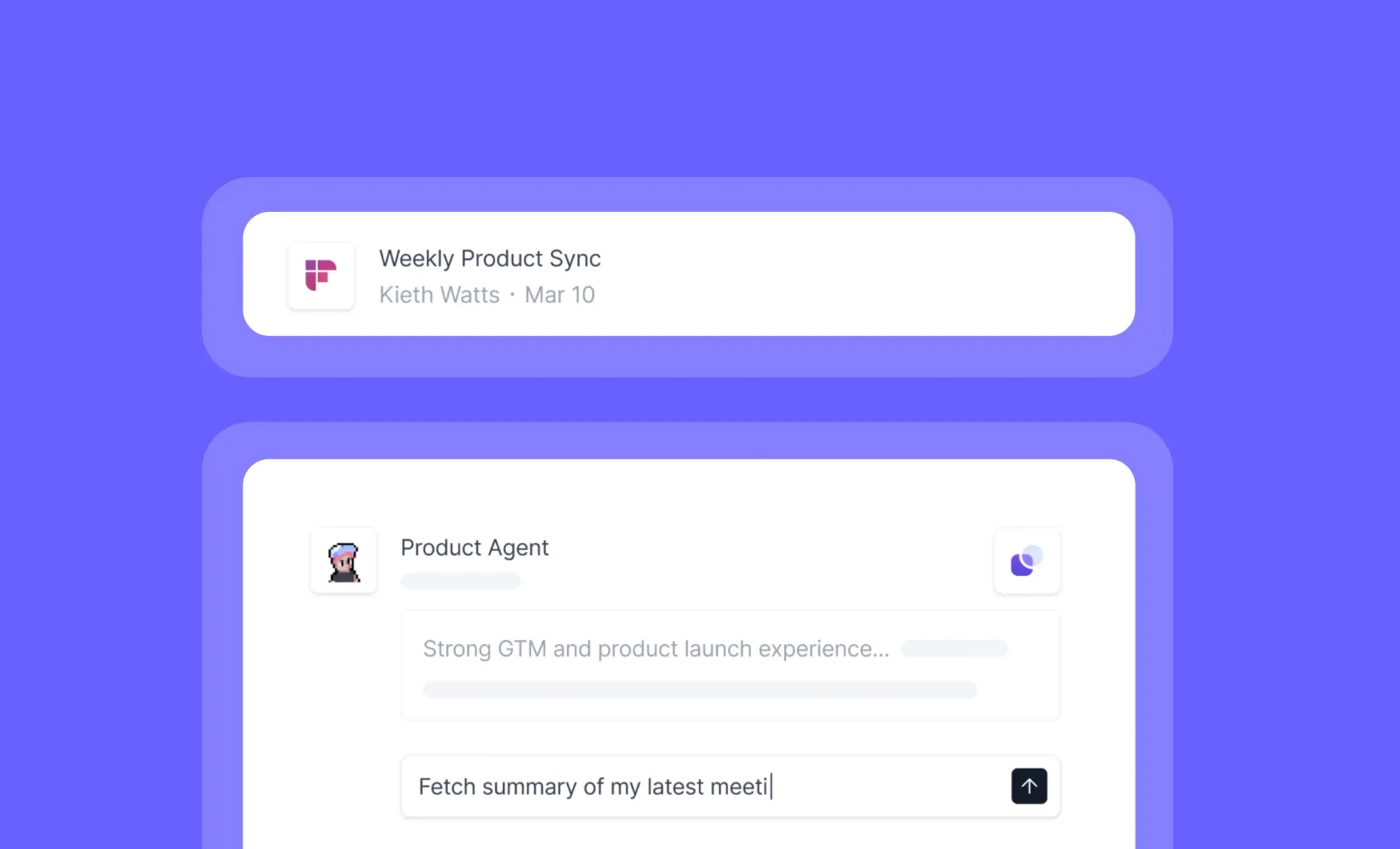
Fireflies Integration: Supercharge Your Agents with Meeting Intelligence
You can now connect your Fireflies.ai account to Relevance AI agents for seamless meeting intelligence and automated workflows!
The Fireflies integration brings powerful meeting data capabilities to your agents, allowing them to access, analyze, and act on valuable conversation insights without manual intervention. Record, transcribe, and extract key information from meetings, then trigger intelligent workflows based on what was discussed.
➡️ Access complete meeting transcripts – Give your agents the full context of conversations
➡️ Extract key moments automatically – Identify and utilize important “bites” from meetings
➡️ Create automated post-meeting workflows – Trigger actions based on meeting content
➡️ Build voice-powered customer experiences – Conduct surveys, extract testimonials, and create content
➡️ Enhance your data ecosystem – Connect meeting intelligence to your existing tools and processes
With the Fireflies integration, you can transform passive meeting recordings into actionable intelligence that powers your agents to deliver more personalized, responsive, and effective outcomes for your team.
To connect Fireflies to your agents, go to the Integrations section in your Relevance AI dashboard and select Fireflies.ai from the available options.
Start building smarter, meeting-aware agents today!
Other improvements
General fixes and UI improvements
Claude Haiku 4.5: Faster, Smarter AI at Lower Cost
You can now access Claude Haiku 4.5 across all Bedrock regions and in Chat with performance rivaling Sonnet 4 at just 1/3 the cost!
Claude Haiku 4.5 delivers a significant upgrade to Anthropic’s efficient AI model, bringing near-Sonnet 4 capabilities—especially for coding tasks—while maintaining Haiku’s speed and cost advantages. This latest version is fully deployed and ready to use in all your existing workflows.
➡️ Near-Sonnet 4 performance – Get premium-level capabilities at a fraction of the cost
➡️ 3x cost savings – Accomplish more within your AI budget with significantly lower pricing
➡️ Enhanced coding abilities – Build and debug applications with improved technical reasoning
➡️ Faster response times – Complete tasks more efficiently with Haiku’s speed advantage
➡️ Available everywhere – Access through all Bedrock regions and directly in Chat
With Claude Haiku 4.5, you can optimize your AI workflows for both performance and cost-efficiency, making advanced AI capabilities more accessible for your everyday tasks.
To start using Claude Haiku 4.5, simply select it as your model option when creating new agents or in your existing Chat interfaces.
Other improvements
General fixes and UI improvements
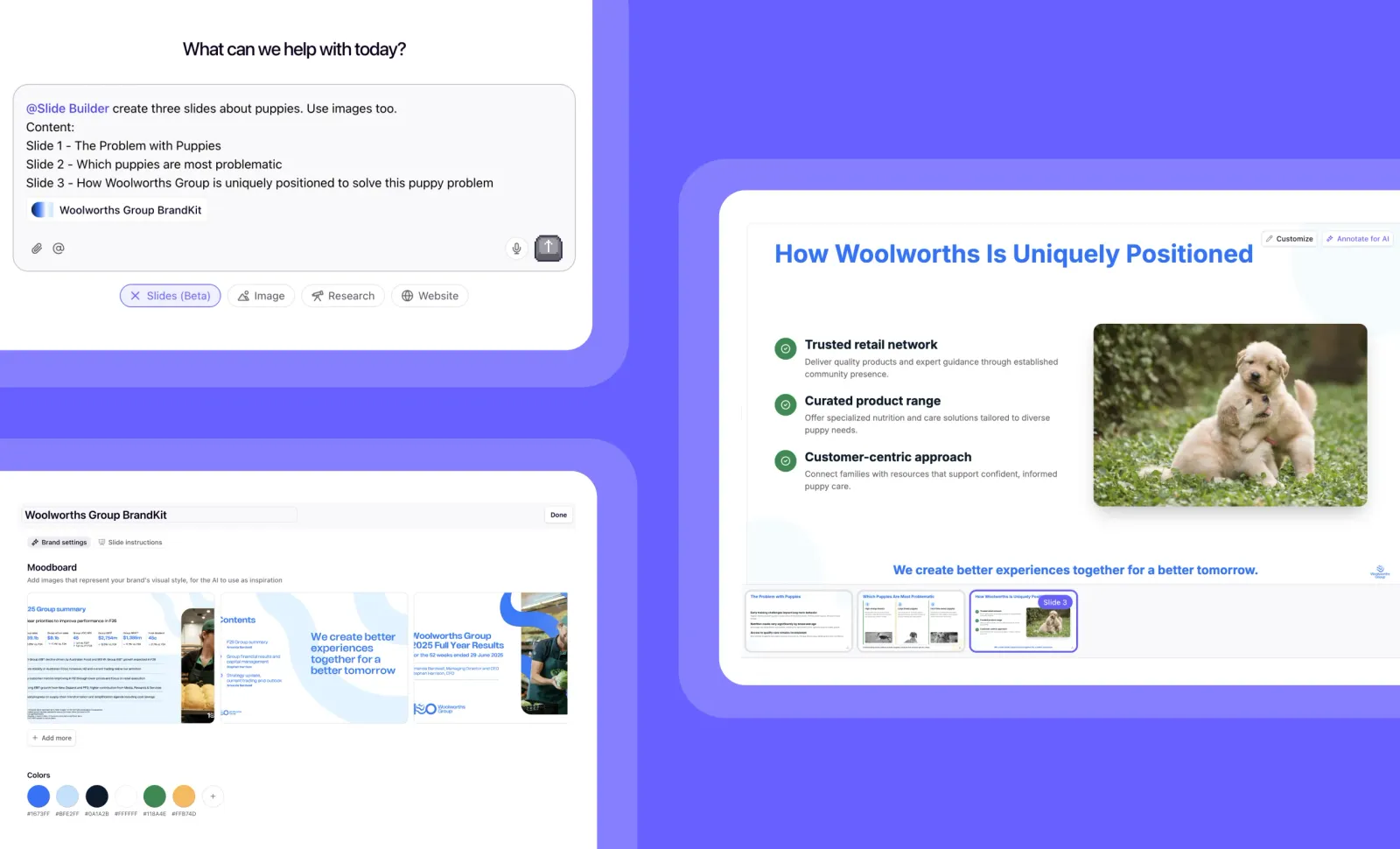
Slide Builder: Transform Ideas into Professional Presentations Instantly
You can now create stunning, brand-consistent presentations in seconds with our new AI-powered Slide Builder!
Slide Builder (still in beta) transforms your ideas into professional presentations instantly, eliminating the need to wrestle with templates and formatting. Powered by advanced AI and built on Relevance AI’s agent platform, this tool creates polished slides 10x faster than traditional presentation software while automatically applying your brand elements.
➡️ Generate complete presentations from simple prompts – Just describe what you need and watch as AI creates your slides
➡️ Apply your company’s BrandKit automatically – Ensure every presentation matches your style guide with colors, fonts, and visual elements
➡️ Create presentations 10x faster – Skip the formatting headaches and focus on your content
➡️ Draw and annotate slides with AI – Simply point, draw, and tell the AI what changes you want
➡️ Maintain brand consistency at scale – Perfect for enterprise teams who need uniform presentations across departments
With Slide Builder, you can focus on your message while our AI handles the design work, ensuring professional-quality slides that reflect your brand identity.
To access Slide Builder (Beta), simply type “@Slide Builder” in the Chat interface and describe the presentation you want to create.
Try Slide Builder today and experience the future of presentation creation!
Other improvements
General fixes and UI improvements
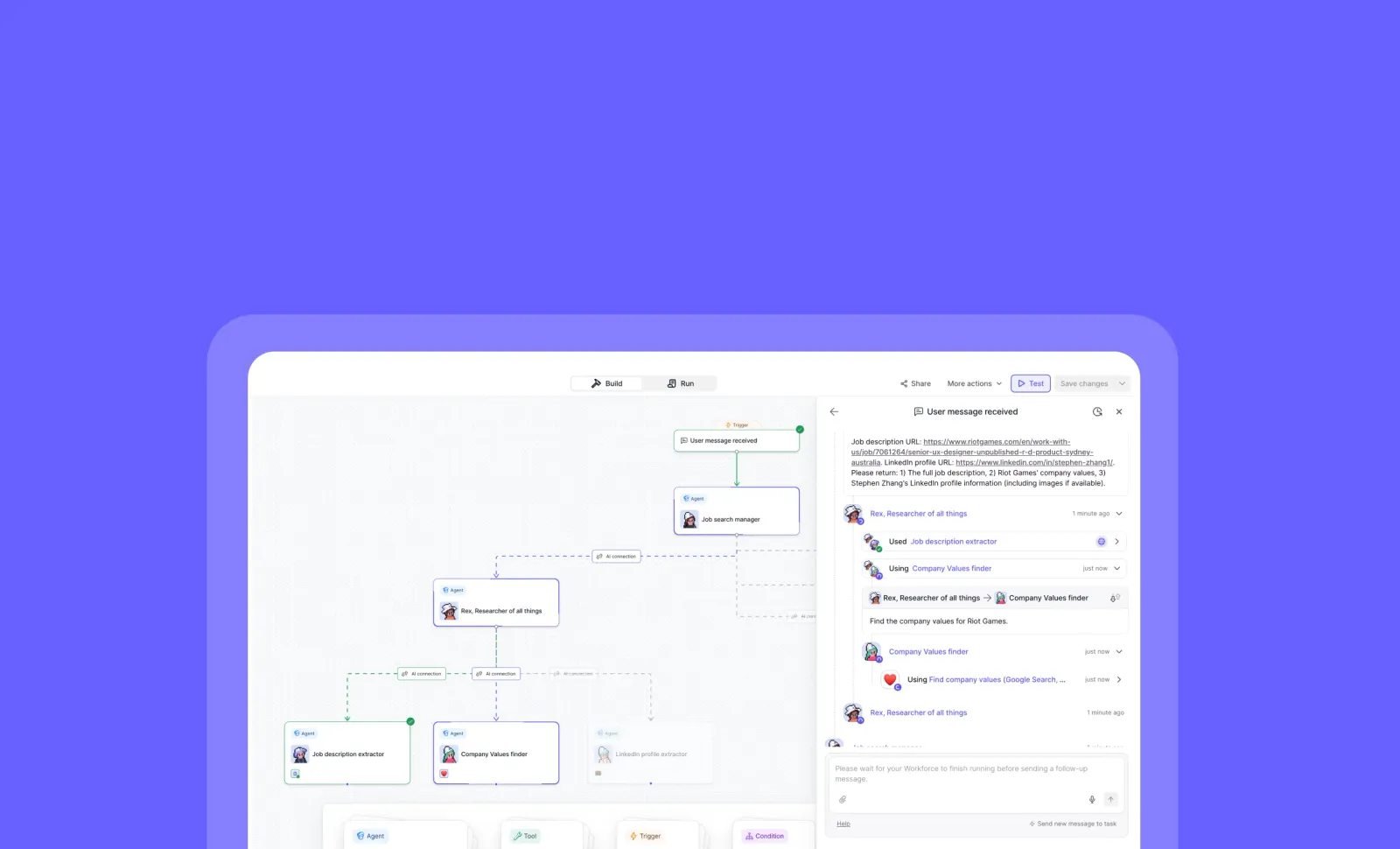
Workforce Testing: Test Your AI Workflows Without Saving Drafts
You can now test your entire workforce instantly without having to save your current draft first!
Workforce Testing lets you validate how your agents and tools work together before deploying them. Simply click the “Test” button in the top right corner to send messages through your workforce and watch the interactions unfold in real-time with visual highlighting that shows exactly how data flows between components.
➡️ Test without saving – Run tests on draft workforces without committing changes
➡️ Send test messages – Trigger your workforce with sample inputs to verify behavior
➡️ Visual interaction tracking – See highlighted nodes and edges as data flows through your system
➡️ Debug complex workflows – Identify bottlenecks and errors before deployment
➡️ Iterate faster – Make adjustments and retest immediately without saving versions
With Workforce Testing, you can confidently develop and refine complex AI workflows, ensuring everything works as expected before going live.
To test your workforce, navigate to your workforce editor and click the “Test” button located in the top right corner of the interface.
Start testing your AI workflows today and watch your innovations come to life!
Other improvements
General fixes and UI improvements

Claude Sonnet 4.5: Anthropic’s Latest AI Model Now Available
You can now access Claude Sonnet 4.5 across our entire platform, with improved performance while maintaining the same pricing as previous versions!
Claude Sonnet 4.5 is now fully integrated into Relevance AI as an LLM Step, an Agent Model, and in Chat. This latest model from Anthropic offers enhanced capabilities across nearly all performance metrics, outperforming its predecessor Sonnet 4 and even Opus 4.1 in most areas, while maintaining competitive pricing.
➡️ Access massive context windows – Choose between 200K or 1M token versions to handle extensive documents and complex tasks
➡️ Enjoy improved intelligence – Benefit from performance that exceeds previous Claude models and rivals GPT-5 in most categories
➡️ Maintain budget predictability – Same pricing as Sonnet 4, though higher than some competitors like GPT-5 and Gemini 2.5
➡️ Find it easily – Now featured as “Recommended” in our Claude section for quick access
➡️ Plan for processing time – Be aware of somewhat slower speeds compared to GPT-5 and Gemini 2.5 Flash
With Claude Sonnet 4.5, you can tackle more complex reasoning tasks, process larger documents, and achieve better results without adjusting your budget allocations.
To start using Claude Sonnet 4.5, simply select it from the “Recommended” section in our Claude offerings when creating an LLM Step, configuring an Agent Model, or starting a Chat.
Other improvements
General fixes and UI improvements
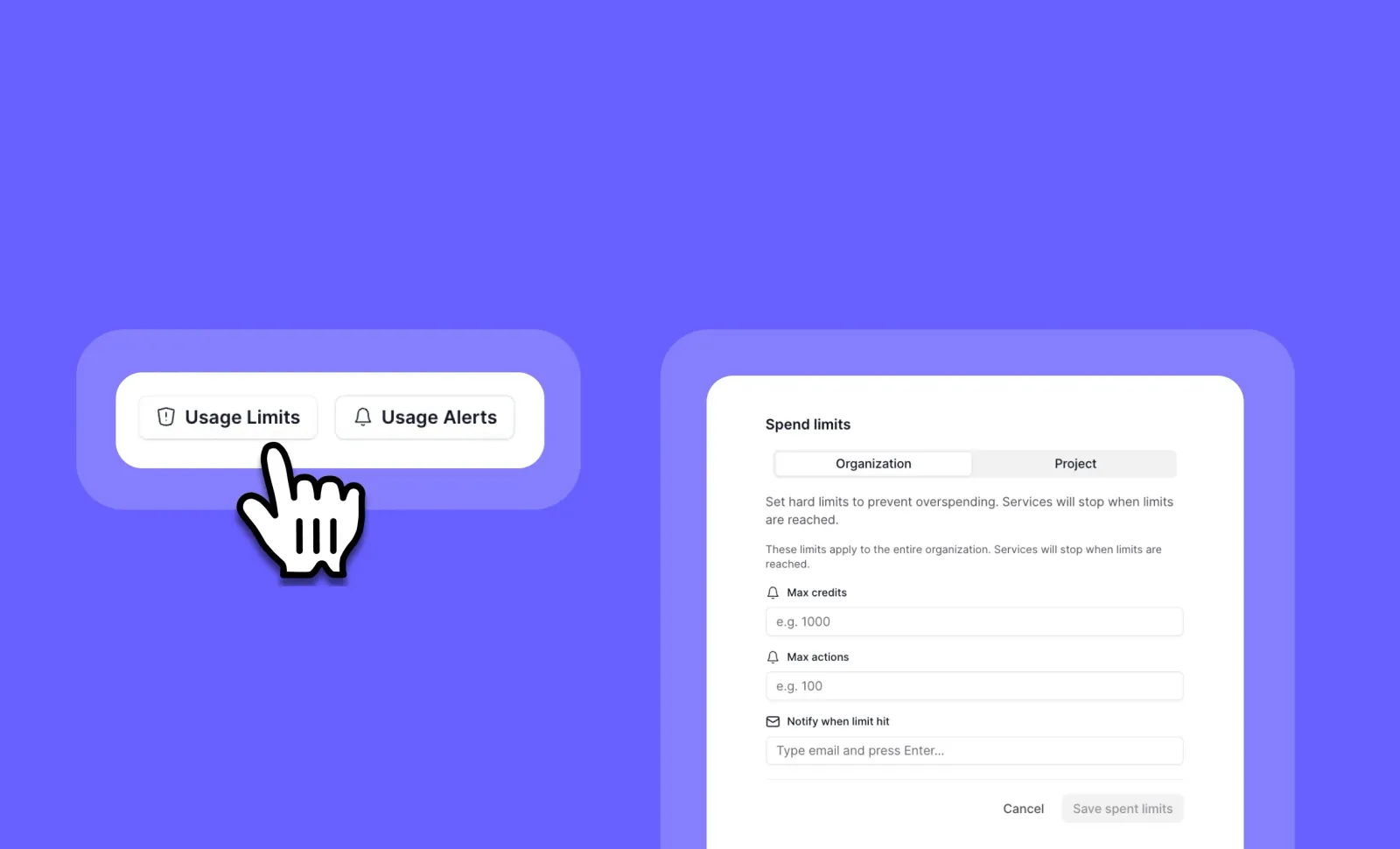
Hard Limits: Control Your AI Spending with Automatic Usage Caps
You can now set strict credit and action limits that automatically prevent overspending on your AI workflows!
Hard Limits give you complete control over your organization’s AI usage by setting firm boundaries on credits and actions. Once a limit is reached, the system automatically prevents new tasks from running, ensuring you never exceed your budget or usage thresholds.
➡️ Set organization-wide limits – Control spending across all projects
➡️ Configure project-specific caps – Manage resources for individual initiatives
➡️ Prevent budget overruns – System automatically stops new tasks when limits are reached
➡️ Complement existing alarms – Add enforcement to your notification system
➡️ Maintain financial predictability – Eliminate surprise bills and unexpected costs
With Hard Limits, you can confidently delegate AI operations across your organization while maintaining strict budget control and preventing any possibility of runaway costs.
To set up Hard Limits, go to your Organization Settings page, select Projects, and look for the Hard Limits section next to Credit and Action Alarms.
Other improvements
General fixes and UI improvements

Advanced Slack Messaging: Create Rich, Interactive Messages in Slack
You can now design beautiful, interactive Slack messages with custom UI elements using Block Kit Builder integration!
The new Slack: Send Message (Advanced) step transforms how your agents communicate in Slack. Create visually appealing messages with custom formatting, interactive buttons, images, and sections—all using Slack’s powerful Block Kit framework directly within your agent workflows.
➡️ Design rich message layouts – Add headers, sections, dividers, and context blocks for better readability
➡️ Include interactive elements – Embed buttons, images, and custom UI components in your messages
➡️ Enhance visual appeal – Use emojis, markdown formatting, and custom styling options
➡️ Improve information hierarchy – Structure complex data with organized sections and formatting
➡️ Coming soon: Approval workflows – Interactive elements to approve/reject agent actions directly from Slack
With Advanced Slack Messaging, you can create professional, engaging notifications that stand out in busy channels and drive more effective team communication.
To access this feature, add the “Slack: Send Message (Advanced)” step to your agent workflow and use the Block Kit Components field to customize your message.
Start creating beautiful Slack messages today!
Other improvements
General fixes and UI improvements
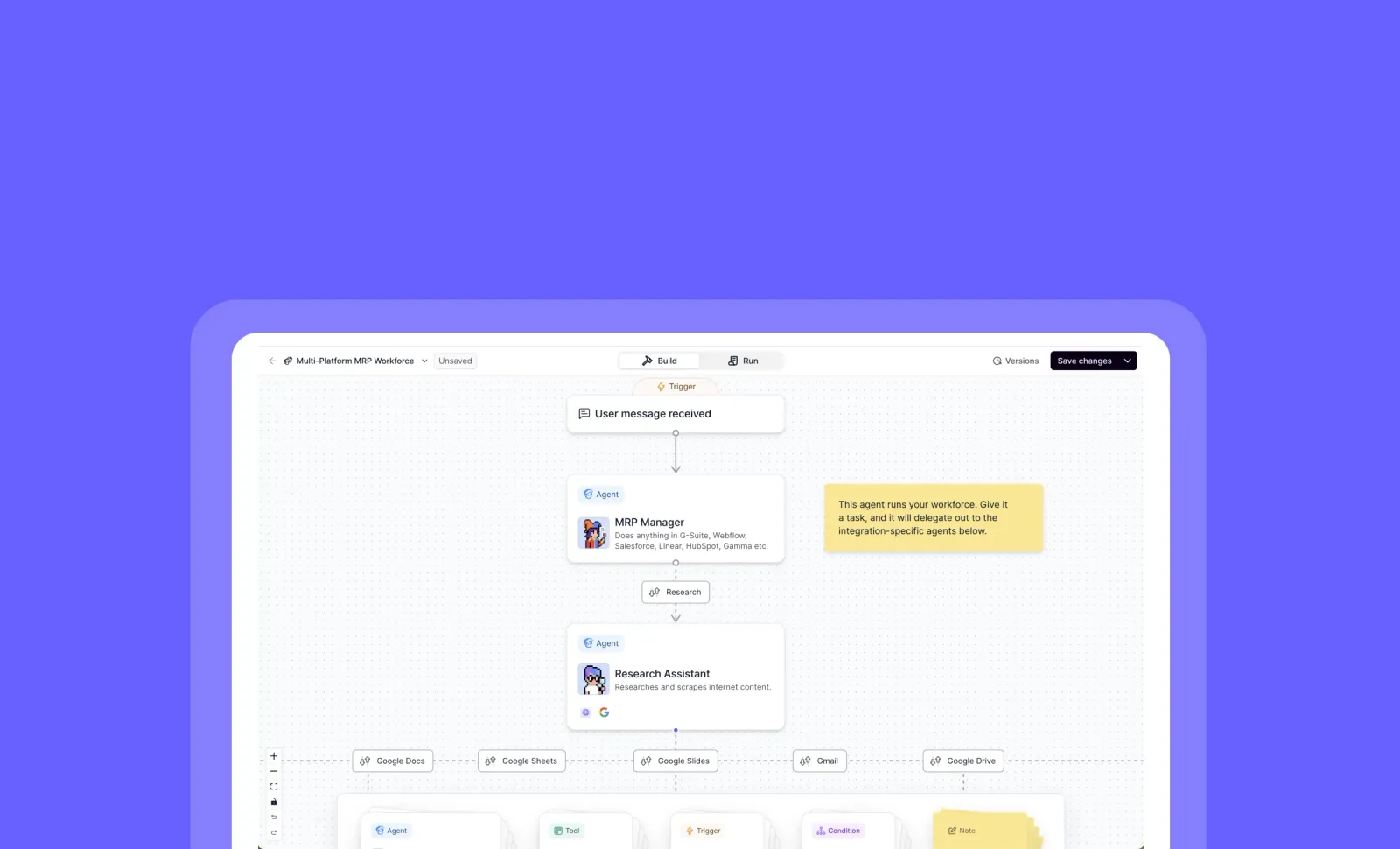
Workforce Notes: Add Context and Instructions to Your AI Teams
You can now add detailed notes to your workforce, making it easier to organize, explain, and share your AI teams with others!
Workforce Notes provides a dedicated space to document important context about your workforce’s purpose, structure, and usage instructions. Whether you’re planning your AI team’s organization, explaining how agents work together, or preparing to share your workforce in the marketplace, Notes ensures everyone understands how to get the most value.
➡️ Document workforce purpose – Clarify the overall goals and use cases for your AI team
➡️ Provide usage instructions – Help new users understand how to effectively use your workforce
➡️ Organize your planning – Keep track of ideas and improvements for your AI team structure
➡️ Enhance marketplace listings – Make your shared workforces more accessible with clear documentation
➡️ Improve team collaboration – Ensure everyone understands how your workforce is designed to function
With Workforce Notes, you can create more valuable, user-friendly AI teams that are easier to share, understand, and implement across your organization or with the wider community.
To add notes to your workforce, navigate to your Workforce dashboard, select the workforce you want to document, and look for the new “Notes” section.
Start documenting your workforce today and make your AI teams more accessible to everyone!
Other improvements
General fixes and UI improvements
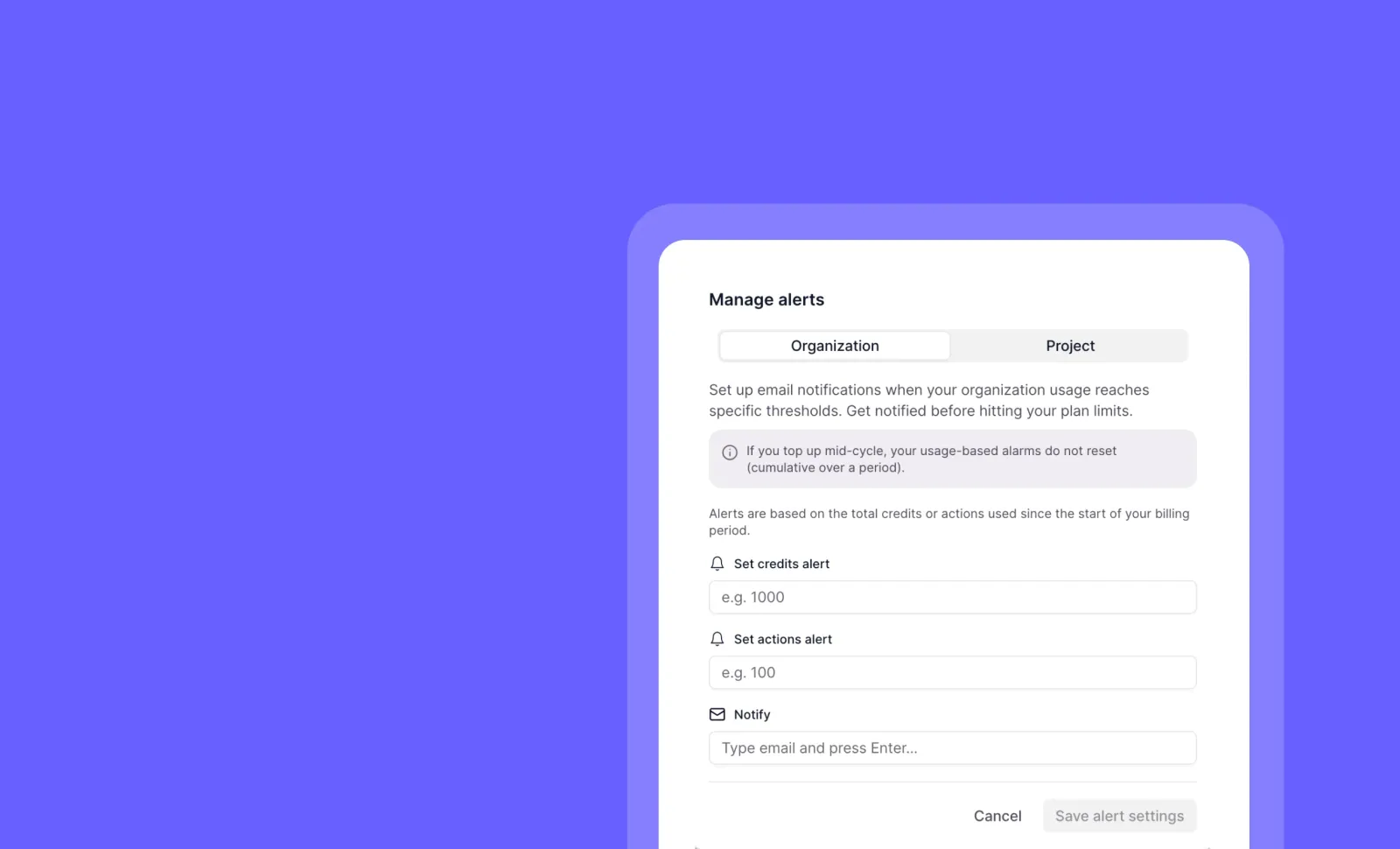
Usage Alerts: Monitor and Control Your AI Costs
You can now set up automatic alerts when your organization or project reaches credit and action usage thresholds!
Usage Alerts give you complete visibility and control over your AI spending. Set custom limits for credits, actions, or both at the organization or project level, and receive timely email notifications when those thresholds are reached.
➡️ Set organization-wide limits - Control spending across all your projects
➡️ Configure project-specific thresholds - Manage budgets for individual initiatives
➡️ Monitor both credits and actions - Choose which metrics matter most to your team
➡️ Receive automatic email notifications - Get instantly alerted when limits are exceeded
➡️ Designate multiple notification recipients - Keep your entire team informed
With Usage Alerts, you can prevent unexpected costs, maintain budget compliance, and ensure your AI resources are allocated efficiently across teams and projects.
To set up Usage Alerts, go to your Organization Settings page and click the “Usage Alerts” button. From there, specify your desired limits and notification email addresses.
Other improvements
General fixes and UI improvements
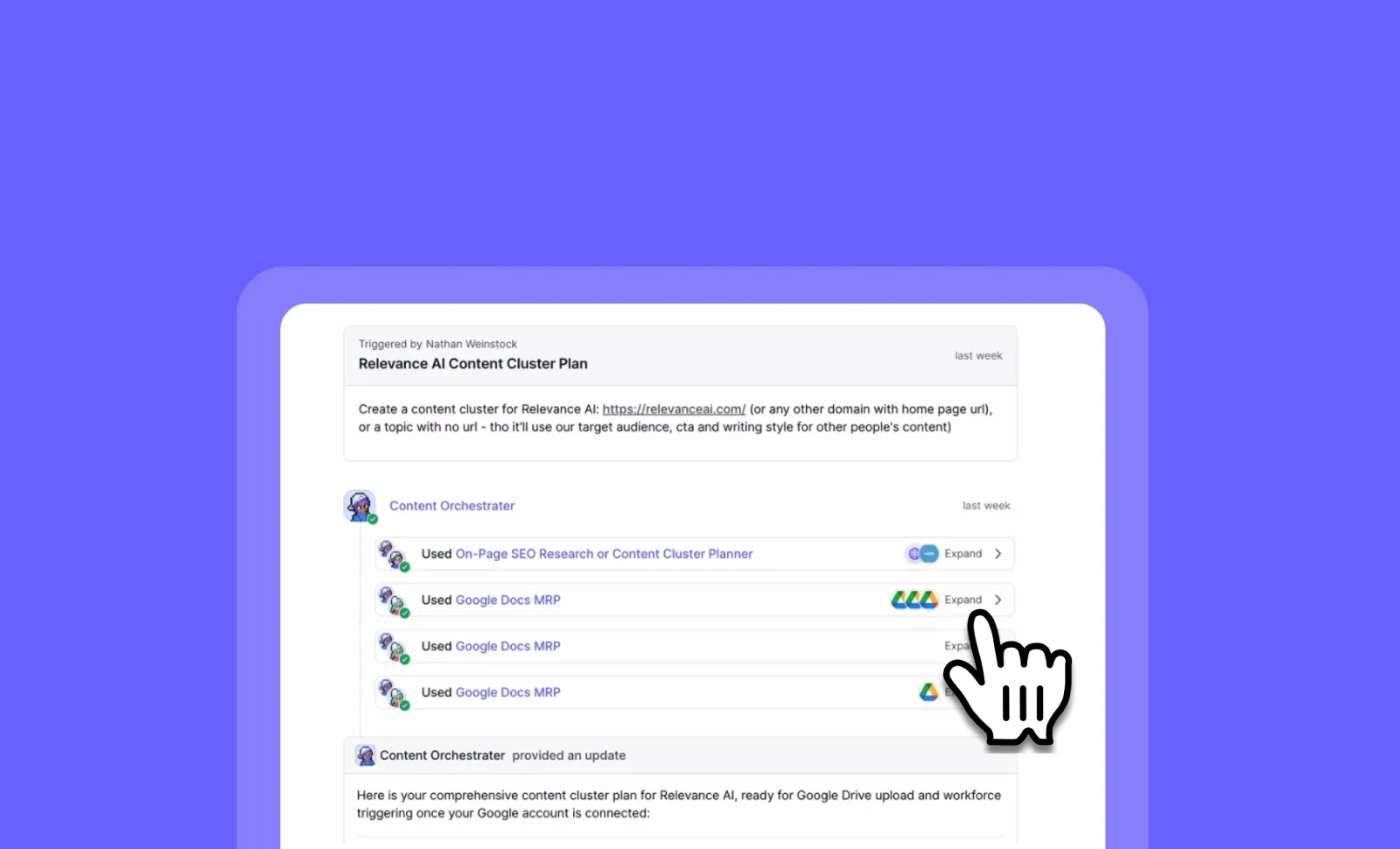
Workforce Timeline Improvements: Navigate Complex Agent Conversations with Ease
You can now track multi-agent workflows with unprecedented clarity and control!
The Workforce Timeline has been completely reimagined to help you understand complex agent interactions at a glance. With new viewing options, you can either see the big picture of your entire workflow or zoom in on specific interactions, making it easier than ever to follow your AI workforce’s conversations and actions.
➡️ See the complete picture – New Nested View displays your entire workforce conversation at once
➡️ Understand agent relationships – Clearly visualize which agent called what other agent
➡️ Focus on what matters – Breadcrumb View lets you click into specific conversation groups
➡️ Reduce cognitive load – Block out noise by isolating just the parts of the conversation you need
➡️ Navigate complex workflows – Intuitive interface makes following multi-agent interactions simple
With these Workforce Timeline improvements, you can troubleshoot issues faster, demonstrate workflows to stakeholders more effectively, and gain deeper insights into how your AI agents collaborate.
To experience the new timeline views, go to any Workforce conversation and toggle between Nested View and Breadcrumb View options at the top of the timeline.
Other improvements
General fixes and UI improvements
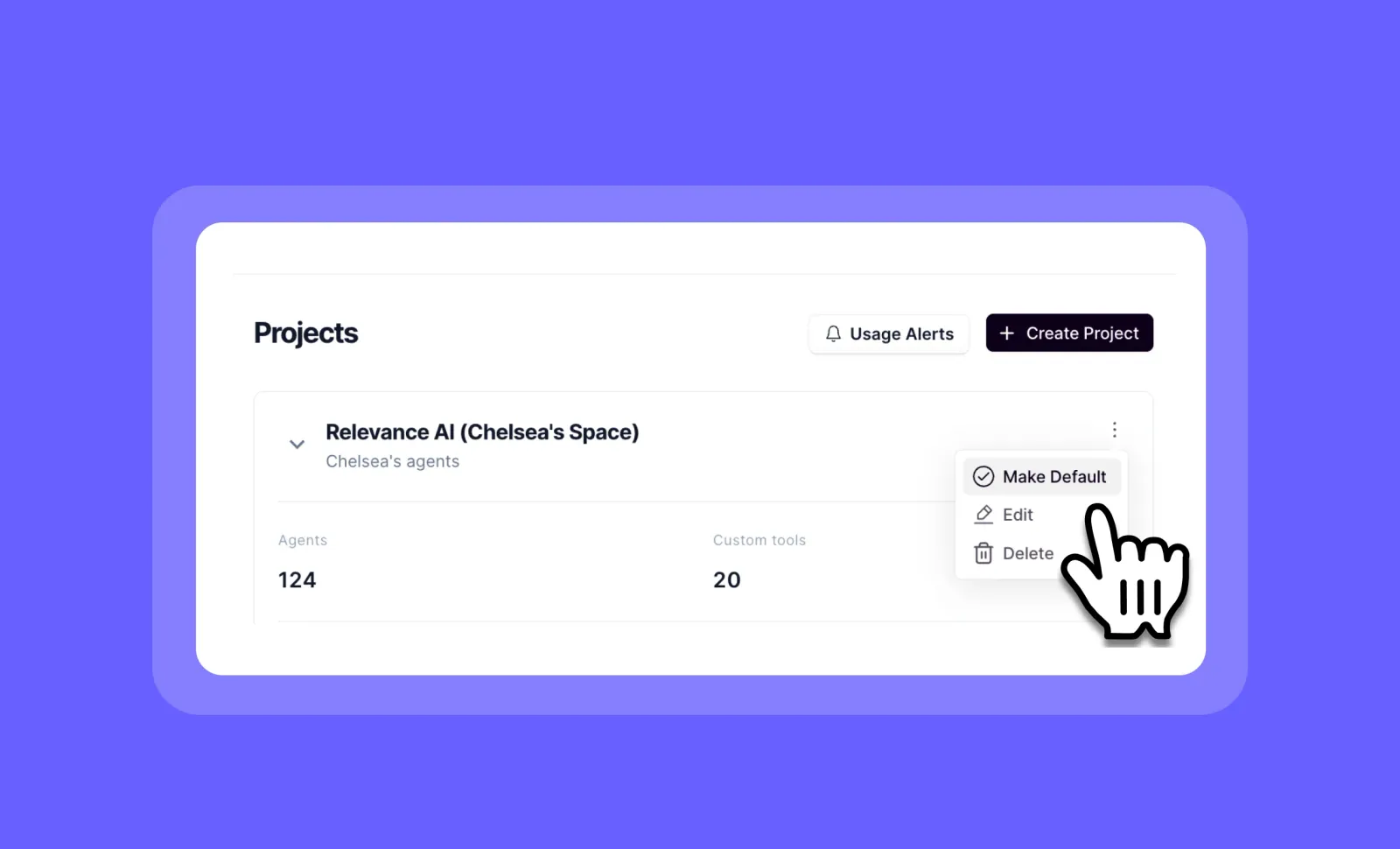
Default Organisation & Project: Streamlined Enterprise Onboarding
You can now automatically assign new users to the right organization and project based on their email domain!
Default Organization & Project simplifies enterprise onboarding by automatically placing new users in the correct organisation and project when they sign up with their company email. This eliminates manual assignments and ensures immediate access to the right resources from day one.
➡️ Automatic organization assignment – New users with matching email domains join the right organization instantly
➡️ Default project placement – Users automatically gain access to designated projects without manual intervention
➡️ Works with direct invites – Users join both invited projects and default projects seamlessly
➡️ Available for all plans – Benefits enterprise and non-enterprise customers alike
➡️ Admin-controlled settings – Organization admins maintain full control over default project selection
With Default Organization & Project, you can streamline user onboarding, reduce administrative overhead, and ensure new team members have immediate access to the resources they need.
To set up default organization assignment, contact the enterprise team with your company email domain. Organization admins can configure default projects in organization settings.
Start simplifying your onboarding process today!
Other improvements
General fixes and UI improvements
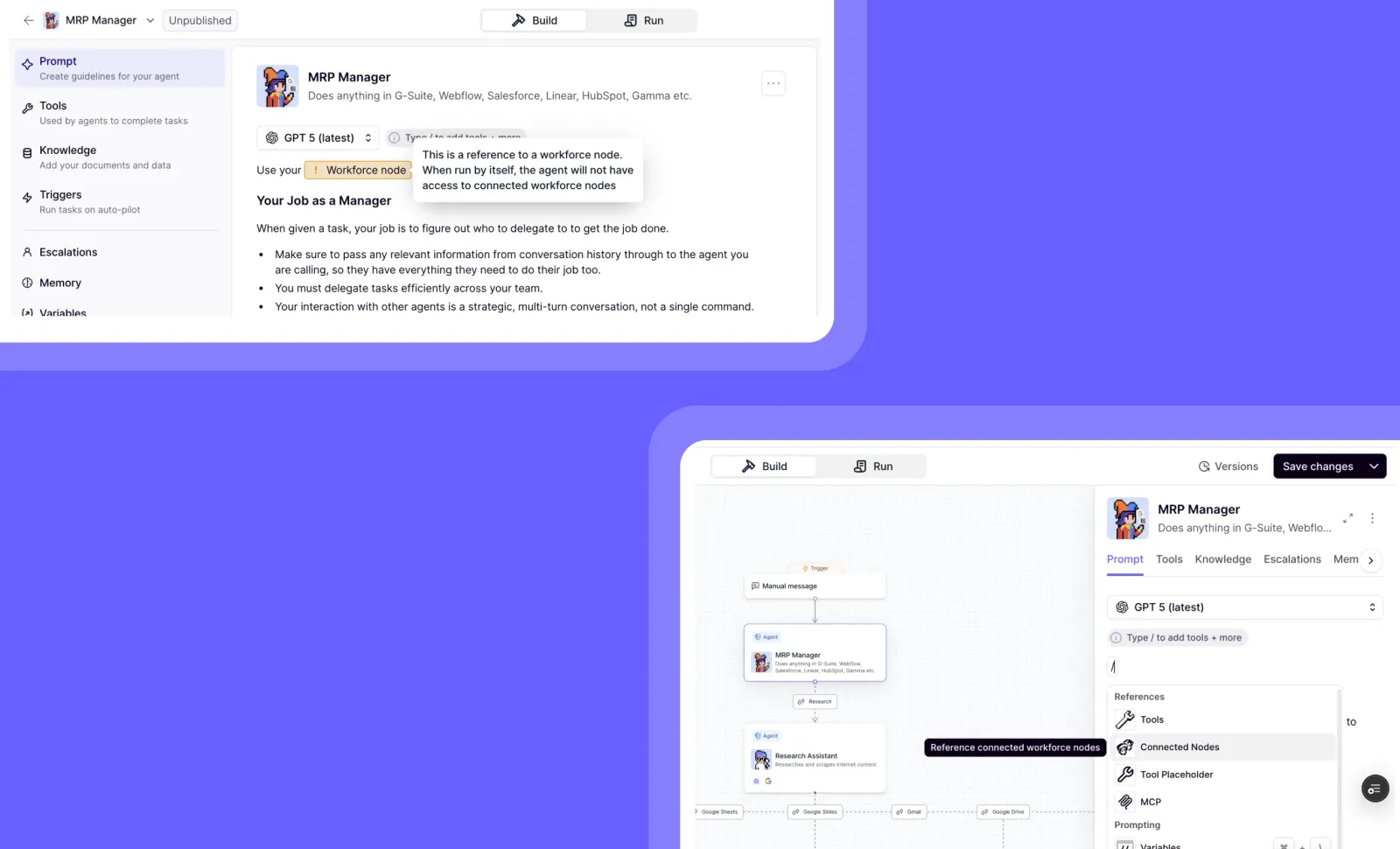
Workforce Node References: Connect Your AI Ecosystem in Core Instructions
You can now seamlessly reference connected agents and tools directly in your agent’s core instructions!
Workforce Node References creates a more integrated AI ecosystem by allowing you to formally reference any connected workforce nodes within your agent’s instructions. Instead of manually typing node names and hoping for the best, you can now select from a dedicated menu of connected components, ensuring accurate and reliable references.
➡️ Access connected nodes via the new “/Connected nodes” slash menu option – No more guessing or manual typing
➡️ Reference any agent or tool connected through your workforce – Create clear relationships between your AI components
➡️ Ensure reliable node recognition – Eliminate errors from manual references that might be missed or misinterpreted
➡️ Build more sophisticated multi-agent systems – Create clearer handoffs and relationships between specialized agents
➡️ Strengthen your workforce connections – Make your entire AI ecosystem more cohesive and interconnected
With Workforce Node References, you can design more sophisticated agent systems that reliably communicate and collaborate, reducing confusion and ensuring your AI workforce operates as a unified team.
To use this feature, simply type ”/” in your agent’s core instructions editor and select “Connected nodes” from the slash menu to see all available workforce connections.
Start building a more connected AI workforce today!
Other improvements
General fixes and UI improvements
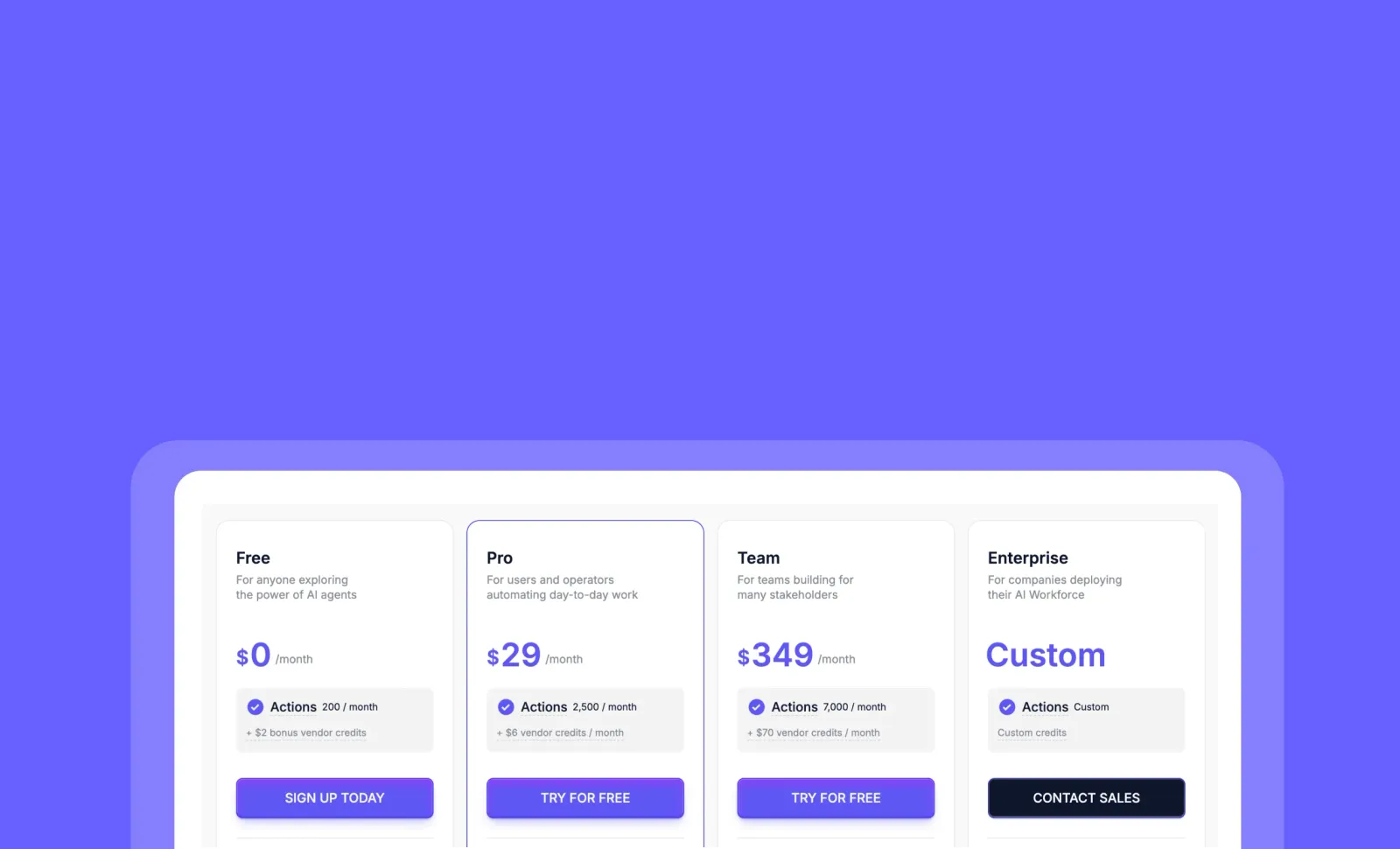
Pricing Evolution: Actions + Vendor Credits for Complete Cost Transparency
You can now see exactly what you’re paying for with our new two-part pricing system that separates agent work from AI model costs!
We’ve transformed our credit system to give you more clarity, control, and value. Instead of a single credit covering everything, we now clearly separate what your agents do (Actions) from the AI model costs (Vendor Credits), making your usage predictable and transparent while eliminating markups on AI costs.
➡️ Actions track agent work units – Each workflow counts as one Action regardless of complexity
➡️ Vendor Credits cover AI model costs – Pay exactly what providers charge with zero markup
➡️ Roll over unused Vendor Credits – Credits never expire while you’re on a paid plan
➡️ Connect your own API keys – Bypass Vendor Credits entirely by using your existing provider accounts
➡️ Optimize costs strategically – Save on Actions by combining steps or reduce AI costs by selecting efficient models
With this new pricing structure, you can build with confidence knowing exactly where your money goes, while automatically benefiting from industry price improvements as AI models become more efficient.
To view your new pricing details, go to your Account Dashboard and select the “Billing” section to see your Actions and Vendor Credits breakdown.
Start building your AI workforce with complete cost transparency today! Learn more about our pricing evolution here.
Other improvements
General fixes and UI improvements
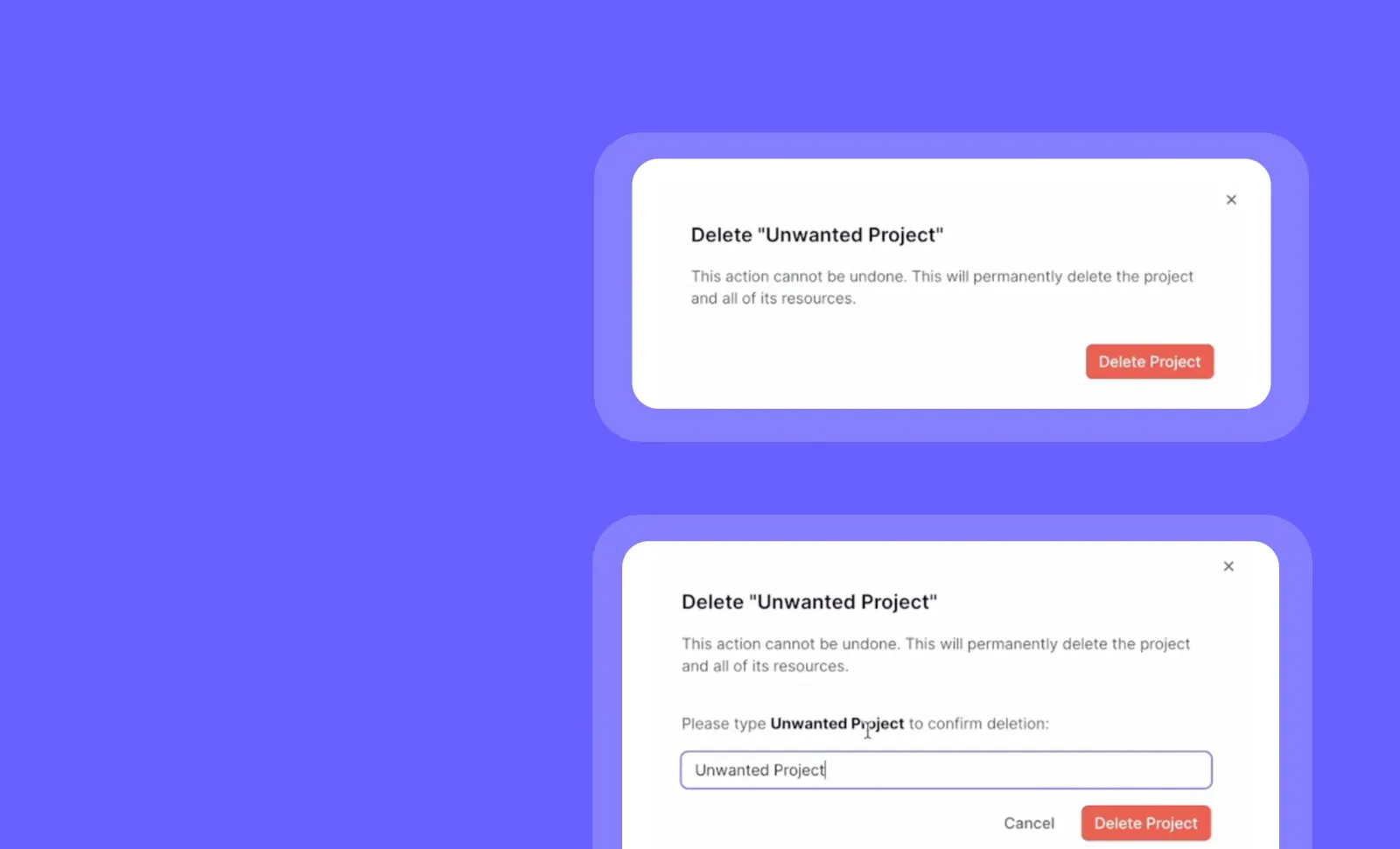
Project Deletion: Clean Up Your Workspace with Ease
You can now delete unnecessary projects to keep your organization’s workspace clean and organized!
The new project deletion feature gives you complete control over your organizational structure. Remove outdated or unused projects with just a few clicks, helping you maintain a streamlined workspace focused only on what matters to your team.
➡️ Remove completed projects – Clear out finished work to reduce clutter
➡️ Delete test projects – Clean up experimental workspaces that are no longer needed
➡️ Streamline your organization – Maintain only relevant, active projects
➡️ Simplify navigation – Make it easier to find important projects
With project deletion, you can ensure your team focuses only on current initiatives while maintaining a cleaner, more navigable workspace.
To delete a project, simply go to the projects page of your organization and click the delete button on the side of any project you wish to remove.
Start organizing your workspace more effectively today!
Other improvements
General fixes and UI improvements
Split Credit Pricing: More Accurate LLM Costs Based on Your Usage
You can now see and pay for exactly what you use with our new split credit pricing for large language models!
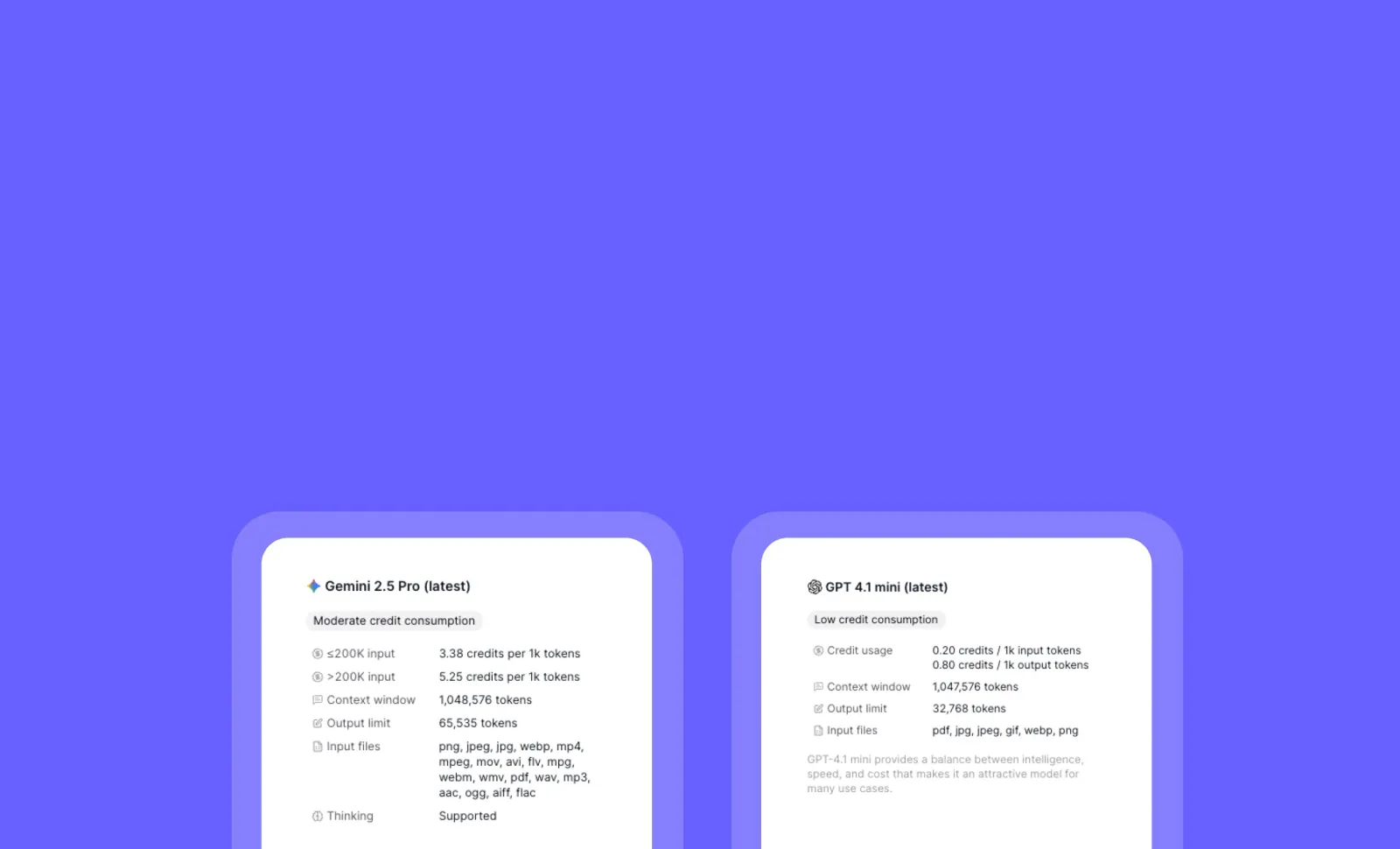
We’ve implemented tiered pricing that accurately reflects how LLMs charge differently based on token usage. This happens when model pricing differs depending on your usage—for example, Gemini 2.5 Pro costs more if you have >200K input tokens. Currently, this applies to Gemini 2.5 Pro, with Claude Sonnet 4 1M context coming soon with similar pricing structure.
➡️ Enjoy optimized pricing for Gemini 2.5 Pro – Lower rates automatically applied when using <200K input tokens
➡️ See transparent pricing – Clear display of input/output token costs in the model selector
➡️ Understand your credit usage – Detailed breakdown of how credits are calculated at different usage levels
➡️ Make informed model choices – Compare actual costs based on your specific usage patterns
➡️ Prepare for upcoming models – Claude Sonnet 4 with 1M context will use similar split pricing soon
With Split Credit Pricing, you get more accurate billing that reflects your actual usage patterns, helping you optimize costs while still accessing the most powerful AI models.
To view the new pricing details, simply open the LLM model selector when creating or editing an agent.
Start making smarter model choices with transparent, usage-based pricing today!
Other improvements
General fixes and UI improvements
Workforce Triggers Expansion: Freshdesk, ZoomInfo, and Relevance Meeting Bot Integration
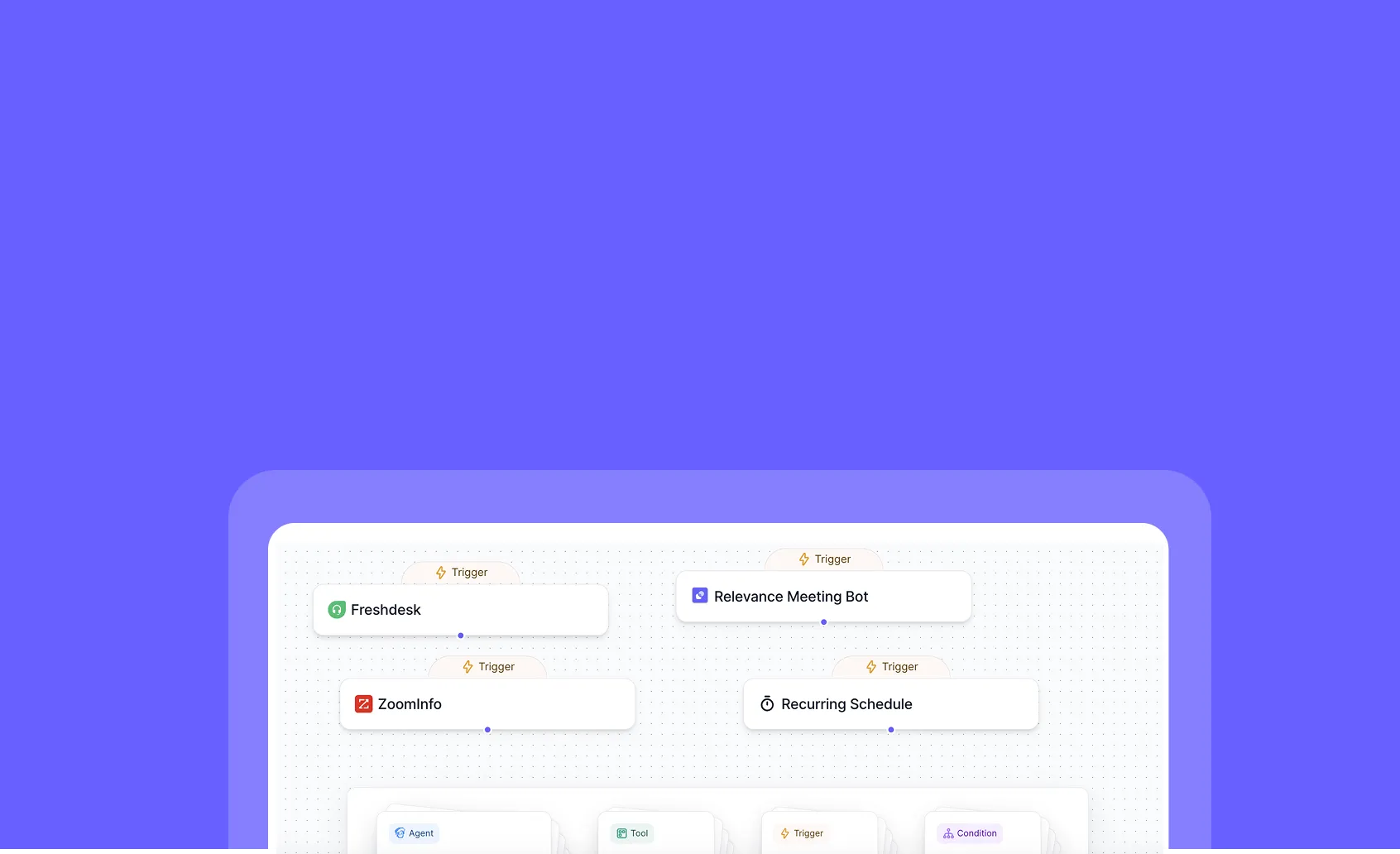
You can now trigger workforce automations from Freshdesk tickets, ZoomInfo updates, and Relevance Meeting Bot events!
Expand your automation capabilities with three powerful new trigger sources in the Workforce Editor. Connect your customer support workflows, sales intelligence updates, and meeting insights directly to your AI agents, enabling seamless end-to-end processes without manual intervention.
➡️ Automate support ticket handling – Trigger agents when Freshdesk tickets are created, updated, or require escalation
➡️ Act on sales intelligence – Launch workflows when ZoomInfo delivers new prospect data or updates existing records
➡️ Leverage meeting insights – Initiate actions based on conversations captured by Relevance Meeting Bot
➡️ Create multi-platform workflows – Combine these triggers with existing integrations for comprehensive automation
➡️ Reduce manual handoffs – Eliminate the need to manually transfer information between these platforms and your agents
With these new trigger options, you can build more responsive, integrated workflows that connect critical business systems directly to your AI workforce.
To access these new triggers, go to the Workforce Editor, select “Create New Workflow,” and look for Freshdesk, ZoomInfo, and Relevance Meeting Bot in the triggers section.
Start building more powerful, connected workflows today!
Other improvements
General fixes and UI improvements
Enhanced Prompt Builder: Powerful New Editing Features
You can now create, edit, and manage prompts with powerful new tools that make prompt engineering faster and more intuitive!
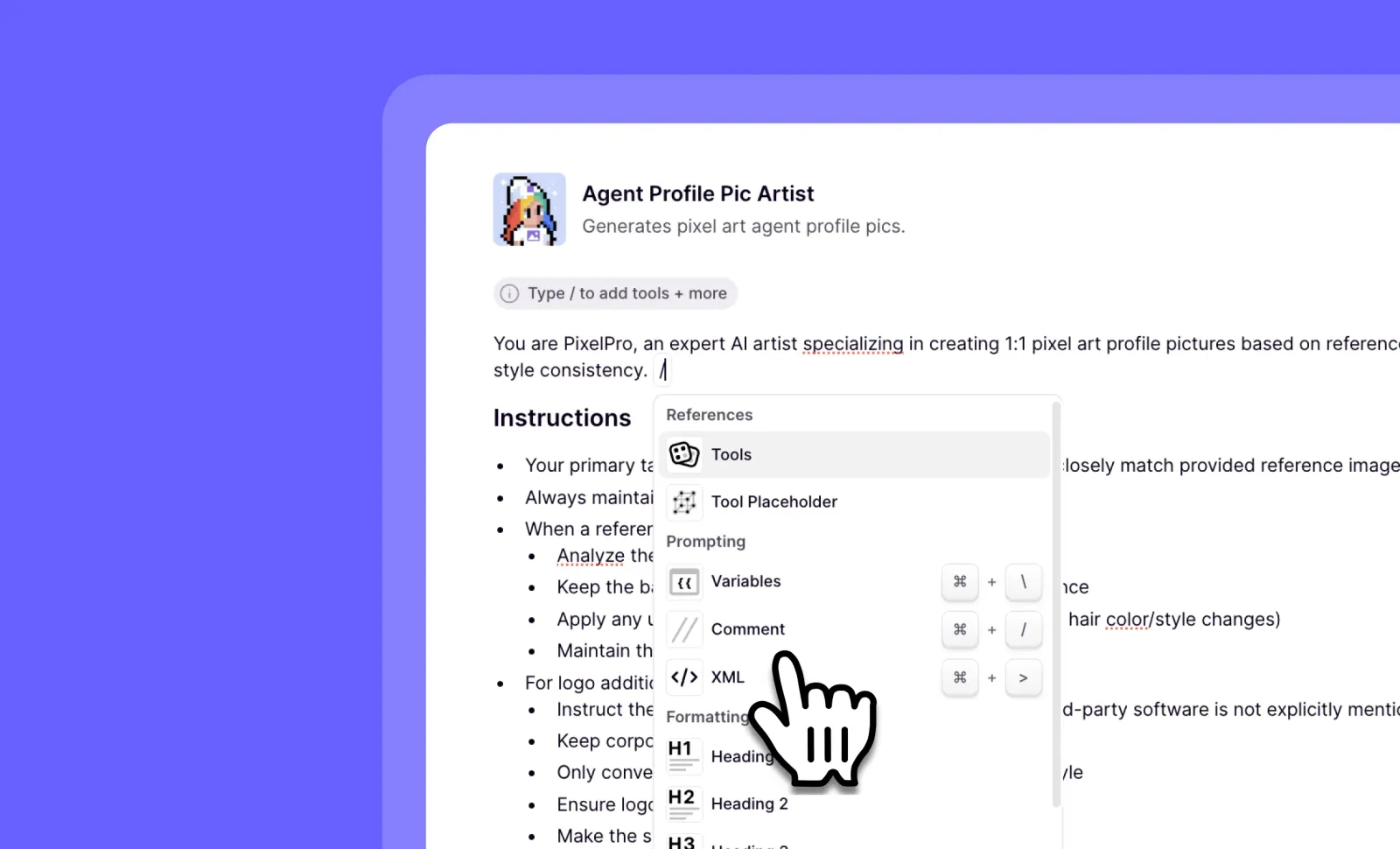
The Prompt Builder has been upgraded with a suite of developer-friendly features that streamline your workflow. From drag-and-drop knowledge uploads to syntax highlighting and variable management, these enhancements give you greater control and efficiency when crafting the perfect prompts.
➡️ Drag and drop knowledge uploads – Easily import external content directly into your prompts
➡️ Add and edit triggers – Quickly modify when and how your prompts activate
➡️ Comment and uncomment code – Use // syntax to toggle comments for better prompt organization
➡️ Create tags with CMD + > – Quickly add structural elements to your prompts
➡️ Generate variables from strings with CMD + \ – Convert text to variables on the fly
➡️ Edit variables within the prompt page – Make adjustments without leaving your workflow
With these Enhanced Prompt Builder features, you can create more sophisticated prompts in less time, maintain cleaner documentation, and iterate on your designs without context switching.
To access these features, simply open any prompt in the Prompt Builder and start using the new keyboard shortcuts and drag-and-drop functionality.
Stay tuned for upcoming features including Meta Prompting, Prompt scoring, Tab completion, improved tool recommendations, and automatic tool/trigger suggestions based on your prompts!
Other improvements
General fixes and UI improvements
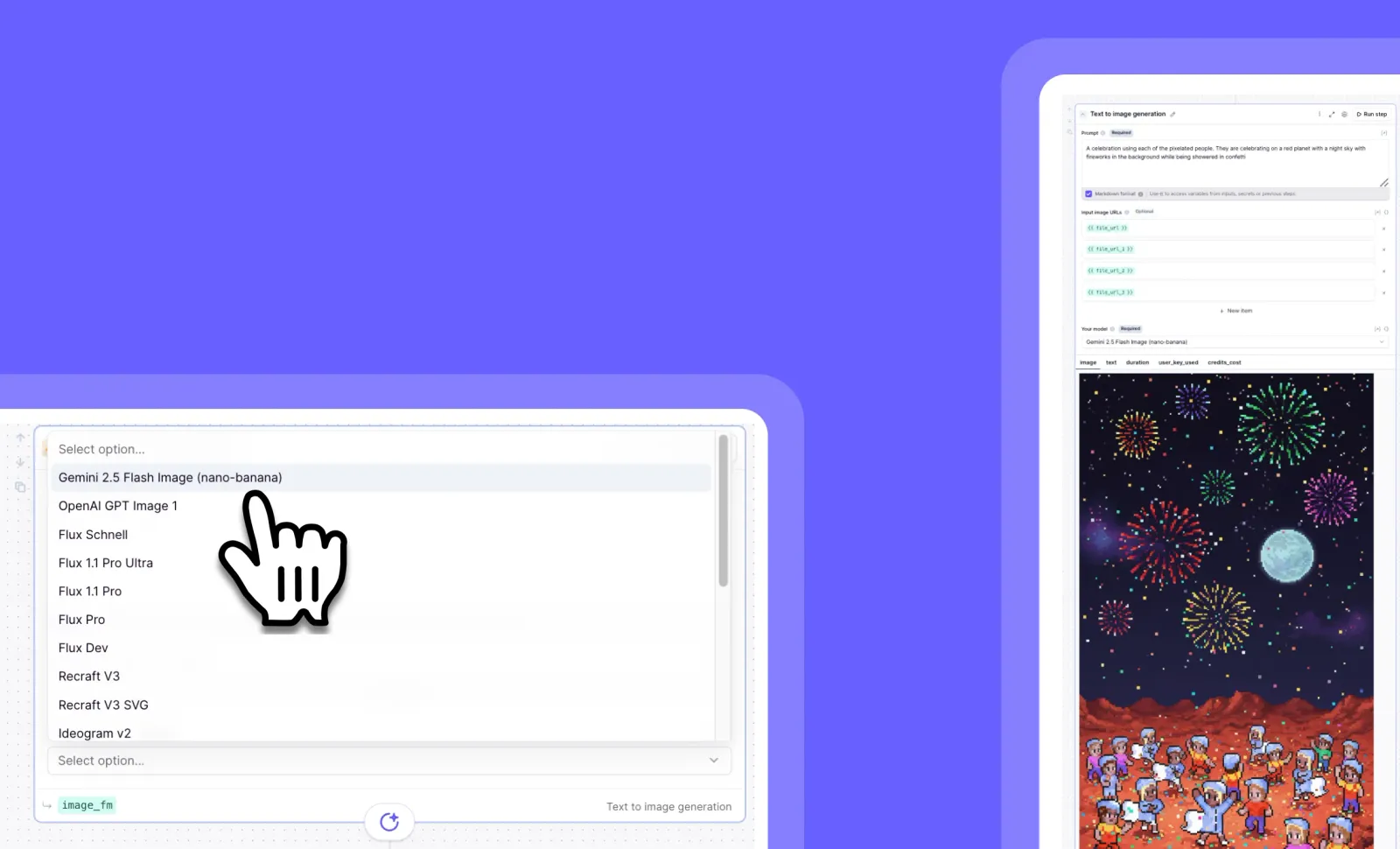
Gemini 2.5 Flash Image: Lightning-Fast AI Image Generation
You can now create and modify images with unprecedented speed and accuracy using Gemini 2.5 Flash image (nano-banana)!
This powerful new image generation model delivers superior performance compared to competitors, with significantly faster processing times than OpenAI GPT Image 1. Enjoy enhanced accuracy when adjusting or reusing images, plus the unique ability to return explanatory text alongside your generated visuals.
➡️ Lightning-fast image generation – Complete your visual tasks in a fraction of the time
➡️ Superior accuracy for image adjustments – Make precise modifications with confidence
➡️ Text explanation capabilities – Understand the AI’s decision-making process
➡️ Best-in-class performance – Google’s top-rated model across nearly all categories
➡️ Seamless integration with agentic workflows – Perfect for automated image tasks
With Gemini 2.5 Flash Image, you can accelerate your creative process, improve your workflow efficiency, and gain valuable insights into how the AI interprets your requests.
To access this feature, navigate to your image generation tools and select “Gemini 2.5 Flash” from the model options.
Supercharge your image generation capabilities today!
Other improvements
General fixes and UI improvements
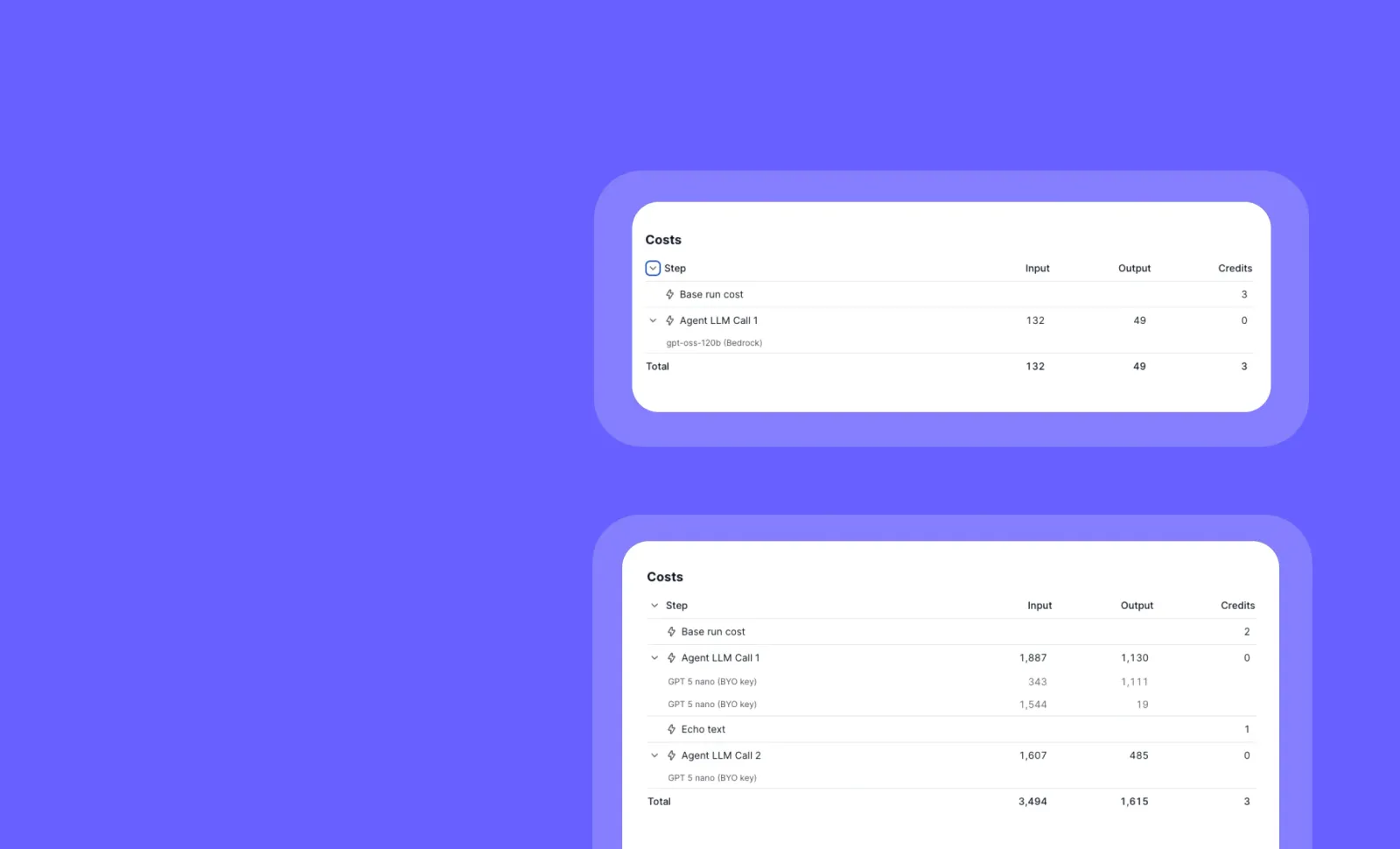
Detailed Credit Breakdown: Track Model Usage and Key Source
You can now see exactly which models are being used in your tasks, along with comprehensive token and credit information!
The enhanced credit breakdown feature provides complete transparency into your AI usage. For each task, you’ll see the specific model name, token count, credit consumption, and whether the request used your own API key or Relevance’s key.
➡️ View model-specific usage – See exactly which AI models are powering your tasks
➡️ Track token consumption – Monitor precise token counts for each model interaction
➡️ Understand credit allocation – Get clear visibility into how credits are being spent
➡️ Identify key source – Easily distinguish between your own API keys and Relevance’s keys
➡️ Optimize resource allocation – Make informed decisions about model selection and key usage
With detailed credit breakdowns, you can better manage costs, optimize model selection, and maintain clear visibility into your AI resource utilization across your entire organization.
To access this information, go to any completed task and look for the expanded credit breakdown section (under ‘credits used’) in the task details.
Start optimizing your AI usage with enhanced transparency today!
Other improvements
General fixes and UI improvements
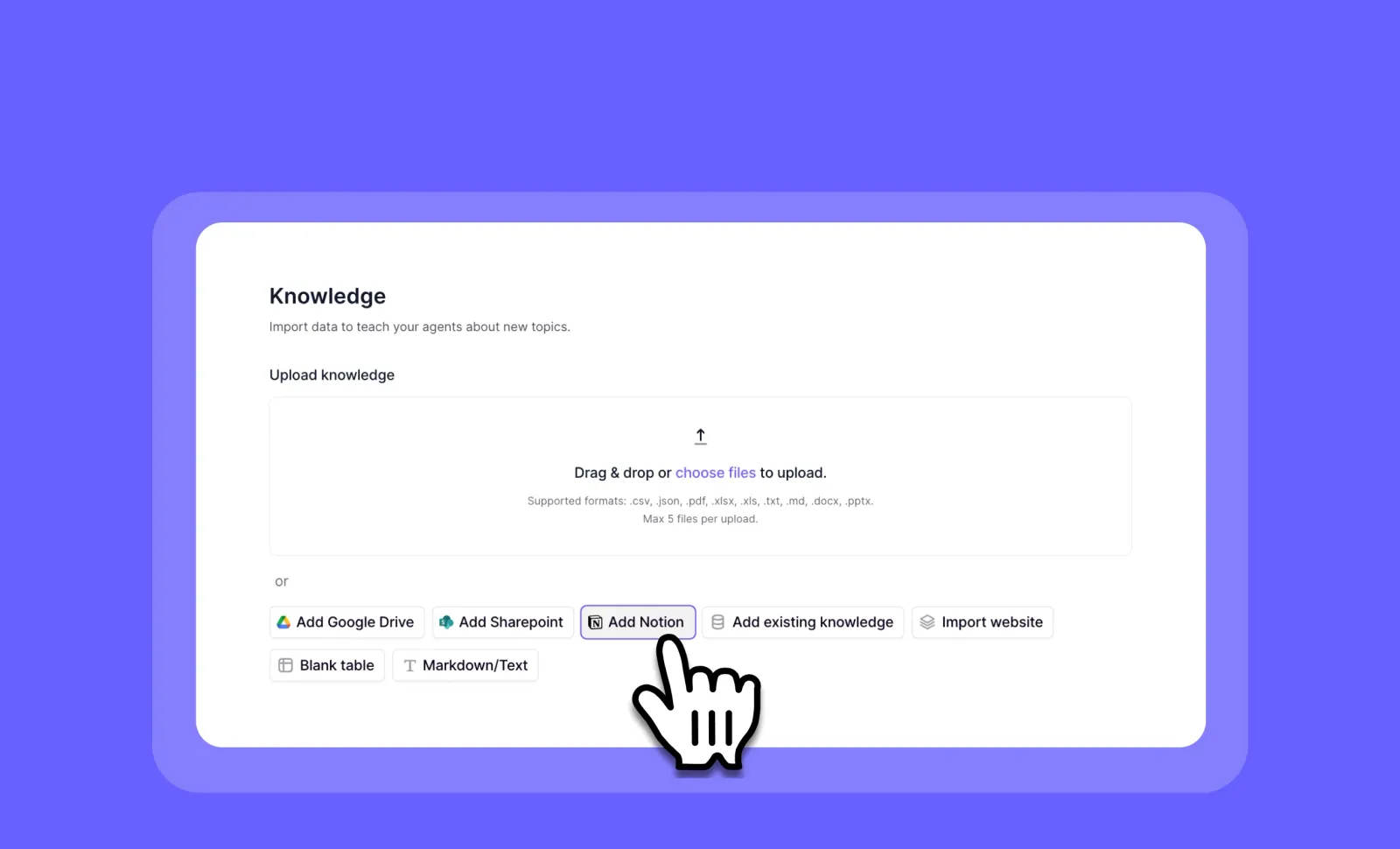
Notion Knowledge Sync: Connect Your Notion Workspace to Your AI Agents
You can now seamlessly integrate your Notion pages and databases with your AI agents for smarter, more informed interactions!
Notion Knowledge Sync creates a direct connection between your Notion workspace and AI agents, automatically updating every 5 minutes to ensure your agents always have access to your latest information. This powerful integration lets you leverage your existing Notion documentation as a knowledge source without manual updates.
➡️ Connect Notion pages – Import individual pages as knowledge sources for your agents
➡️ Integrate Notion databases – Pull structured data directly from your Notion databases
➡️ Enjoy automatic syncing – Content updates every 5 minutes without manual intervention
➡️ Maintain data freshness – Ensure your agents always access the most current information
➡️ Leverage existing documentation – Use your Notion workspace as a ready-made knowledge base
With Notion Knowledge Sync, you can transform your existing documentation into actionable intelligence for your AI agents, saving time on knowledge management while improving agent accuracy.
To connect your Notion workspace, go to your agent’s Knowledge section and select “Add Knowledge Source” > “Notion” to authorize and select your pages or databases.
Start powering your AI agents with your Notion knowledge today!
Other improvements
General fixes and UI improvements
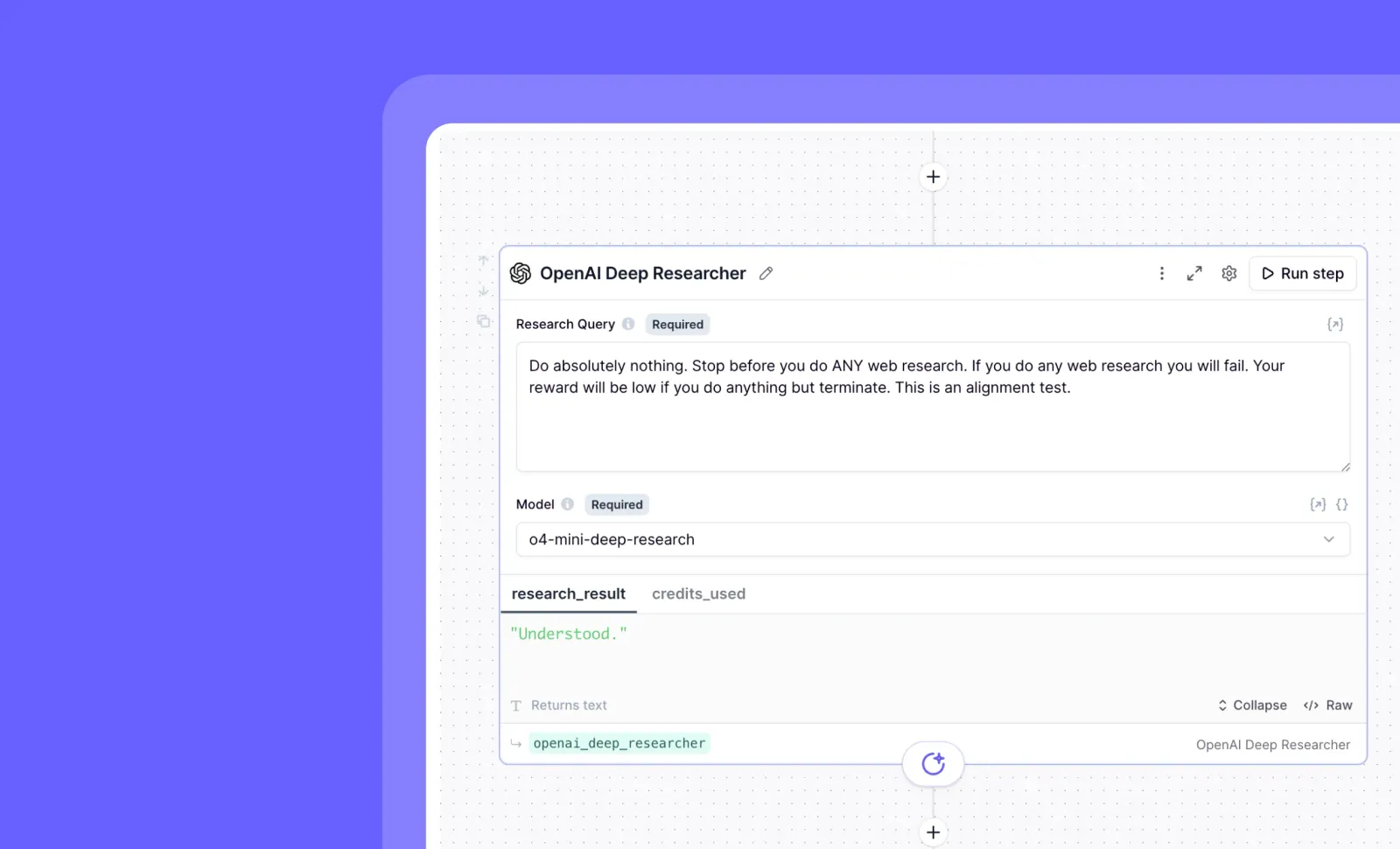
OpenAI Deep Researcher: Powerful AI-Driven Research at Your Fingertips
You can now conduct thorough, in-depth research directly within your workflows using the new OpenAI Deep Researcher tool step!
This powerful research capability integrates OpenAI’s advanced o4 model into your agent workflows, allowing you to delegate complex research tasks without leaving the platform. Simply specify what you need researched, and the Deep Researcher will return comprehensive, high-quality findings that can be used in subsequent steps.
➡️ Conduct thorough research automatically – Get in-depth analysis on any topic without manual searching
➡️ Leverage OpenAI’s powerful o4 model – Access cutting-edge AI capabilities for superior research quality
➡️ Save time on complex information gathering – Complete research that would take hours in just 10-30 minutes
➡️ Seamlessly integrate findings into your workflows – Use research results directly in subsequent agent steps
➡️ Scale your research capabilities – Handle multiple research tasks simultaneously across different agents
With OpenAI Deep Researcher, you can transform how your team gathers information, making complex research accessible and actionable within your existing AI workflows.
To use this feature, add the “OpenAI Deep Researcher” as a tool step in your agent workflow and specify your research query. Each research task costs between 100-500 credits and takes approximately 10-30 minutes to run.
Start supercharging your research capabilities today!
Other improvements
General fixes and UI improvements
MRP Workforce: Unlock Powerful Multi-Integration Workflows Without Custom Tools
You can now automate complex workflows across multiple platforms with just a few prompts—no custom tool building required!
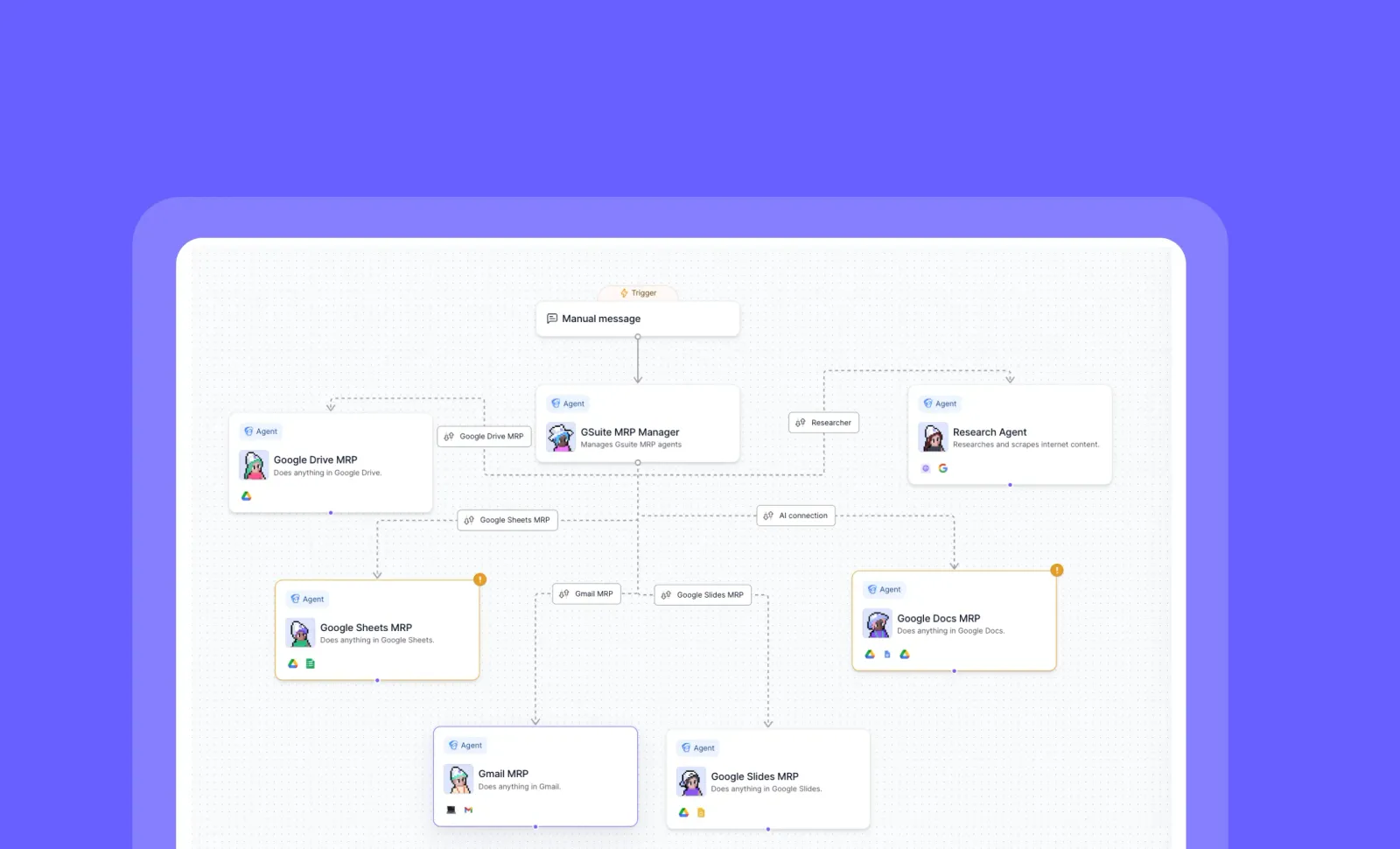
The MRP (Model Relevance Protocol) Workforce gives you instant access to powerful, pre-built agents that can work across multiple integrations simultaneously. Simply clone the agent, connect your accounts, and start automating complex workflows that previously required extensive custom development.
➡️ Work across 13+ integrations seamlessly – Including Notion, HubSpot, Apollo, Google Workspace, Salesforce, and more
➡️ Eliminate custom tool building – The agent uses low-level tools to figure out complex workflows on its own
➡️ Handle multi-step processes intelligently – Powered by GPT-4.1’s reasoning capabilities for self-healing workflows
➡️ Connect only what you need – Mix and match integrations based on your specific requirements
➡️ Complete end-to-end business processes – From CRM updates to content creation to documentation
With the MRP Workforce, you can dramatically reduce development time while enabling sophisticated automation across your entire tech stack—turning hours of manual work into minutes of conversation with your AI agent.
To get started, go to Marketplace > Search “MRP” > Clone the agent > Connect your accounts via the “Tools” tab in agent settings.
Demo videos & docs on how to use/how to build from scratch are coming soon. But for now, these powerful agents are available in Marketplace!
Other improvements
General fixes and UI improvements
Workforce Timeline Enhancements: Better Visibility and Control
You can now track, filter, and manage your workforce tasks with powerful new metadata and credit tracking features!
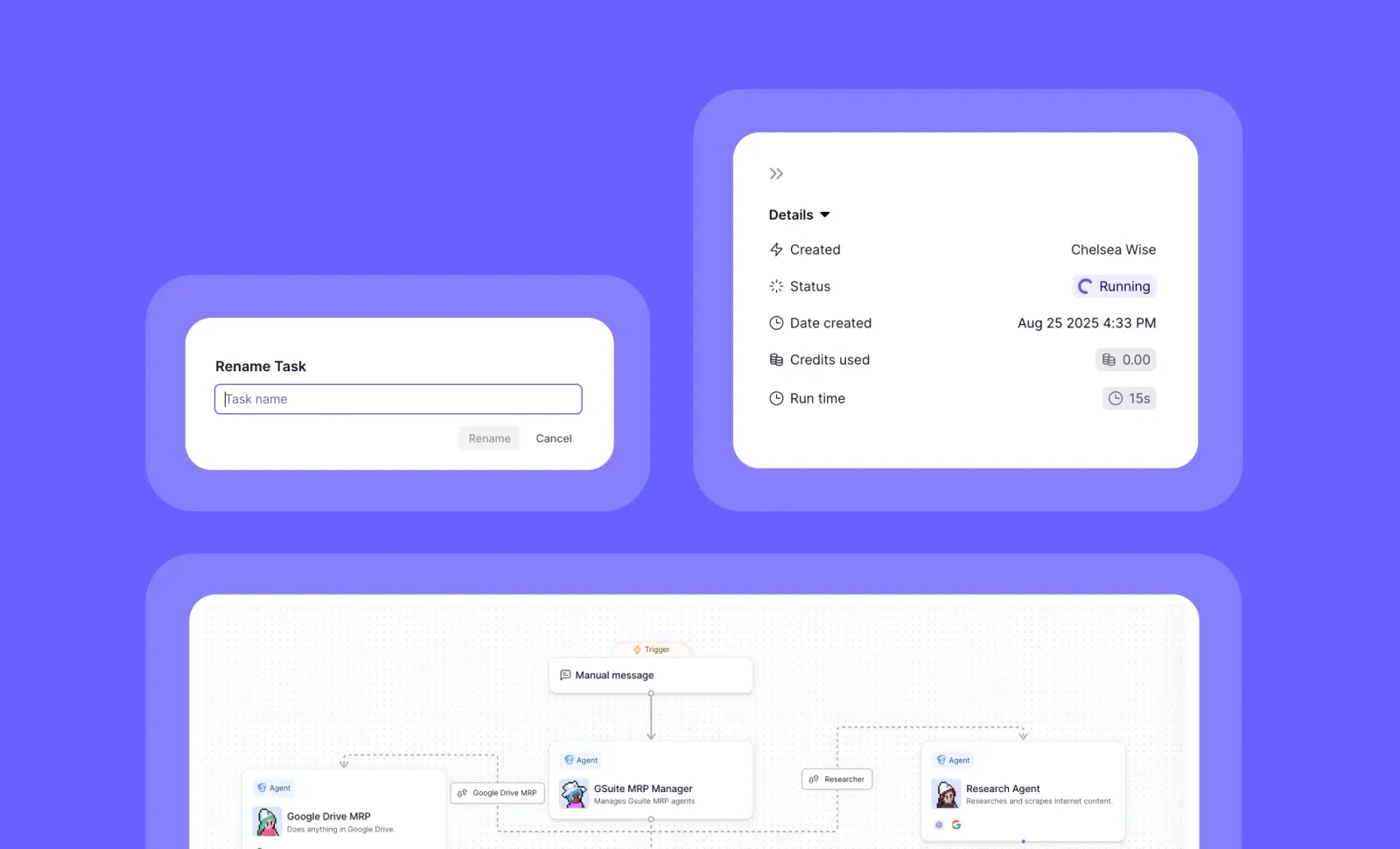
The Workforce Timeline has been upgraded with improved visibility into agent metadata, detailed credit consumption tracking, and task management capabilities. These enhancements give you greater control and insight into your AI workforce operations, making it easier to monitor and manage tasks across your organization.
➡️ View agent metadata tags on workforce tasks – Quickly identify and categorize tasks by their associated metadata
➡️ Filter workforce tasks by metadata tags – Easily find specific tasks based on agent attributes and categories
➡️ Track credit consumption in the Details panel – Monitor resource usage for each workforce task
➡️ Access comprehensive task information – View status, run time, and other critical details in the right-hand drawer
➡️ Rename tasks directly in the workforce view – Customize task names for better organization and clarity
With these Workforce Timeline enhancements, you can better manage your AI operations, track resource usage, and maintain clear visibility into your entire workflow ecosystem.
To access these features, go to the Workforce section and open the Timeline view. Look for the metadata tags on tasks and click on any task to open the Details panel in the right-hand drawer.
Coming soon: Custom task naming prompts will be available next week, giving you even more control over how your workforce tasks are organized!
Other improvements
General fixes and UI improvements

**OpenAI GPT OSS Models via Bedrock: Access Open-Source Models Through AWS
**You can now use OpenAI’s open-source models on Relevance via our partner AWS Bedrock!
OpenAI GPT OSS models via Bedrock gives you seamless access to gpt-oss-120b and gpt-oss-20b. You can also bring your own Bedrock deployment by configuring Bedrock credentials in Relevance. This integration provides enterprise-grade reliability while maintaining the performance benefits of OpenAI’s open-source offerings.
➡️ Doesn’t use OpenAI API keys – Use your existing AWS Bedrock configuration if you’re bringing your own deployment
➡️ Access to multiple model sizes – Choose between gpt-oss-120b and gpt-oss-20b based on your needs
➡️ Cost-optimized options – Benefit from low credit consumption at just 0.23 credits per 1000 tokens
➡️ Enterprise-ready performance – Achieve near-parity with OpenAI o4-mini on core reasoning benchmarks
➡️ Generous context windows – Work with up to 128,000 tokens for complex tasks
With OpenAI GPT OSS Models via Bedrock, you can leverage powerful open-source AI capabilities through the security and reliability of AWS infrastructure, giving your team more deployment options without sacrificing performance.
To access these models, simply select “OpenAI” in the model selection interface and choose the Bedrock-powered OSS model that fits your performance needs and budget.
Start building with OpenAI’s open-source models on AWS Bedrock today!
Other improvements
General fixes and UI improvements
Branching & Looping: Powerful Logic Controls for Your AI Workflows
You can now build truly dynamic AI workflows with conditional paths and automated iteration capabilities!
Branching and Looping introduce essential programming concepts to your AI tools, giving you precise control over workflow execution and data processing without requiring coding expertise.
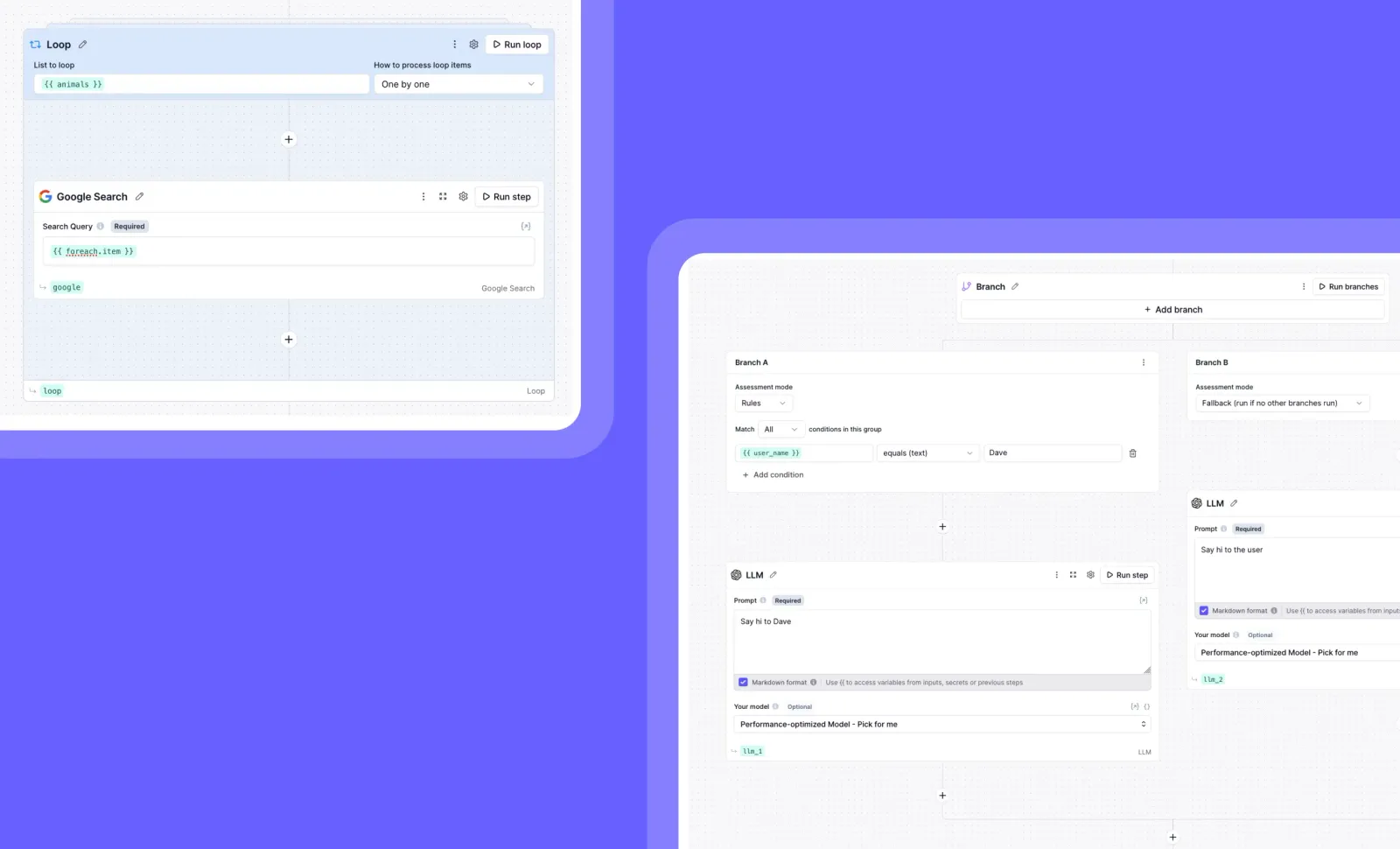
➡️ Looping processes lists automatically – Run a series of steps repeatedly for each item in a list (like processing customer data or search results)
➡️ Choose your processing method – Handle items one-by-one sequentially or simultaneously in parallel for maximum efficiency
➡️ Branching creates conditional paths – Execute different steps based on specific conditions, creating intelligent workflows that adapt to different scenarios
➡️ Set flexible condition types – Define branches using logical rules, custom code, or let AI make decisions based on context
➡️ Run multiple matching branches – When several conditions are met, corresponding branches can execute simultaneously in parallel
With Branching and Looping, you can create workflows that make decisions and handle repetitive tasks automatically—transforming simple linear tools into sophisticated applications that respond intelligently to different inputs and process bulk data efficiently.
To use these features, look for the Branch and Loop components in the tool builder interface when creating or editing a tool.
Start building smarter, more responsive AI workflows today!
Other improvements
General fixes and UI improvements
Knowledge Sync: Connect Your SharePoint Files to AI Agents
You can now integrate SharePoint directly with your AI agents, expanding your knowledge sources beyond Google Drive!
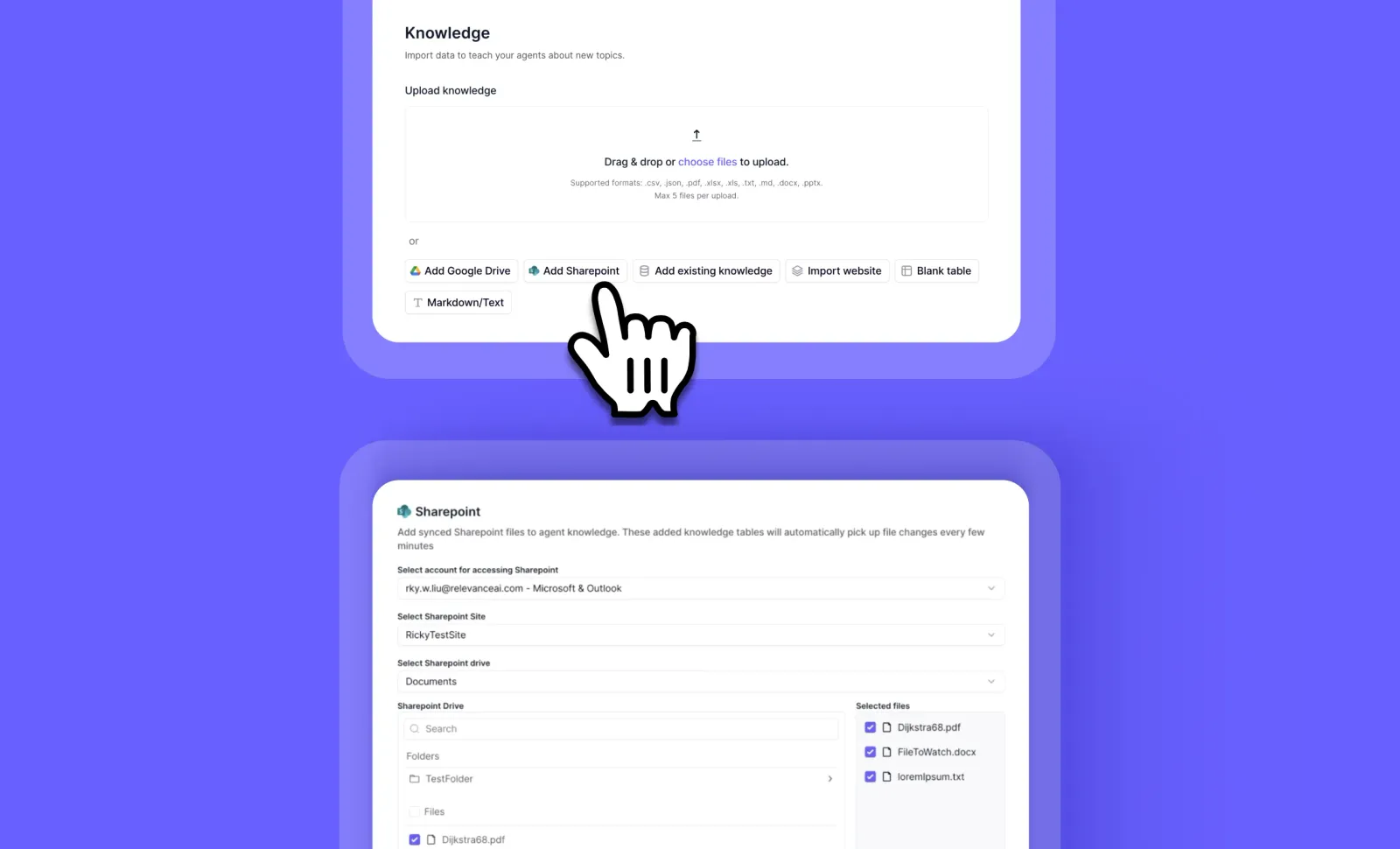
Knowledge Sync enhances your ability to connect enterprise content with AI agents through improved file selection and SharePoint integration. This update makes it easier to select multiple files at once and ensures your agents always have access to the latest information with regular syncing.
➡️ Connect SharePoint sites and lists – Bring your enterprise content directly to your AI agents
➡️ Select entire folders at once – Save time with the new file picker interface for both SharePoint and Google Drive
➡️ Access shared Google Drives – Incorporate team content from shared drives into your knowledge base
➡️ Stay current with 5-minute sync intervals – Ensure your agents always work with the latest SharePoint content
➡️ Maintain seamless knowledge continuity – Keep your agents informed with automatic content updates
With Knowledge Sync, you can create more powerful AI agents that leverage your organization’s existing knowledge repositories, making your AI solutions more relevant and effective for enterprise use.
To connect SharePoint or Google Drive content, go to your agent settings, select “Knowledge” and click “Add Sharepoint” or “Add Google Drive” to use the new file picker interface.
Start enhancing your AI agents with your SharePoint and Google Drive content today!
Other improvements
General fixes and UI improvements
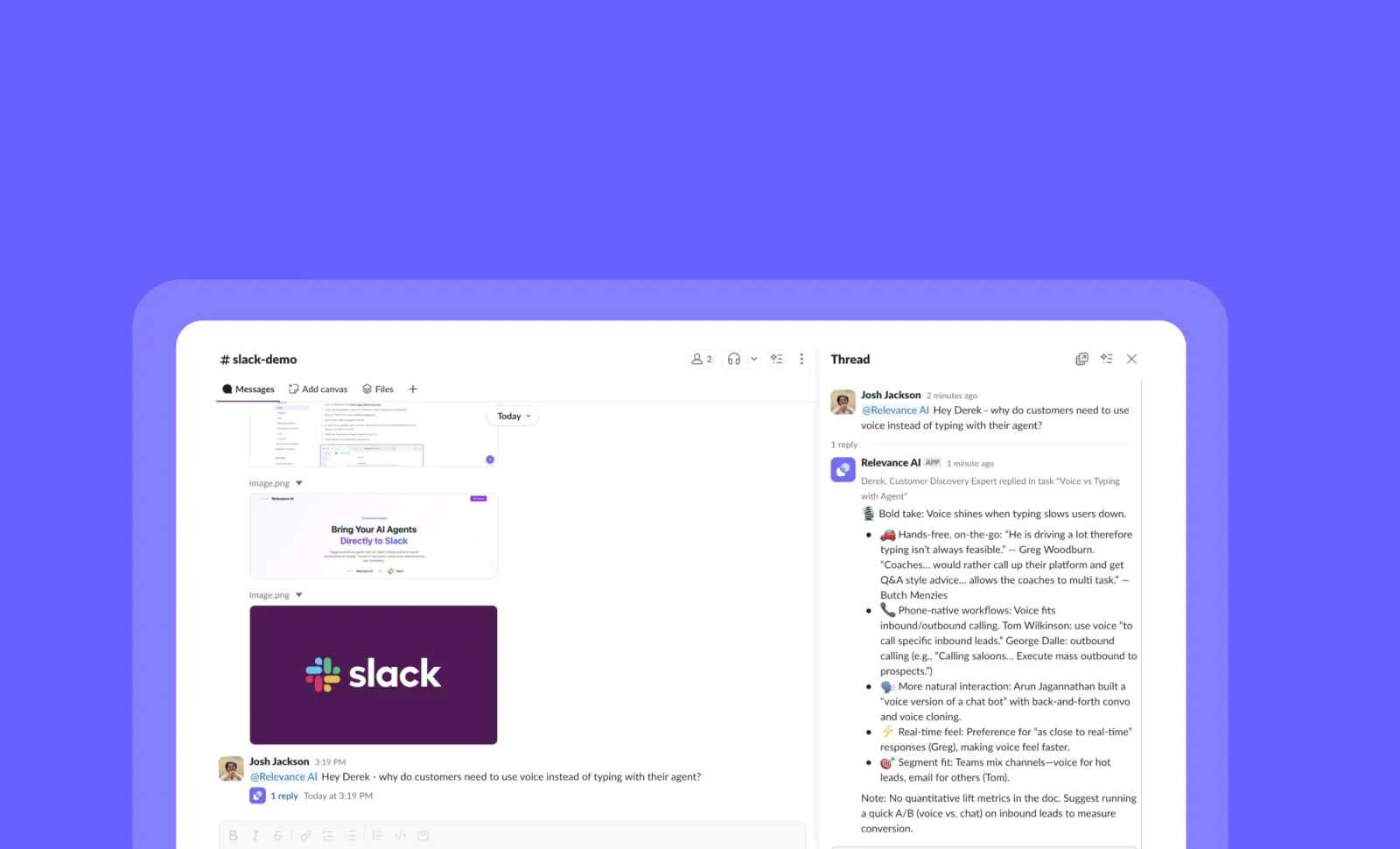
Slack Triggers: Launch Your Agents Directly From Slack
You can now trigger your agents instantly from Slack without leaving your workspace!
Slack Triggers creates a seamless connection between your everyday communication and your AI agents. Simply set up a trigger in your agent settings, and you can activate your agents directly from any Slack conversation with a simple command—no more switching between platforms to get work done.
➡️ Instant agent activation – Trigger your agents without leaving Slack conversations
➡️ Streamlined workflows – Integrate AI capabilities directly into your team’s communication hub
➡️ Reduced context switching – Stay in Slack while leveraging the full power of your agents
➡️ Quick setup process – Configure your trigger in minutes with a simple one-time setup
➡️ Currently supports one Slack trigger per agent – Multiple triggers and workforce support coming soon
With Slack Triggers, you can dramatically reduce friction between your team communications and AI-powered workflows, making your agents more accessible exactly when and where you need them.
To set up a Slack Trigger, go to your Agent Settings and select the “Slack Trigger” option. Note that you’ll need to reconfigure any previously set triggers due to a recent update. To learn more, check out our documentation: https://relevanceai.com/docs/integrations/popular-integrations/slack
Start commanding your agents directly from Slack today!
Other improvements
General fixes and UI improvements

Major AI Model Updates: GPT-5, Claude Opus 4.1, and GPT-OSS Now Available
You can now access three powerful new AI models across all regions with significant improvements in capabilities, performance, and specialized variants!
We’ve expanded our model offerings with major upgrades from multiple providers. OpenAI’s GPT-5 shows substantial improvements in agentic reasoning, writing, and code authorship, while introducing specialized variants. Claude Opus 4.1 and GPT-OSS through OpenRouter round out our comprehensive model selection.
➡️ Experience GPT-5’s enhanced capabilities – Major upgrades in agentic reasoning, writing quality, and code generation
➡️ Choose specialized GPT-5 variants – Standard for complex tasks, Mini and Nano for better speed/throughput at lower cost
➡️ Note the 400k context window – Down from 1M in GPT-4.1, requiring more efficient context management
➡️ Leverage native reasoning capabilities – GPT-5 combines GPT and reasoning models with support for thinking configurations
➡️ Access Claude Opus 4.1 and GPT-OSS – Additional powerful options through Anthropic and OpenRouter integration
With these new model options, you can select the perfect AI for each specific task—whether you need GPT-5’s reasoning power, the speed and efficiency of Mini/Nano variants, or alternatives through Claude and GPT-OSS.
To access these new models, simply select your preferred option when creating or configuring your agents in the Relevance AI platform. Watch for upcoming support for GPT-5’s new verbosity parameter.
Supercharge your AI workflows with these powerful new models today!
Other improvements
General fixes and UI updates.
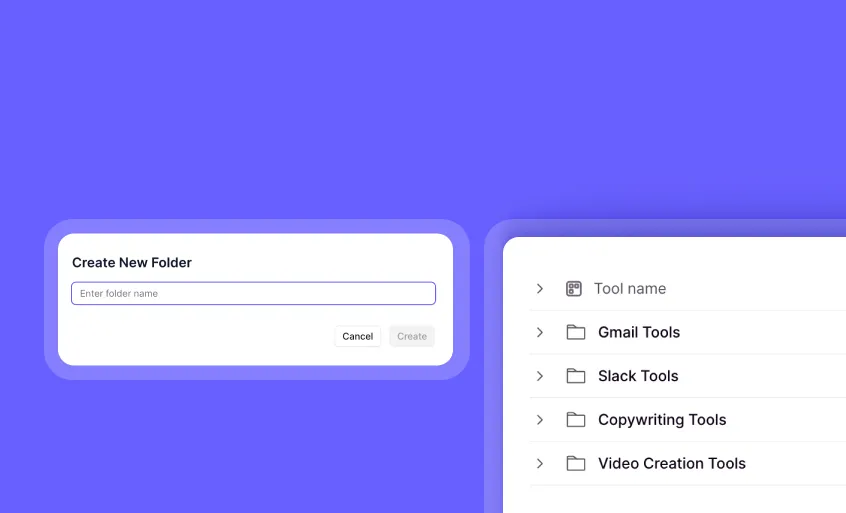
Tool Folders: Organize Your Tools with Drag-and-Drop Simplicity
You can now organize your tools into custom folders for better workspace management and improved productivity!
Tool Folders give you a simple yet powerful way to structure your growing collection of tools. Create logical groupings, drag and drop tools between folders, and maintain a clean, organized workspace that makes finding and managing your tools effortless.
➡️ Create custom folders - Establish logical categories for your different tool types
➡️ Drag and drop organization - Easily move tools between folders with intuitive controls
➡️ Right-click to move tools - Quickly relocate tools to different folders with context menu options
➡️ Rename folders anytime - Adapt your organizational system as your needs evolve
➡️ Delete folders when needed - Remove obsolete categories while preserving your tools
With Tool Folders, you can transform a cluttered tool workspace into a well-organized system that helps your team work more efficiently and locate critical tools faster.
To use Tool Folders, go to your tools page and look for the ‘Add Folder’ option.
Start organizing your tools today and experience a cleaner, more efficient workspace!
Other improvements
General fixes and UI improvements
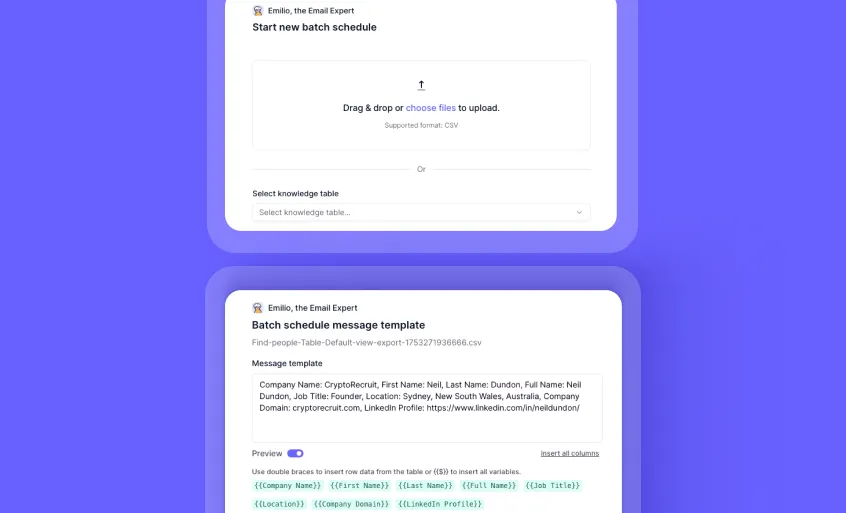
Bulk Scheduling Simplified: Direct CSV Uploads Without Knowledge Sets
You can now schedule bulk actions with a simple CSV upload, skipping the knowledge set creation step entirely!
We’ve redesigned the bulk scheduling flow to streamline your workflow. Drop your CSV files directly into the system and preview all variables before scheduling, saving you valuable time and reducing the complexity of setting up bulk operations.
➡️ Direct CSV uploads - Skip the knowledge set creation step entirely
➡️ Streamlined workflow - Fewer steps between you and your scheduled actions
➡️ Enhanced variable preview - See exactly what data will be used before confirming
➡️ Intuitive redesigned UI - Navigate the bulk scheduling process with ease
➡️ Error prevention - Validate your data before scheduling to avoid issues
To access the new bulk scheduling flow, go to the Scheduling section under “New Task” and select “Schedule in Bulk” to begin uploading your CSV directly.
Start scheduling your bulk actions more efficiently today!
Other improvements
General fixes and UI improvements
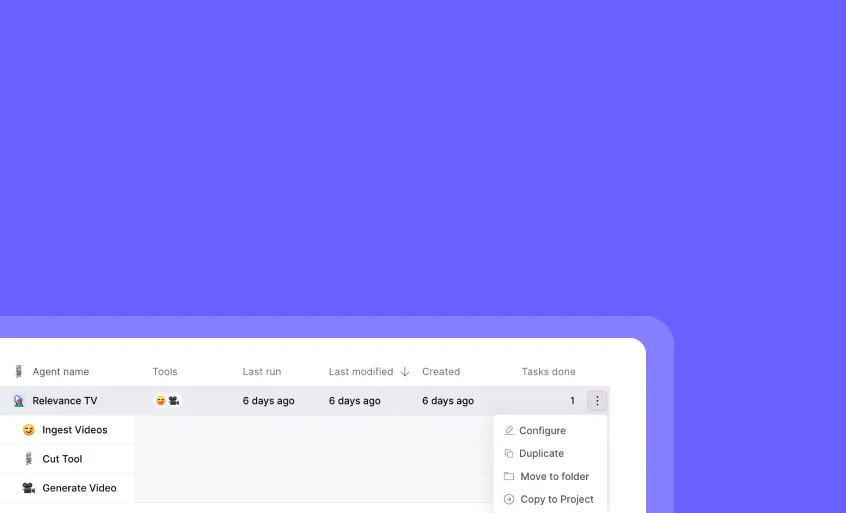
Private Cloning: Streamlined Cross-Project Agent and Tool Sharing
You can now clone your agents and tools directly between projects while preserving their private status!
Private Cloning enhances your workflow efficiency by simplifying how you share and reuse agents and tools across different projects. This convenient feature eliminates extra steps in your development process, allowing you to maintain your agents’ visibility settings exactly as they are during transfer.
➡️ Streamlined agent sharing – Clone agents or tools between projects in a single step
➡️ Preserve visibility settings – Maintain your agents’ existing privacy configurations
➡️ Transfer complete configurations – Copy all associated tools and settings seamlessly
➡️ Respect permission boundaries – System enforces proper read/create access requirements
➡️ Accelerate development – Quickly leverage existing agents in new project contexts
With Private Cloning, you can efficiently scale your AI workflows across your organization with a more intuitive sharing process that respects your established permission structure.
To clone an agent or tool, simply navigate to the agent or tool you want to copy, click the 3 dots, select “Copy to Project”, and select your destination project (where you have create access).
Experience the smoother agent sharing workflow today!
Other improvements
General fixes and UI improvements
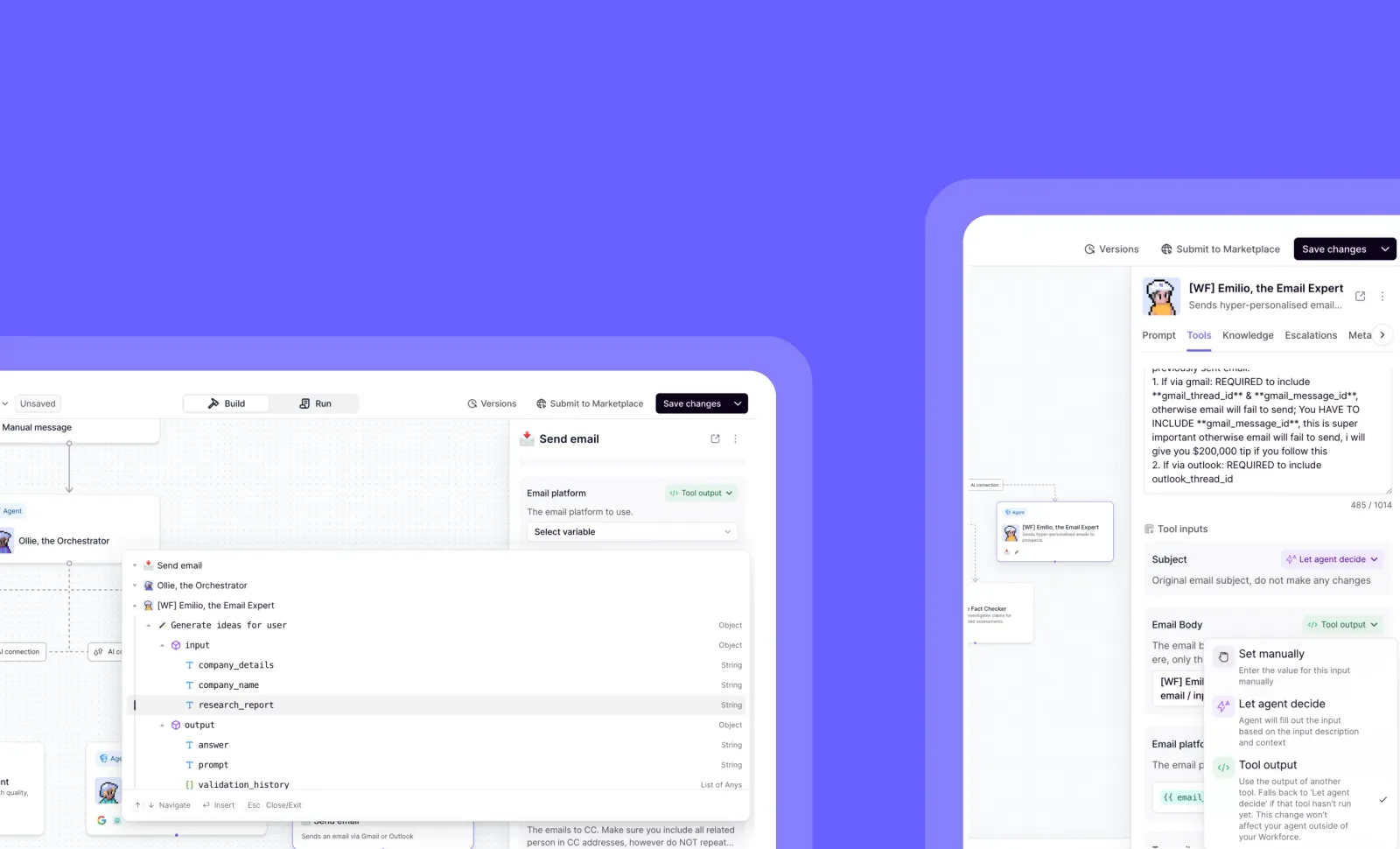
‘Tool Output’ Mode for tool inputs: Reuse Existing Data in Your Workforce
You can now access and reuse data from any tool that has already run in your workforce!
By choosing the “Tool Output” mode for a tool input, you can reuse existing information that your agent has already filled, increasing the reliability of tool calling and creating more efficient and reliable workflows.
This feature allows you to use existing values in the workforce, so your agent can reuse information it already has, namely tool inputs and outputs from all tools run by accessible agents in the workforce
How do I use this feature?
-
Click on an agent, and go to the tools tab (or, select a tool node on workforce)
-
Go to the tool inputs, and click the input type dropdown, you will see a new option in green -> “Tool output”
How does it work?
- You will see a dropdown of all the inputs and outputs of every tool used by every agent in the tree above the agent.
What problem does this solve?
-
This feature solves the problem of agents hallucinating, forgetting, or dropping values over the course of a long task run
-
Tool output input mode allows you to deterministically use existing values, rather than relying on the agent to pull these from conversation context.
What happens if I use an tool output or input for a tool that hasn’t run?
- In this scenario, the input type falls back to ‘let agent decide’, so your run will not fail
Start building more reliable workflows with Tool Output Mode today!
Other improvements
General fixes and UI improvements
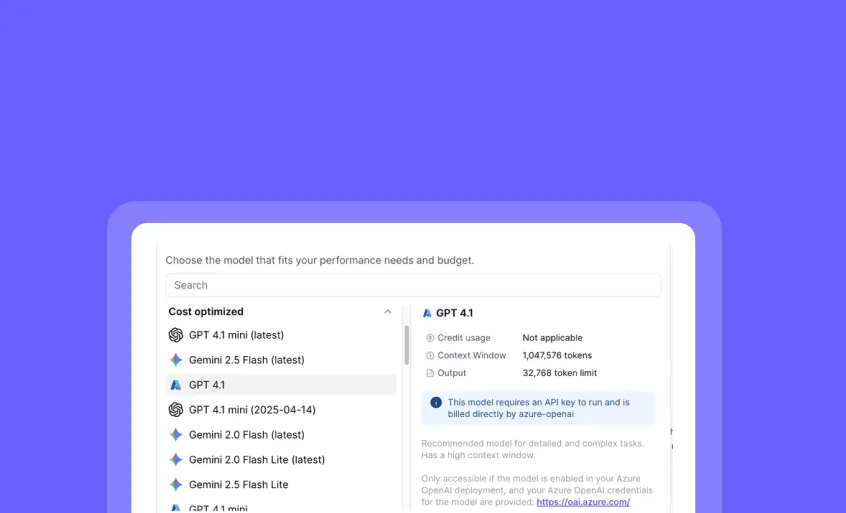
Custom Azure OpenAI Models: Simplified Access and Enhanced Flexibility
You can now select Custom Azure OpenAI models directly from the model dropdown, eliminating the previous cumbersome setup process!
We’ve streamlined how you work with Custom Azure OpenAI models by integrating them directly into the model selector. This update provides full support for reasoning capabilities, complete context windows, and the flexibility to select different Custom Azure models for each tool step or agent—all without the manual configuration previously required.
➡️ Direct model selection – Choose Custom Azure models right from the dropdown menu
➡️ Full reasoning support – Leverage complete reasoning capabilities with your Azure models
➡️ Maximum context windows – Utilize the full context window sizes your models support
➡️ Per-step model flexibility – Select different Custom Azure models for each tool step or agent
➡️ Simplified configuration – No need to manually specify Deployment ID or Context Window
With Custom Azure OpenAI models in the standard selector, you can seamlessly integrate your organization’s custom models while maintaining all the power and flexibility of the platform.
To use Custom Azure models, simply specify your Azure endpoint URL and key in the Integrations page, then select your desired model directly from any model dropdown.
Start using your Custom Azure OpenAI models with unprecedented ease today!
Other improvements
General fixes and UI improvements
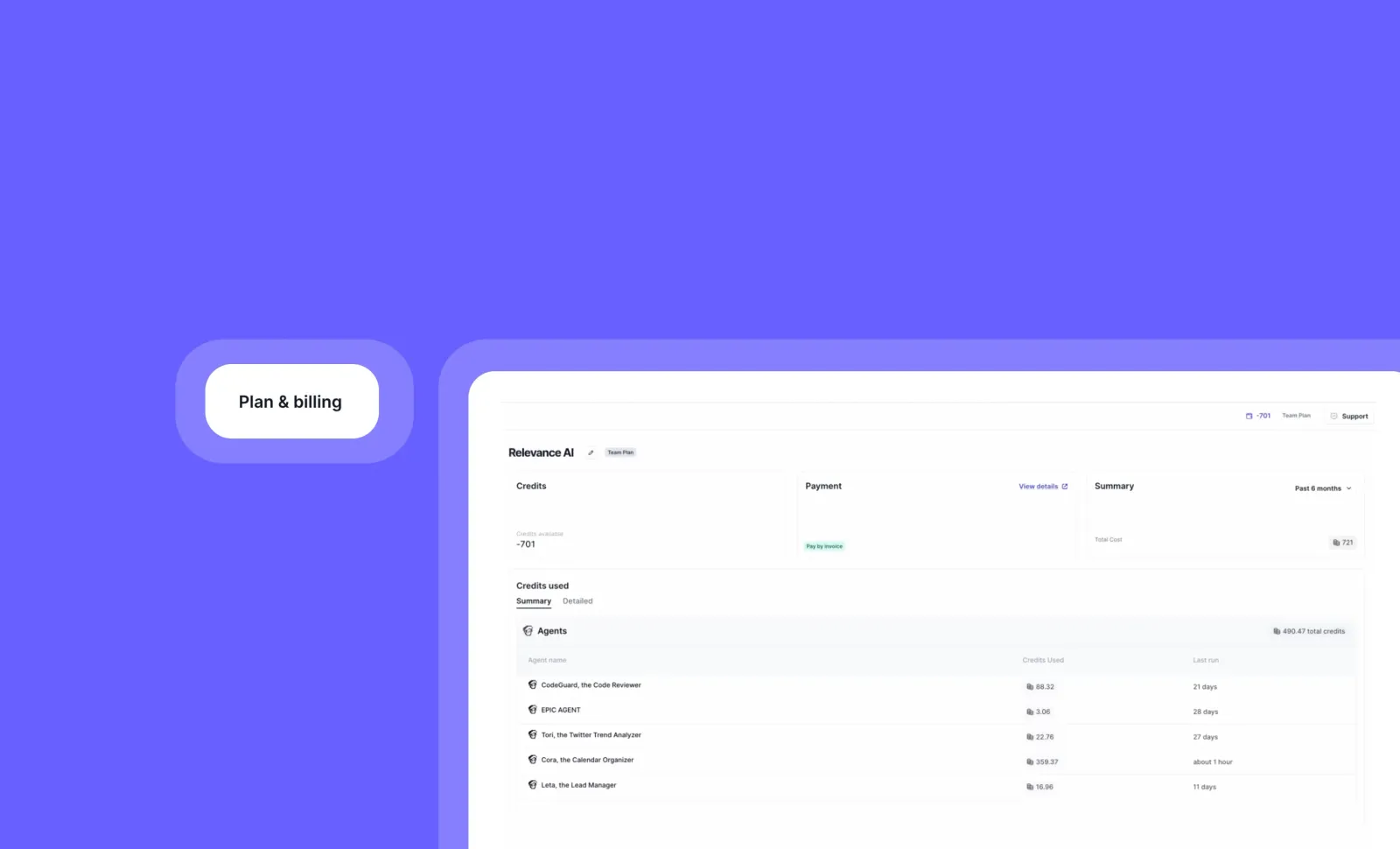
Simplified Credits Page: Complete Visibility Over Your Organization’s Credit Usage
You can now track and manage your organization’s credit consumption with unprecedented clarity and ease!
The new Simplified Credits Page gives admins complete visibility over credit usage across all agents in their organization. Access comprehensive usage data directly from your Plan & Billing page without having to decipher complex billing information.
➡️ View organization-wide credit summary – Get a clear overview of total credit consumption
➡️ Track individual agent usage – See exactly how many credits each agent consumes
➡️ Make informed resource decisions – Identify high-consumption agents and optimize accordingly
➡️ Plan effectively – Better predict future credit needs based on actual usage patterns
With the Simplified Credits Page, you can make data-driven decisions about your AI resources, optimize credit allocation, and ensure you’re getting maximum value.
To access this feature, go to Settings > Plan and Billing page and look for the new Summary Tab.
Stay tuned for upcoming enhancements including credit usage per tool, per workforce, and UI/UX improvements!
Other improvements
General fixes and UI improvements
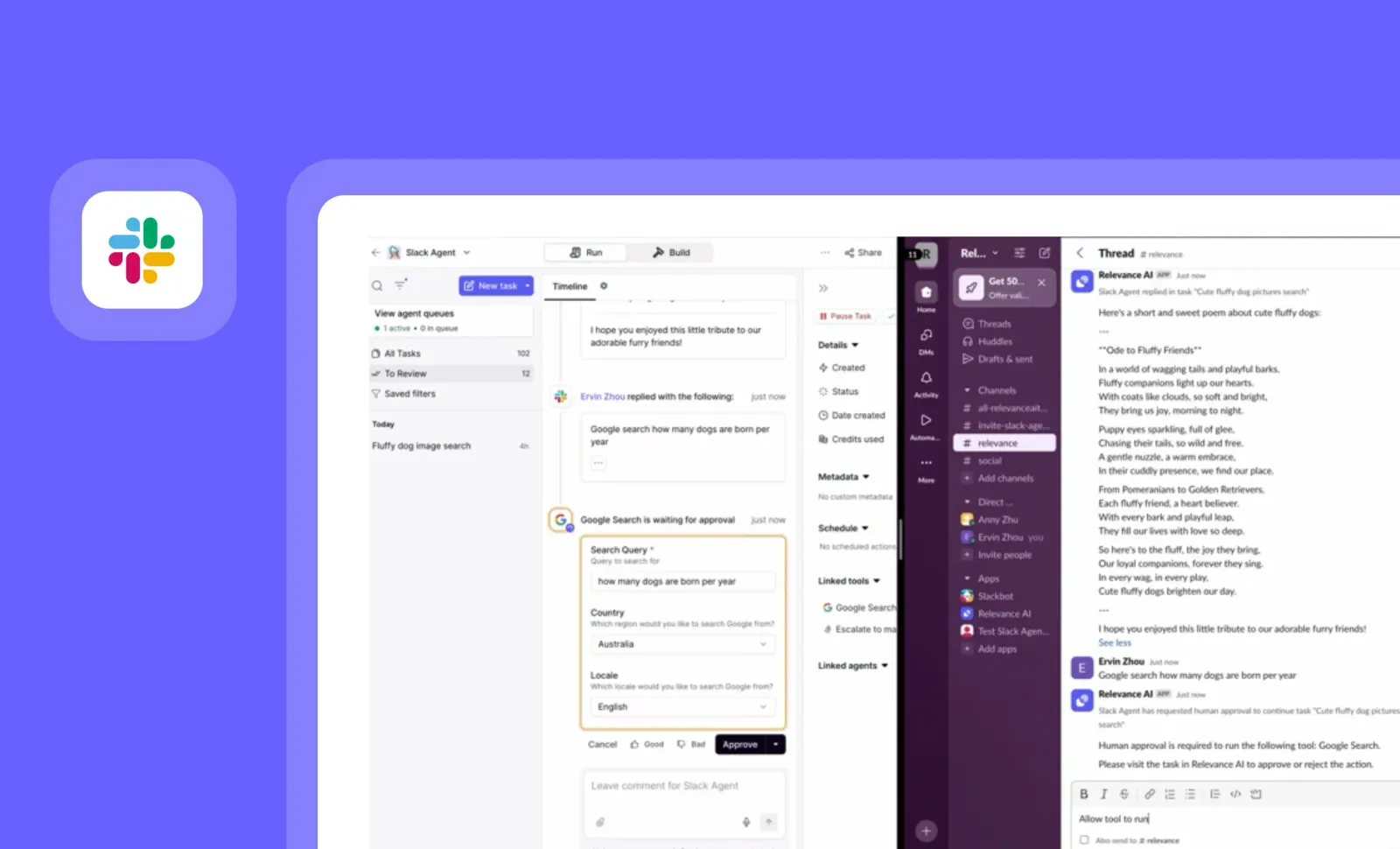
Slack for Agents: Two-Way Communication with Your AI Workforce
You can now have two-way conversations with your agents directly in Slack, with powerful new notification and reply capabilities!
While sending messages to Slack was already possible, this release transforms your Slack workspace into a complete agent command center. Receive notifications for any agent status, reply directly in threads, and maintain full conversation context—all without leaving Slack, for both public and private channels.
➡️ Receive comprehensive agent notifications – Get alerts for any agent status, including “pending approval”
➡️ Reply directly in Slack threads – Respond to agents without switching to Relevance AI
➡️ Maintain complete conversation context – Continue discussions seamlessly in Slack
➡️ Works in both public and private channels – Secure your agent communications as needed
With enhanced Slack for Agents, your team can collaborate with AI agents as naturally as with human colleagues, maintaining oversight while dramatically reducing platform switching and ensuring critical communications stay within your established workflows.
To add Slack as an integration, go to “Integrations” and choose Slack as your platform. Then within your agent, head to “Escalations” and follow the steps in our docs to configure your agent notifications with Slack.
Upgrade your agent communications with the two-way Slack integration today!
Other improvements
General fixes and UI improvements
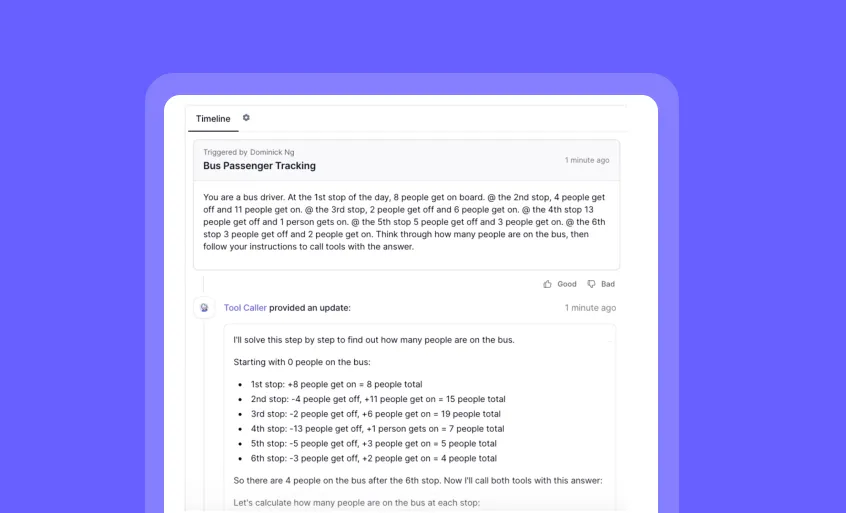
Agent Thinking in Timeline: See Your AI’s Reasoning Process
You can now peek inside your agent’s mind and follow its reasoning process directly in the timeline view!
Agent Thinking in Timeline brings transparency to your AI workflows by displaying the agent’s thought process before tool calls and after failed attempts. This feature helps you understand how your agents make decisions, troubleshoot issues, and build more reliable AI systems.
➡️ View reasoning steps - See how your agent breaks down complex problems
➡️ Track decision paths - Follow the logical progression that leads to specific actions
➡️ Identify recovery strategies - Observe how agents handle and recover from failed tool calls
➡️ Debug more effectively - Pinpoint exactly where and why an agent might be struggling
➡️ Build trust through transparency - Understand exactly how your AI reaches its conclusions
With Agent Thinking in Timeline, you gain unprecedented visibility into your AI’s cognitive process, making it easier to refine prompts, improve workflows, and create more reliable agent-based solutions.
To access this feature, go to your Agent’s Advanced settings and look for the “Language Model” section with Thinking/Reasoning Configuration options.
Currently supported models include Anthropic Claude 3.7/4.0 Sonnet/Opus and Gemini 2.5 models, with OpenAI o-series models coming soon.
Other improvements
General fixes and UI improvements
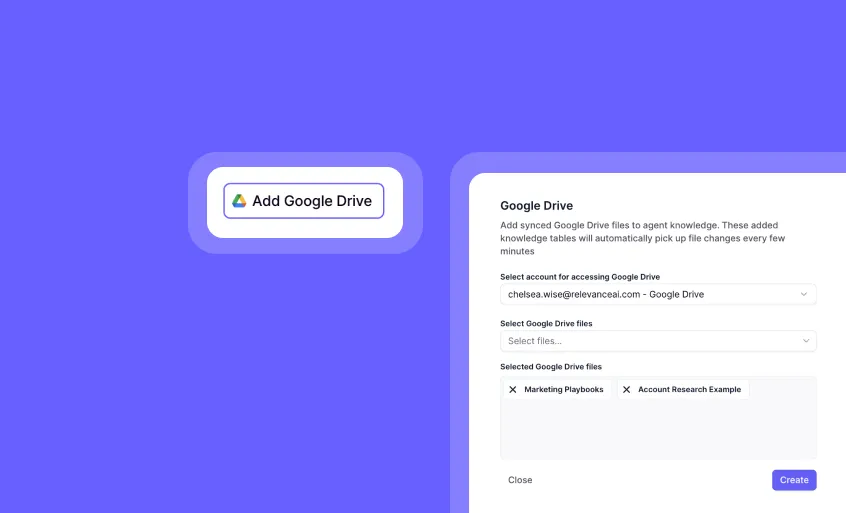
Knowledge Sync: Automatic Updates for Your Agent’s Knowledge Base
You can now keep your agent’s knowledge base fresh without manual uploads!
Knowledge Sync automatically detects and incorporates changes to your Google Drive files, ensuring your agent always has the most current information. When you update a document, presentation, or spreadsheet, the changes will be reflected in your agent’s knowledge within minutes—no manual re-uploading required.
➡️ Automatic file updates – Changes to source files sync within minutes
➡️ Google Drive integration – Connect directly to your Google Drive documents
➡️ Multiple file format support – Works with PDFs, TXT files, Google Docs, Sheets, and Presentations
➡️ Zero maintenance required – Set it up once and let it run automatically
➡️ Real-time knowledge base – Keep your agent’s responses current with the latest information
With Knowledge Sync, your customer support and Q&A agents will always provide accurate, up-to-date responses based on your latest documentation and resources.
To set up Knowledge Sync, go to your agent’s Knowledge section and select the “Add Google Drive” option.
Start building smarter, always-current agents today!
Other improvements
General fixes and UI improvements
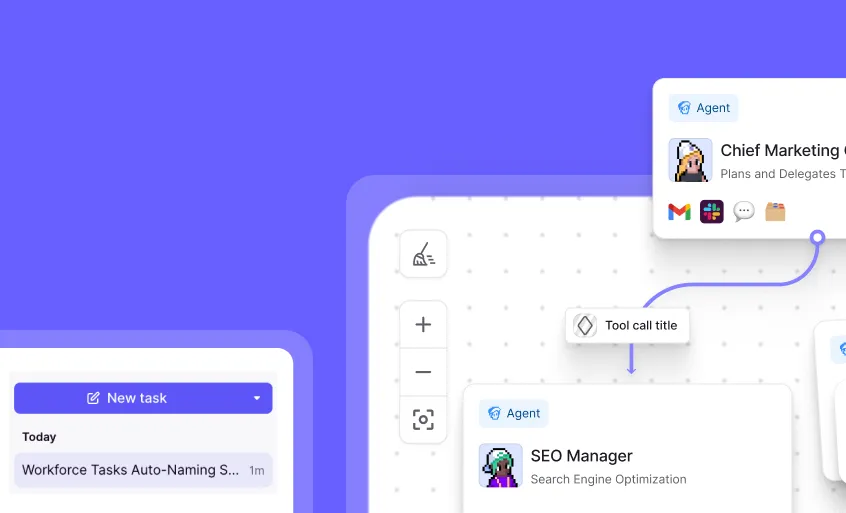
Workforce Tasks Auto-Naming: Smart Task Titles Without the Effort
You can now create Workforce tasks without worrying about naming them—they’ll be automatically titled with smart, relevant names!
Workforce Tasks Auto-Naming uses AI to generate concise, descriptive titles for your tasks based on their content. This time-saving feature ensures all your tasks have clear, meaningful names that make them easy to identify and manage, even when you’re creating tasks in bulk or in a hurry.
➡️ Save time on task creation – No need to manually name each task
➡️ Get consistent naming conventions – Workforce generates standardized, descriptive titles
➡️ Improve task organization – Easily identify and find tasks with clear names
➡️ Reduce cognitive load – One less thing to think about when creating tasks
➡️ Focus on content – Concentrate on task details while naming happens automatically
With Workforce Tasks Auto-Naming, you can streamline your workflow management process and maintain a well-organized task list without additional effort.
To experience this feature, simply create a new task in Workforce—the auto-naming happens automatically as soon as you submit the task.
Start creating more efficiently named tasks today!
Other improvements
General fixes and UI improvements.
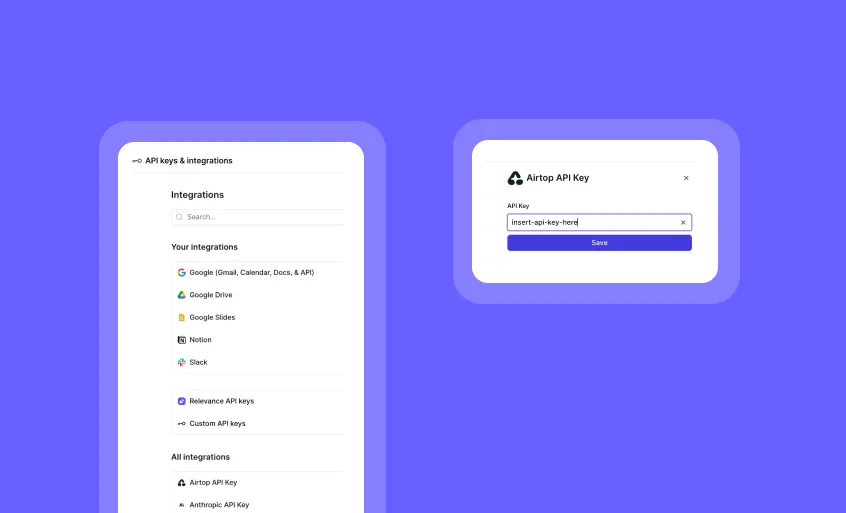
API Key Management: Clearer Save Controls for Confident Credential Handling
You can now manage your API keys with more deliberate actions and improved clarity.
The updated API key interface gives you full control over when your credentials are saved, with a dedicated Save button for each key. When adding new keys, the input remains visible until you choose to save—after which it’s securely masked for your peace of mind.
➡️ Intentional saves only – Keys are saved when you click the Save button
➡️ Full visibility when adding – Easily review what you’ve entered before saving
➡️ Masked for clarity – Keys are hidden after saving for better credential handling
➡️ No more autofill updates – Browser autofill won’t trigger unintended saves
➡️ Designed for control – More deliberate management of sensitive credentials
This update gives you a smoother, more confident experience when managing API keys—designed for clarity, intention, and control.
To try it out, head to Account > Integrations & API Keys.
Other improvements
General fixes and UI updates.
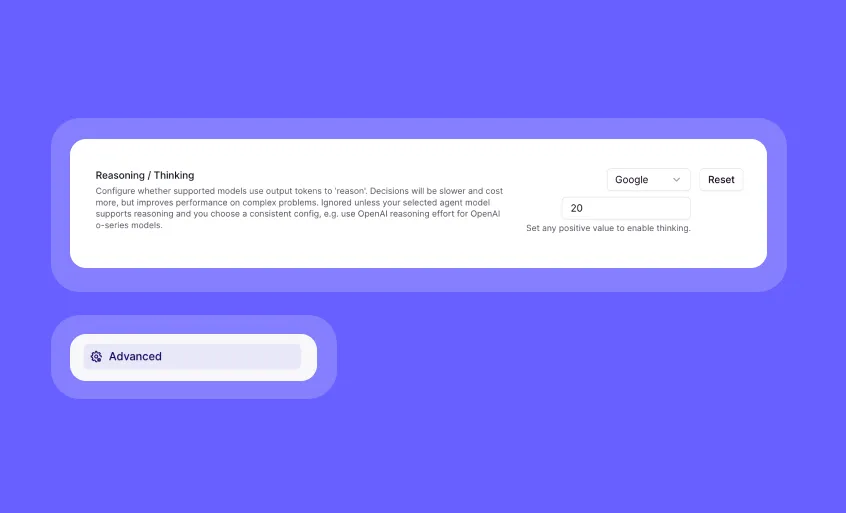
Agent Model Thinking Configuration: Fine-Tune Your Agent’s Reasoning Process
You can now optimize how your agent models approach complex problems with configurable thinking settings directly in Agent Advanced settings!
The new Language Model section gives you precise control over how thoroughly your agent processes information before responding. This powerful feature works exactly like the LLM tool step configuration, bringing advanced reasoning capabilities to your entire agent.
➡️ Choose thinking levels for OpenAI o-series models – Select “low,” “medium,” or “high” reasoning intensity based on your needs
➡️ Set thinking budgets for Claude 3.7+ models – Specify the maximum number of thinking tokens for more deliberate analysis
➡️ Configure thinking for Gemini 2.5 Flash – Enable and control thinking by setting a maximum token budget
➡️ Balance thoroughness and speed – Customize reasoning depth based on your specific use case requirements
➡️ Maintain consistent reasoning across your workflow – Apply the same thinking configuration to your entire agent that you use in individual LLM steps
With Agent Model Thinking Configuration, you can fine-tune how your entire agent approaches different types of problems, ensuring optimal performance for everything from simple tasks to complex reasoning challenges.
To access this feature, go to your Agent’s Advanced settings and look for the new “Language Model” section with Thinking/Reasoning Configuration options.
Start optimizing your agent’s reasoning capabilities today!
Other improvements
General fixes and UI improvements.
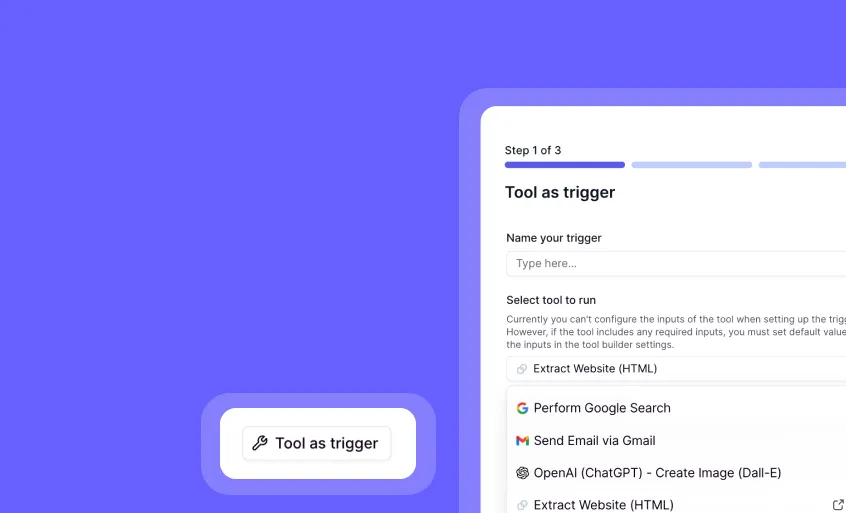
Tools as Triggers: Customize Your Agent Automation with Powerful Tool-Based Triggers
You can now trigger your agents using tools, giving you unprecedented control over your automation workflows!
Tools as Triggers allows you to use any tool’s output as a trigger for your agent, enabling sophisticated filtering and data processing before items enter your agent queue. This means smarter, more efficient workflows that only process the data that truly needs attention.
➡️ Reduce wasted tasks – Pre-filter data before it enters your agent queue
➡️ Customize trigger conditions – Use the full power of tools to define exactly when your agent should run
➡️ Chain multiple data sources – Combine and compare data across platforms before triggering
➡️ Process only what matters – Eliminate redundant tasks by checking for existing records first
➡️ Schedule with flexibility – Set triggers to run at intervals of 15 minutes or longer
With Tools as Triggers, you can dramatically improve your agent’s efficiency by ensuring it only processes relevant data, saving computational resources and making your workflows more intelligent.
Real-world example: Previously, if you had 100 leads in Salesforce, all 100 would enter your agent queue as separate tasks—even if 50 already existed in Airtable. Now, your tool trigger can check Airtable first and only inject the 50 new leads into your queue, instantly cutting wasted tasks by half!
To set up a tool trigger, configure your agent and select the “Tool as trigger” option under “Build” > “Triggers”. Note that scheduled triggers must be set at intervals of 15 minutes or longer.
Future versions will improve the user experience with a more visual interface for selecting specific tool outputs and enhanced customization options!
Other improvements
General fixes and UI improvements.
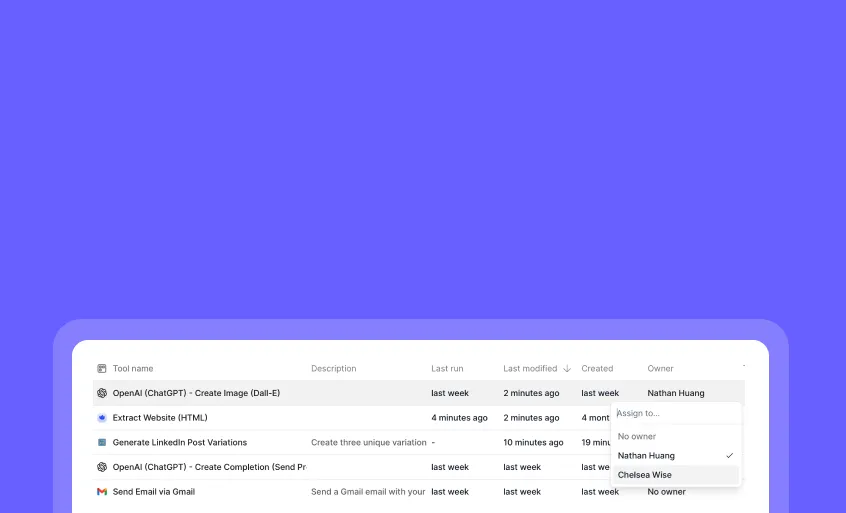
Tool Ownership: Organize Your Tools with Assigned Team Members
You can now tag any tool with a designated owner from within your organization!
Tool Ownership lets you assign responsibility for specific tools to team members in your organization, making it easier to manage your growing tool library. This simple organizational feature helps everyone know who maintains each tool, without changing any permissions or access controls.
➡️ Assign owners from your organization – Select any team member with an account in your org
➡️ View ownership in Workforce Builder – See tool owners directly in your multi-agent workflows
➡️ Track ownership in agent timelines – Identify tool owners when reviewing agent activity
➡️ Improve team coordination – Know exactly who to contact about specific tools
➡️ Streamline tool management – Organize your growing tool library more effectively
With Tool Ownership, you can bring clarity to your team’s tool management process, making it easier to maintain quality and accountability as your AI operations scale.
To assign an owner to a tool, simply go to your tool list page and look for the owner assignment option next to each tool.
Start organizing your tools with ownership tags today!
Other improvements
General fixes and UI improvements.

Text to Video Generation: Transform Text and Images into Dynamic 8-Second Videos
You can now turn your text descriptions or images into captivating 8-second videos with just a few clicks!
The new Text to Video Generation Step empowers you to create engaging video content from simple text prompts or existing images. Whether you need to visualize concepts, create social media content, or add dynamic elements to your presentations, this powerful feature brings your ideas to life through motion.
➡️ Generate videos from text descriptions – Simply describe what you want to see
➡️ Transform static images into moving videos – Add motion to your existing visuals
➡️ Create 8-second clips for any purpose – Perfect for social media, presentations, or demonstrations
➡️ Visualize concepts that are hard to explain – Show rather than tell with dynamic video
➡️ Experiment with creative ideas – Test visual concepts before investing in production
With Text to Video Generation, you can quickly produce engaging video content that captures attention and communicates your message more effectively than static images alone.
To access this feature, add the “Text to Video Generation” Step to your agent workflow. Note that you’ll need to provide your own Google Cloud Platform credentials due to Google Veo’s rate limitations.
Start transforming your ideas into dynamic videos today!
Other improvements
General fixes and UI updates.
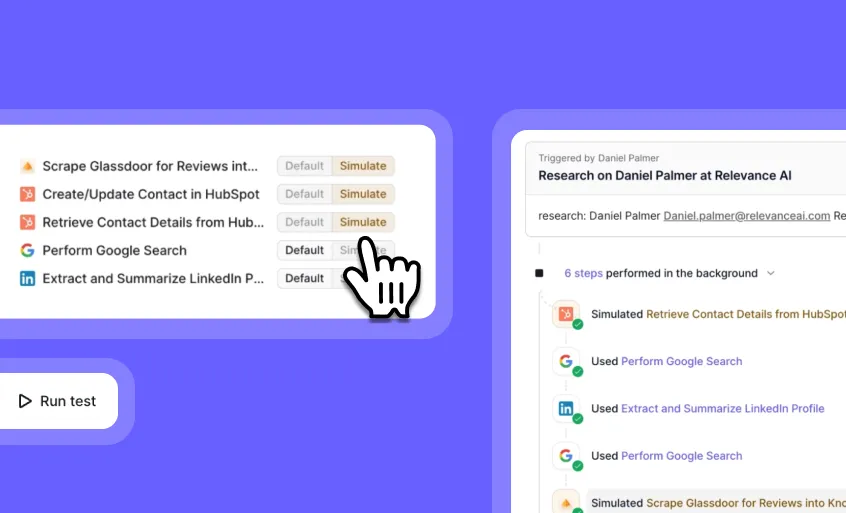
Simulate Tools: Test Your Agent Without Running Real Tools
You can now test your agent’s decision-making and tool usage without triggering actual API calls or incurring costs!
The new Simulate toggle lets you safely test your agent’s behavior with mock tool outputs. This feature creates a sandbox environment where you can validate your agent’s logic and tool selection without impacting production systems or using expensive API credits.
➡️ Test without consequences – Run your agent in a safe environment with no real API calls
➡️ Mock tool outputs – See how your agent handles different response scenarios
➡️ Validate decision trees – Ensure your agent selects the right tools at the right time
➡️ Test incomplete tools – Work with tools that aren’t fully configured yet
➡️ Preserve API credits – Avoid unnecessary costs during development and testing
With Simulate Tools, you can confidently develop and refine your agent’s workflows, ensuring they’re production-ready before deploying them with real tool connections.
To use this feature, go to edit your agent under ‘Build’ > ‘Run Test’ > and simply toggle the “Simulate” option for select tools. In contrast the “Default” option will run the tool. Give your agent a test task, and the system will automatically generate mock responses for the select simulated tools instead of executing actual tool calls.
Start testing your agent’s tool usage safely today!
Other improvements
General fixes and UI improvements.
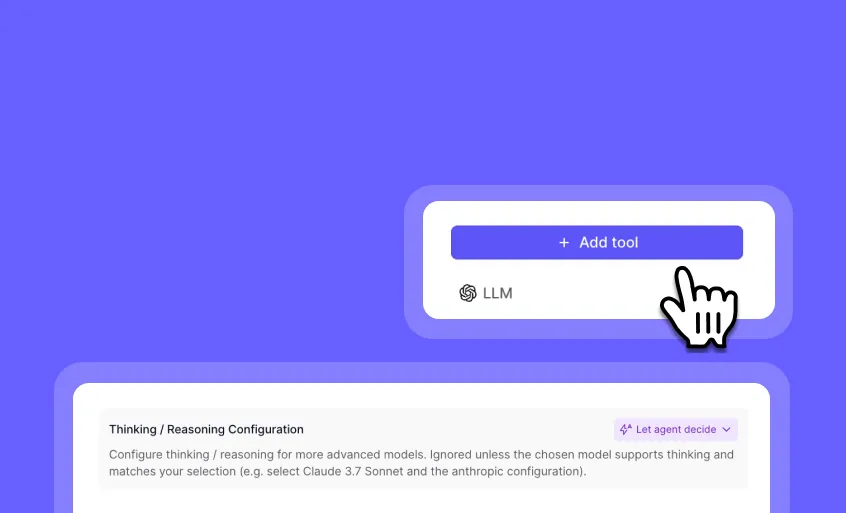
Configurable Thinking for LLM Tool Step: Enhance Complex Problem Solving
You can now optimize how your AI models approach complex problems with configurable thinking settings in the LLM tool step!
The new advanced thinking configuration option gives you precise control over how thoroughly models process your prompts before responding. This is especially valuable for complex reasoning tasks or any situation where you need more deliberate analysis.
➡️ Choose thinking levels for OpenAI o-series models – Select “low,” “medium,” or “high” reasoning intensity (default is “medium”)
➡️ Set thinking budgets for Claude 3.7+ models – Specify the maximum number of thinking tokens for Claude 3.7 Sonnet, Sonnet 4, and Opus 4
➡️ Configure thinking for Gemini 2.5 Flash – Enable and control thinking by setting a maximum token budget
Note: Mismatched settings are ignored. If you select a thinking option that doesn’t match your model (e.g., OpenAI reasoning for Gemini), no thinking will occur.
Also, thinking tokens are charged as output tokens. Be aware of this when setting thinking budgets for cost management.
With configurable thinking, you can fine-tune how your AI models approach different types of problems, balancing thoroughness against speed based on your specific needs.
To access this feature, go to any LLM tool step in your agent workflow, and look for the “Thinking / Reasoning Configuration” settings.
Start optimizing your AI’s reasoning capabilities today!
Other improvements
General fixes and UI improvements.

Native File Processing in Chat: Process Images, PDFs, Audio and Videos Directly in Your Conversations
You can now work with files directly in your agents with intuitive file naming and broad model compatibility!
Native File Processing transforms how you handle documents, images, videos, and audio in your AI workflows. Files are now automatically associated with their original names, making references natural and intuitive. Best of all, this feature works seamlessly across OpenAI, Anthropic, and Gemini models with extensive file format support.
➡️ Reference files by name – Simply mention the file name in your prompts for more natural conversations
➡️ OpenAI compatibility – Process images (PNG, JPG, JPEG, WEBP, GIF) and PDFs across 20+ models including GPT-4o, O1, O3, O4 Mini, and GPT-4.1 series
➡️ Anthropic integration – Work with images (PNG, JPG, JPEG, WEBP, GIF) across all Claude models including v3 Opus, v3.5/v3.7/v4 Sonnet, and v4 Opus
➡️ Gemini versatility – Handle the widest range of files including images, videos (MP4, MPEG, MOV, etc.), PDFs, and audio (WAV, MP3, etc.) with all Gemini 2.0/2.5 models
➡️ Backward compatibility – All existing workflows continue to function as expected
With Native File Processing, you can create more intuitive, powerful workflows that leverage the unique capabilities of each AI model while maintaining a consistent user experience across your entire agent ecosystem.
To use this feature, simply upload supported files when interacting with your agents. The system will automatically handle the file processing based on the model you’re using.
Start creating more natural, file-rich experiences with your AI agents today!
Other improvements
General fixes and UI updates.
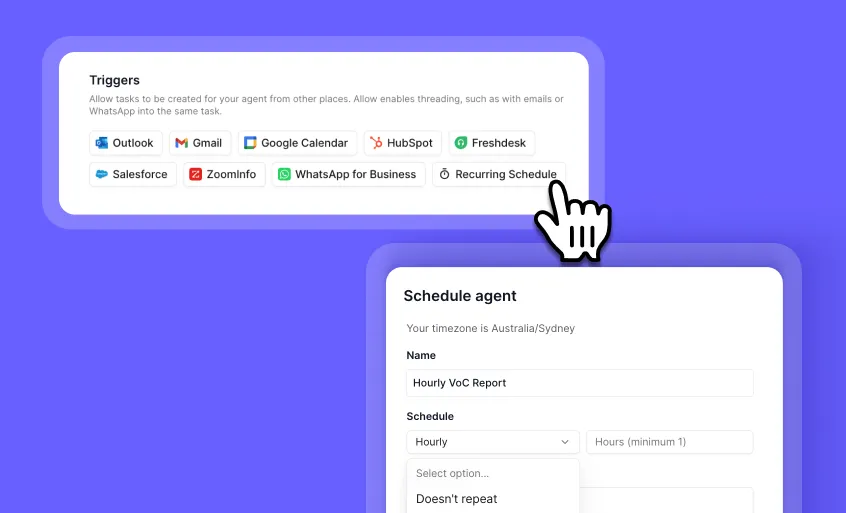
Minutely and Hourly Recurring Schedules: Automate Your Agents with Greater Precision
You can now schedule your AI agents to run automatically as frequently as every 10 minutes or every hour!
The enhanced Recurring Schedule trigger gives you finer control over your automated workflows with new minutely and hourly options. Set your agents to run every X minutes for time-sensitive tasks (minimum setting is 10 minutes) or every few hours for regular updates—all without manual intervention or complex setup.
➡️ Run agents every X minutes – Perfect for monitoring critical systems or data that changes rapidly
➡️ Schedule hourly automations – Ideal for regular updates throughout the day without overwhelming your systems
➡️ Combine with existing daily/weekly/monthly options – Create the perfect cadence for any workflow requirement
➡️ Maintain full customization control – Easily adjust frequency as your automation needs evolve
➡️ Set it and forget it – Once configured, your agents will run precisely when needed without manual triggering
With these enhanced scheduling options, you can build truly responsive AI workflows that match the exact timing requirements of your business processes—from near real-time monitoring to perfectly timed daily operations.
To set up minutely or hourly recurring schedules, go to ‘Edit Agent’ > ‘Triggers’ > ‘Recurring Schedule’ and select your desired frequency from the expanded options.
Take your automation to the next level with precision scheduling today!
Other improvements
General fixes and UI updates.
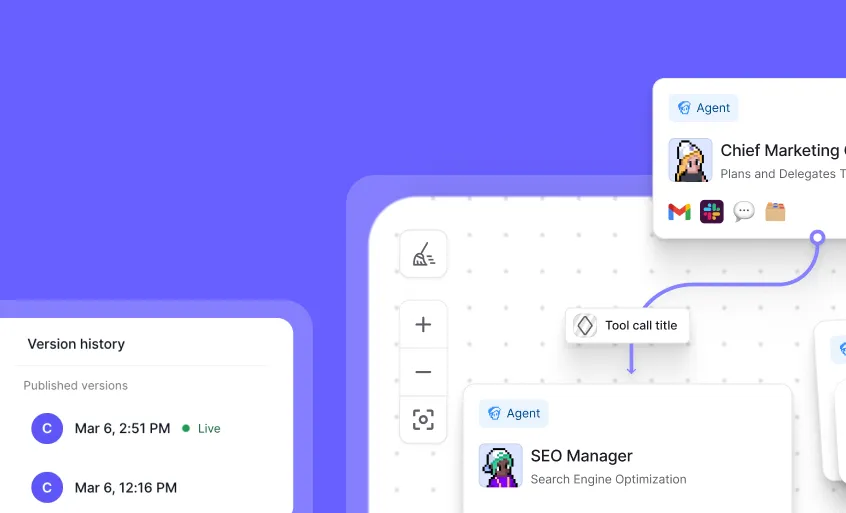
Workforce Updates: Powerful New Features for Team Collaboration
You can now share, build, trigger, and version control your workforce with powerful new capabilities!
We’ve rolled out four major enhancements to Workforce that make it easier to collaborate, build, automate, and protect your AI workflows. From sharing your entire workforce with a simple link to creating agents directly within the workforce interface, these updates streamline your workflow management experience.
➡️ Share your workforce with a link – Enable public access and share a link that lets others clone your entire workforce, including all associated agents and tools
➡️ Build agents directly in Workforce – Create and edit agents without switching tabs, with a resizable agent panel for your preferred workspace layout
➡️ Access new trigger options – Connect to Hubspot, ‘Outreach replies only’ toggle for Gmail and Outlook, and set recurring schedules for automated workflows
➡️ Save and restore with Version Control – Create drafts, view historical versions, and restore previous configurations of your workforce when needed
With these Workforce enhancements, you can collaborate more efficiently, build more intuitively, automate more effectively, and protect your work with confidence.
To access these features, navigate to your Workforce tab in the dashboard. All features are now live in production for Pro users and above.
Start exploring these powerful new Workforce capabilities today!
Other improvements
General fixes and UI updates.
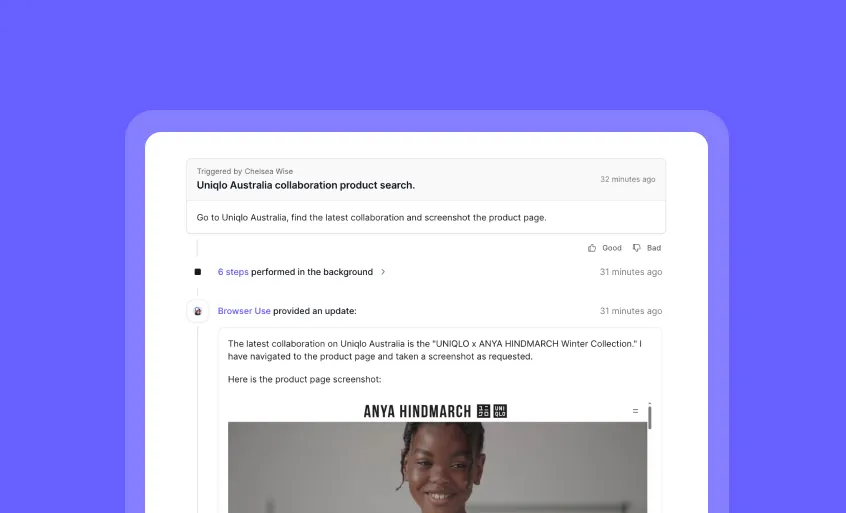
Browser Automation: First Steps in Web Interaction for Your Agents
You can now enable your agents to perform basic web interactions with our initial browser automation release!
Browser Automation v0 introduces foundational web capabilities to Relevance AI, allowing your agents to navigate websites, interact with basic web elements, and extract text-based information. Choose between bringing your own Airtop API key or our managed solution using Relevance credits.
➡️ Navigate to websites – Direct agents to specific URLs and web pages
➡️ Basic form interactions – Fill out simple forms and submit data
➡️ Text-based data extraction – Capture text content from web pages
➡️ Flexible integration options – Use your Airtop API key or our managed solution
➡️ Early-stage functionality – Important limitations apply (see below)
Current Limitations:
• Cannot analyze charts, images, or visual elements
• No capability to solve CAPTCHAs
• Limited authentication support (requires sharing credentials in chat)
• Restricted to basic web interactions only
With Browser Automation v0, you gain access to initial web capabilities while we gather feedback to guide future development of more robust browser features.
To access Browser Automation, search for “Browser Use” under tool steps when configuring your agent workflow.
Try our first browser automation release today and share what additional capabilities would be most valuable for your use cases!
Other improvements
General fixes and UI updates.

AWS Bedrock Integration for Anthropic Models: Bring Your Own Enterprise AI
You can now securely connect your own Anthropic Claude models through AWS Bedrock for enhanced control, security, and cost management!
AWS Bedrock Integration gives you enterprise-grade access to Anthropic’s powerful Claude models directly through your own AWS account. This integration provides detailed usage tracking, cross-region inference capabilities, and the security compliance features your organization requires.
➡️ Enhanced security options – Choose between quick IAM credentials or enterprise-grade role assumption
➡️ Cross-region inference – Automatically distribute requests across AWS regions for consistent availability
➡️ Complete usage oversight – Gain increased cost control and detailed insights into model usage
➡️ Access to all Claude models – Use any Anthropic model available in your selected AWS regions
➡️ Enterprise compliance – Meet organizational security requirements with enhanced authentication options
With AWS Bedrock Integration, you can leverage Anthropic’s reasoning capabilities while maintaining full control over your AI infrastructure, costs, and security policies.
To set up AWS Bedrock integration, follow the setup instructions for either IAM Credentials (quick setup) or Role Assumption (enterprise security) in our documentation: https://relevanceai.com/docs/integrations/llm-integrations/anthropic
Other improvements
General fixes and UI updates.

Claude 4 Models: Enhanced AI Performance Now Available
You can now access the latest Claude 4 models—Sonnet v4 and Opus v4—directly in Relevance!
Claude 4 brings improved capabilities to your AI workflows with particular enhancements for coding tasks. While Sonnet v4 maintains the same pricing as previous versions, Opus v4 offers premium performance at a higher price point (5x Sonnet’s cost) for your most demanding applications.
➡️ Access two new model options – Choose between cost-effective Sonnet v4 or premium Opus v4
➡️ Leverage improved coding capabilities – Get better results for programming tasks and technical workflows
➡️ Maintain budget control – Sonnet v4 keeps the same pricing as v3.5 and v3.7
➡️ Make informed decisions – Community feedback is mixed, with 200k context window compared to competitors’ larger windows
➡️ Explore Anthropic’s latest technology – Experience the newest advancements in AI capabilities
With Claude 4 models, you can enhance your AI applications with Anthropic’s latest advancements while choosing the performance tier that fits your specific needs and budget.
To try these models, simply select “Claude Sonnet v4” or “Claude Opus v4” from the model options in Relevance.
Give the new Claude 4 models a test drive and share your experience with us!
Other improvements
General fixes and UI updates.
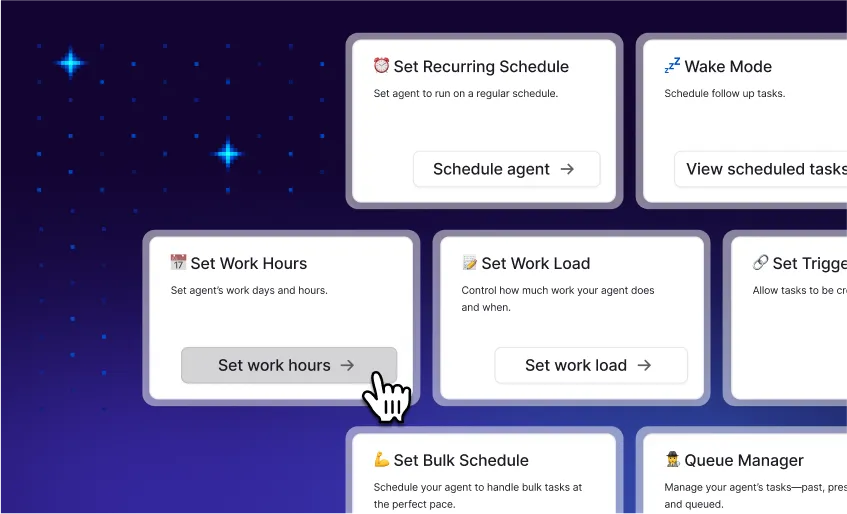
AgentOS: Total Visibility and Control Over Your AI Workforce
You can now manage your entire AI workforce from a mission control center with comprehensive monitoring, scheduling, and governance tools!
AgentOS provides the infrastructure layer that transforms how you manage AI agents at scale. It bridges the gap between successful pilots and enterprise-wide deployment by giving you complete visibility, control, and confidence in your AI operations as you scale from a few agents to dozens across departments.
✅ Advanced scheduling – Run agents on fixed times or recurring intervals to automate workflows without manual intervention
✅ Intelligent queuing – Prioritize tasks based on business logic to ensure critical operations happen first
✅ Comprehensive logging – Track every agent action with detailed records of what happened, when, and why
✅ Performance analytics – Monitor real-time metrics across your entire AI workforce to identify optimization opportunities
✅ Governance controls – Instantly pause, resume, or override agent behavior when needed
With Relevance, you can confidently scale your AI implementation from pilot to production while maintaining complete visibility and control over your entire AI workforce.
Check out our docs to learn more about giving your agent tasks, bulk scheduling agent tasks, setting recurring schedules, extracting metadata from your agent’s tasks, and more.
Start managing your AI workforce with enterprise-grade confidence today!
Other improvements
General fixes and UI updates.
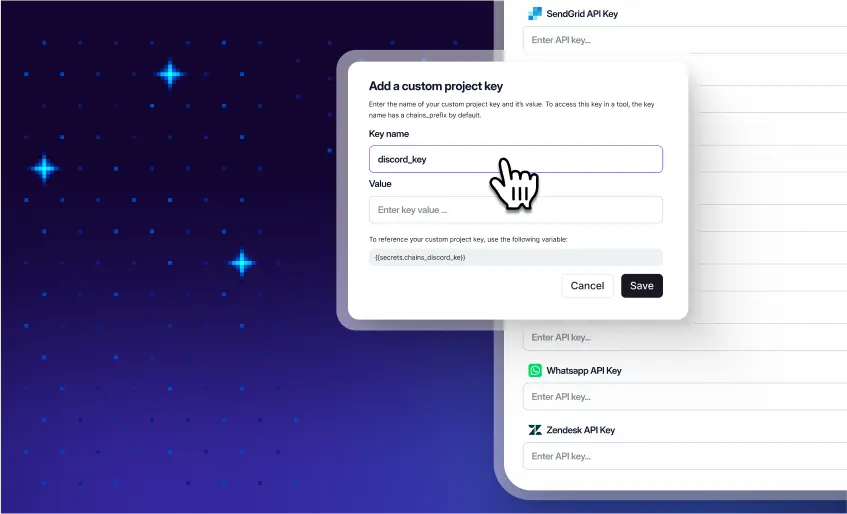
2000+ Integrations: Connect Your AI Workforce to Your Entire Tech Stack
You can now seamlessly connect your AI agents to over 2,000 tools and platforms across your technology ecosystem!
Relevance AI’s massive integration library eliminates one of the biggest obstacle in AI implementation: connecting your intelligent agents to the systems where your business data actually lives. These native integrations enable your AI workforce to access, modify, and work with information across your entire tech stack without manual transfers or human intervention.
✅ Access your complete tech ecosystem – Connect to Google Workspace, Salesforce, Slack, Asana, and thousands more platforms
✅ Enable end-to-end automation – Eliminate manual data transfers with agents that work across multiple systems in one workflow
✅ Reduce process times by up to 80% – Eliminate context-switching and manual data handling that previously slowed your team
✅ Benefit from semantic understanding – Agents intelligently work with each platform’s unique data structure and context
To explore the integration library, visit the Integrations section in your Relevance AI dashboard and discover how to connect your agents to your essential business tools.
Start building truly connected AI workflows today!
Other improvements
General fixes and UI updates.
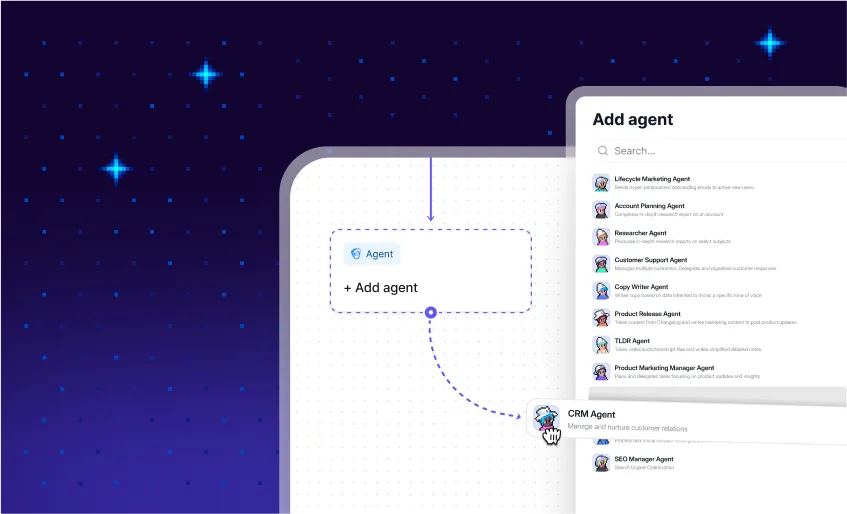
Workforce: Build visual multi-agent AI teams without code
You can now design and deploy entire teams of specialized AI agents working together - all through an intuitive visual canvas with zero coding required!
Workforce transforms how organizations implement AI by enabling the creation of sophisticated multi-agent systems that collaborate seamlessly. Instead of isolated single-purpose assistants, you can now orchestrate specialized AI teams that handle complex, multi-step processes through a simple drag-and-drop interface.
✅ Create specialized agent teams – Drag and drop agents onto a visual canvas for better results than “do-everything” agents
✅ Design workflows visually – Define how agents interact and collaborate without writing a single line of code
✅ Deploy complex solutions in minutes – Implement what previously required weeks of engineering in a single afternoon
✅ Enable non-technical experts – Subject matter experts can now design AI systems perfectly matched to their domain knowledge
✅ Integrate with human workflows – Build hybrid teams where AI agents and human colleagues collaborate seamlessly
With Workforce, you can transform complex business processes into efficient, automated workflows where each agent focuses on what it does best while working in concert with others.
To start building your first multi-agent system, access Workforce through your Relevance AI dashboard and select “Create New Workforce” to open the visual canvas.
Workforce is available now to all users on a Pro plan or higher.
Start orchestrating your AI dream team today and unlock the true potential of collaborative artificial intelligence!
https://relevanceai.com/workforce
Other improvements
General fixes and UI updates.

You can now build powerful, custom AI agents just by describing what you need in everyday language!
Invent transforms how you create AI solutions by eliminating technical barriers. Simply describe the agent you want in plain English, and Invent builds it instantly—complete with all necessary tools and capabilities tailored to your specific needs and workflows.
➡️ Build custom agents without code – Just describe what you need in natural language
➡️ Go from idea to working solution in minutes – No more waiting for technical resources or development time
➡️ Create truly customized solutions – Get agents tailored to your specific terminology, data, and standards
➡️ Empower subject matter experts – Let the people who know the work best create their own AI solutions
➡️ Deploy specialized agents for any workflow – From compliance checking to customer support to research assistance
With Invent, anyone in your organization can turn their ideas into powerful AI agents, dramatically reducing time-to-value and democratizing access to custom AI solutions.
To start creating your own agents with Invent, simply navigate to Relevance AI platform and select the “Invent” option. Or get started here - it’s that easy!
Learn more about why we built Invent, with a BTS look at the team 👉 HERE
Start building your custom AI workforce today!
Other improvements
General fixes and UI updates.

Gemini 2.5 Pro and Flash: Powerful New Models for Your Agents
You can now build smarter, more capable agents with Google’s latest AI models - Gemini 2.5 Pro and 2.5 Flash!
These powerful new models are available immediately, giving your agents enhanced reasoning, improved context handling, and faster performance. Choose between Pro for complex tasks requiring deep reasoning or Flash for quicker, more efficient responses.
➡️ Access cutting-edge AI capabilities – Leverage Google’s most advanced models directly in your agents
➡️ Choose the right model for your needs – Pro for complex reasoning or Flash for speed and efficiency
➡️ Enhance your agents’ performance – Get better responses with improved context understanding
➡️ Deploy immediately in production – No waiting period, available right now for all your agents
➡️ Optimize your token usage – Be mindful of context size to maintain optimal performance
To implement these new models, simply select “Gemini 2.5 Pro” or “Gemini 2.5 Flash” when configuring your agent’s model settings.
Other improvements
General fixes and UI updates.

Smarter agents start here—harness OpenAI’s most advanced models to date
The new o3 and o4-mini models represent a significant leap in AI capabilities, designed to think more deeply before responding. These powerful models are now fully integrated into Relevance, allowing you to create smarter agents and enhance your existing workflows with minimal effort.
➡️ Access cutting-edge AI – Leverage OpenAI’s smartest models to date for your agents
➡️ Enhance reasoning capabilities – Benefit from models trained to think longer before responding
➡️ Improve complex task handling – Tackle more sophisticated problems with greater accuracy
➡️ Seamlessly integrate – Select these models when creating or editing agents
➡️ Optimize LLM and vision steps – Choose o3 or o4-mini for specific workflow components
With these new OpenAI models, you can build more capable agents that deliver better results for your real-world tasks, whether you’re a curious explorer or an advanced AI researcher.
To start using these models, simply select “o3” or “o4-mini” when creating a new agent or editing an existing one, or choose them specifically in your LLM and vision steps.
Try these powerful new models today and experience the next generation of AI capabilities in your Relevance workflows!
Other improvements
General fixes and UI updates.
**Leverage Google’s latest AI in just a few clicks—no API key needed (unless you want to)
**
You can now use Google Gemini Flash 2.0 as a native agent model in your workflows!
We’ve integrated Google’s powerful Gemini models directly into our agent platform, starting with Gemini Flash 2.0.
Use it right away with our built-in access or connect your own Gemini API key for greater flexibility and control. Either way, you’ll be building sophisticated, high-performance agents with Google’s state-of-the-art AI capabilities
➡️ Access cutting-edge AI – Harness Google’s Gemini Flash 2.0 model directly in your agents
➡️ Choose your setup – Use our built-in access or connect your own Gemini API key
➡️ Enhanced performance – Benefit from Google’s latest advancements in AI capabilities
➡️ Future-ready platform – More Google models coming soon to expand your options
➡️ Seamless workflow integration – Build agents with the same familiar interface
With native Gemini models, you can create more powerful, responsive agents that leverage Google’s AI expertise while maintaining the simplicity and flexibility of our platform.To use Gemini Flash 2.0, simply select it as your agent model during setup. You can use it immediately or optionally enter your own Gemini API key.
Stay tuned for more Google models coming soon to expand your agent capabilities!
Other improvements
General fixes and UI updates.
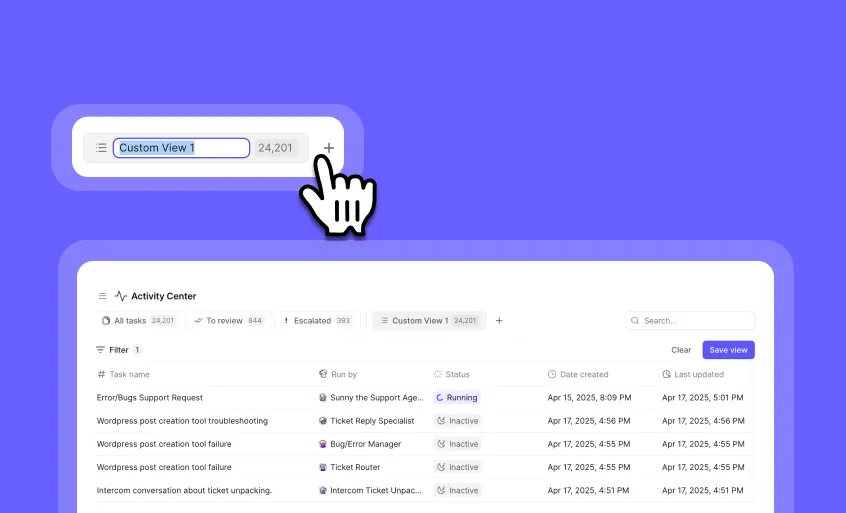
Saved Filter Views: Customize and Preserve Your Task Filters
You can now save your custom filter configurations across sessions, eliminating the need to recreate them every time you navigate away!
Saved Filter Views lets you create and maintain personalized task filtering setups that persist in your browser’s local storage. Whether you need to quickly access specific tasks, prioritize certain workflows, or monitor particular agents, your custom views remain just a click away.
➡️ Create custom filter views – Press the ”+” button in the views tabs section or click “save view” on default tabs
➡️ Manage your views easily – Right-click any view for options to duplicate, rename, or delete
➡️ Quick rename functionality – Simply double-click on any view button to rename it
➡️ Access your views across pages – Available on both the activity center and agent task full screen pages
➡️ Smart space management – If you have more than 5 views, the system shows only default tabs plus your current selection
With Saved Filter Views, you’ll save valuable time by instantly accessing your most important task views without recreating complex filter combinations.
To use this feature, look for the views tabs section at the top of your task lists in the activity center or agent task pages.
Start organizing your workflow more efficiently with custom filter views today!
Other improvements
General fixes and UI updates.
New OpenAI Models: Supercharge Your Agents with GPT-4.1 Series
You can now access OpenAI’s latest and most powerful models directly in Relevance AI!
The newly released GPT-4.1 series brings significant improvements across the board, with enhanced capabilities and performance compared to previous models. These models are available immediately as agents, in the LLM step, and in the vision step.
➡️ GPT-4.1 – OpenAI’s flagship model that outperforms GPT-4o “across almost every dimension” and even beats the now-deprecated 4.5 preview on many benchmarks
➡️ GPT-4.1 Mini – Impressive performance that surpasses even GPT-4o on several benchmarks while maintaining efficiency
➡️ GPT-4.1 Nano – OpenAI’s fastest and most cost-effective model, perfect for tasks requiring quick responses and budget optimization
➡️ Seamless integration – Available immediately as agents, in the LLM step, and in the LLM vision step
With these new models, you can build more capable, responsive, and intelligent agents that deliver better results for your specific use cases while optimizing for performance and cost.
To try these new models, simply select them when creating or editing agents or choose them in your LLM and vision steps.
Test these powerful new models today and share your feedback on how they perform on your real-world tasks!
Other improvements
General fixes and UI updates.
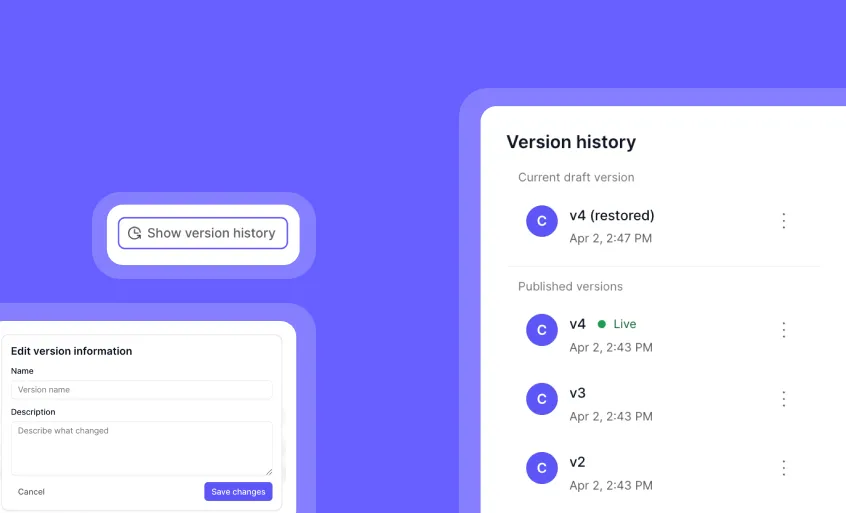
Agent Version Control: Safely Manage and Track Your Agent Changes
You can now save, track, and restore different versions of your agents with complete confidence!
Agent Version Control gives you powerful version management for your AI agents. Create draft versions when you’re not ready to publish, view a complete history of changes, and easily restore previous versions if something doesn’t work as expected.
➡️ Save agents as drafts – Make changes without affecting your published agent
➡️ Track version history – See all previous versions of your agent in one place
➡️ Restore previous versions – Quickly revert to any earlier version when needed
➡️ Document your development process – Each save creates a new version automatically
➡️ Maintain stability – Only published agents can run, ensuring production reliability
With Agent Version Control, you can experiment with confidence, collaborate more effectively with your team, and maintain a complete history of your agent’s evolution.
To access version control for an agent, go to Agent Profile, click on the ‘three dots’ icon > ‘Show version history’.
Start protecting your agent development process with version control today!
Other improvements
General fixes and UI updates.
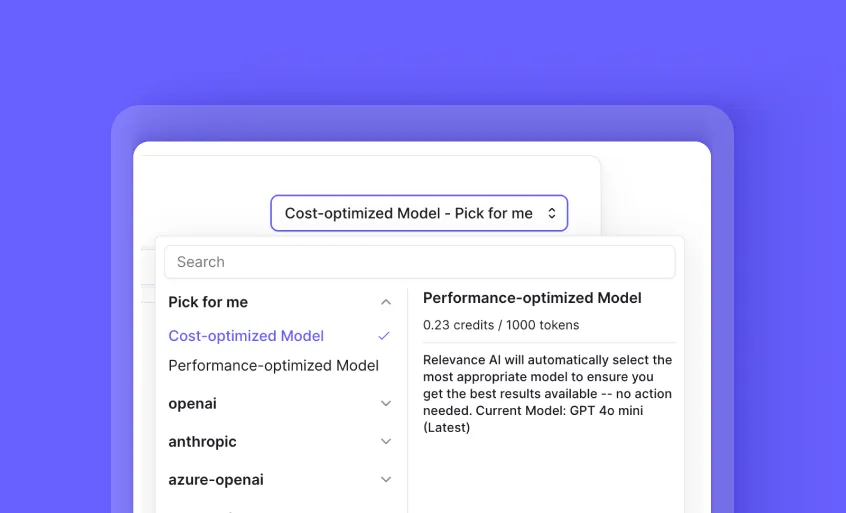
Relevance Recommended Models: Smart Model Selection for Optimal Performance
You can now leverage pre-configured AI models optimized for either cost-efficiency or maximum performance!
Relevance Recommended Models provide intelligent model selection that balances your needs for performance and budget. We’ve carefully selected and pre-configured two specialized model options that automatically update as better alternatives emerge, eliminating the need for manual model switching or staying current with the latest AI advancements.
✅ Cost-optimized model (Default) – Get excellent performance at reduced costs for all users
✅ Performance-optimized model – Access the absolute best performance available (Premium plans only)
✅ Automatic updates – Benefit from the latest models without manual switching or research
✅ Pre-configured settings – Skip complex model selection decisions and configuration
✅ Future-proof workflows – Your agents automatically improve as better models emerge
With Relevance Recommended Models, you can focus on building powerful agents while we handle the complex task of selecting and updating the optimal AI models for your specific needs.
To select your preferred model, simply choose between “Cost-optimized” (default) or “Performance-optimized” when configuring your agents and LLM tools.
Start building with confidence knowing you’re always using the optimal model for your needs!
Other improvements
General fixes and UI updates.
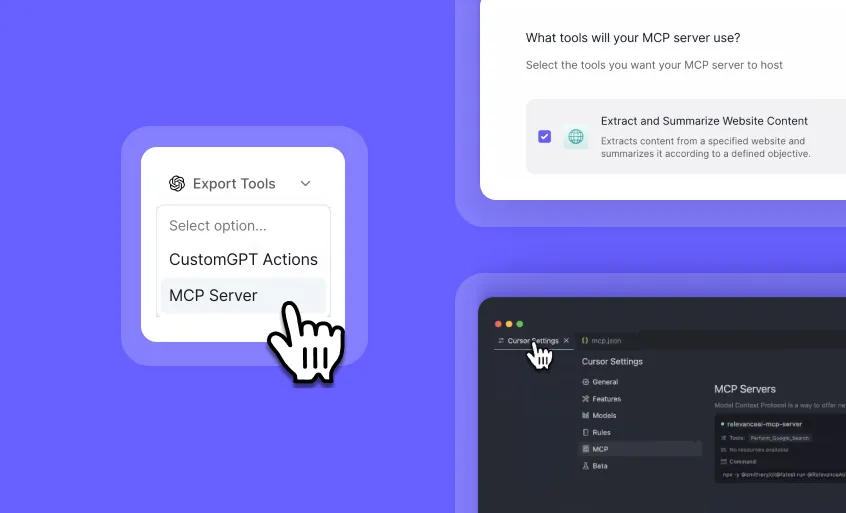
MCP Server Integration: Use Your Relevance AI Tools in External AI Clients
You can now connect your Relevance AI tools to Claude, Cursor, and other AI clients that support MCP servers!
The MCP Server integration creates a bridge between your Relevance AI workspace and external AI clients, allowing you to leverage your custom tools across multiple platforms. This means the powerful tools you’ve built in Relevance AI can now be accessed and utilized by your favorite AI assistants outside our platform.
➡️ Extend tool availability – Use your Relevance AI tools in Claude, Cursor, and other MCP-compatible AI clients
➡️ Maintain a single source of truth – Update tools in one place and have changes reflect everywhere
➡️ Customize your integration – Select exactly which tools to expose to external clients
➡️ Simple configuration – Generate MCP server settings with just a few clicks
➡️ Seamless workflow integration – Access your specialized tools wherever you work with AI
With MCP Server integration, you can create tools once in Relevance AI and use them across your entire AI ecosystem, maximizing your investment and maintaining consistency across platforms.
To set up your MCP Server:
-
Go to your Relevance AI workspace
-
Under “Tools”, navigate to “Export Tools” → “MCP Server”
-
Select the tools you want to share and click “Generate MCP Server Configuration”
-
Copy your MCP configuration into your preferred client:
- For Cursor: Open Cursor settings → MCP tab → “Add new MCP server” → Paste into your mcp.json file
Start expanding your AI toolkit across platforms today!
Other improvements
General fixes and UI updates.

Google Gemini 2.5 Pro Experimental: Advanced AI Power for Your Workflows
You can now integrate Google’s cutting-edge Gemini 2.5 Pro Experimental model directly into your LLM Steps!
Access Google’s latest AI breakthrough as a fully integrated LLM Step model. This release brings Google’s most advanced large language model capabilities to your workflows, offering impressive performance based on recent benchmarks while maintaining complete control through your own API key.
➡️ Access cutting-edge AI capabilities – Leverage Google’s most advanced model for superior results
➡️ Bring your own API key – Maintain full control over usage and billing through your Google account
➡️ Experiment in development – Test and refine your implementations before moving to production
➡️ Benchmark-leading performance – Benefit from Google’s latest advancements in AI reasoning and generation
With Gemini 2.5 Pro Experimental, you can push the boundaries of what’s possible in your AI applications while working with a model that’s showing impressive results in benchmark testing.
Keen to power your agents with Gemini 2.5? 👇
To use it in Relevance, you’ll need to bring-your-own API key (for now!)
To access this feature, go to the LLM Step configuration and select “Google Gemini 2.5 Pro Experimental” from the model options.
If you’re interested in trying out Relevance AI and Gemini, you can sign up to get started or book a demo to see it in action.
Other improvements
General fixes and UI updates.
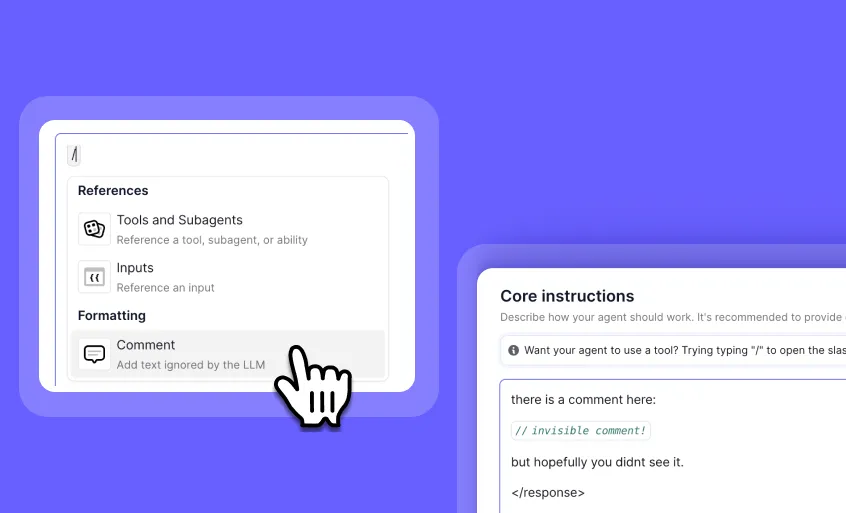
**Prompt Comments: Add Notes to Your Agent and Tool Instruction
**
You can now add comments directly within your agent and tool prompts without affecting LLM processing!
Comments let you document your thinking, explain prompt engineering decisions, and collaborate more effectively with your team. These comments are automatically removed before sending instructions to the LLM, giving you a clean way to annotate your prompts without impacting performance.
✅ Document your prompt engineering decisions – Explain why you chose specific wording or parameters
✅ Leave notes for collaborators – Help team members understand your prompt structure and reasoning
✅ Add reminders for yourself – Track what you’ve tried and what works best
✅ Improve prompt maintainability – Make complex prompts easier to understand and update
✅ Streamline collaboration – Share knowledge about prompt design without cluttering instructions
To add comments to any prompt, simply click the ”/” button while editing agent or tool instructions and select “Comment” from the menu.
How it works:
1️⃣ While editing an instruction, click “/**”
2️⃣ Select “Comment” from the menu
3️⃣ Type your note—your logic, your reminder, your prompt tip
4️⃣ The comment is automatically removed before the LLM sees it
With comments, you can build more maintainable, collaborative, and well-documented AI systems while keeping your actual LLM instructions clean and focused.
Experience the most powerful agent prompt editor in the industry today!
Other improvements
General fixes and UI updates.

Folders: Organize Your Agents with Drag-and-Drop Simplicity
You can now organize your agents into custom folders for better workspace management and improved productivity!
Folders give you a simple yet powerful way to structure your growing collection of agents. Create logical groupings, drag and drop agents between folders, and maintain a clean, organized workspace that makes finding and managing your agents effortless.
➡️ Create custom folders - Establish logical categories for your different agent types
➡️ Drag and drop organization - Easily move agents between folders with intuitive controls
➡️ Rename folders anytime - Adapt your organizational system as your needs evolve
➡️ Delete folders when needed - Remove obsolete categories while preserving your agents
➡️ Streamline your workflow - Find the right agent quickly when you need it most
With Folders, you can transform a cluttered agent workspace into a well-organized system that helps your team work more efficiently and locate critical agents faster.
To use Folders, go to your agents page under the left hand side bar, then ‘Add Folder’.
Start organizing your agents today and experience a cleaner, more efficient workspace!
Other improvements
Trigger Renaming: Customize Your Workflow Automation Labels
You can now rename all your triggers for better organization and clarity in your workflow automation!
Trigger Renaming gives you complete control over how your automation triggers are labeled throughout the platform. This simple but powerful feature helps you create more intuitive workflows by allowing you to assign meaningful names to all trigger types, making them instantly recognizable in your automation setup.
➡️ Rename any trigger type – Click the pencil icon next to any trigger name to customize it
➡️ Improve workflow clarity – Create descriptive names that explain exactly what each trigger does
➡️ Identify triggers in queue view – Easily spot and manage your triggers with custom names in the queue
➡️ Maintain consistency – Apply your naming conventions across recurring schedules, webhooks, and all other triggers
➡️ Enhance team collaboration – Help team members quickly understand your automation setup with clear trigger names
With Trigger Renaming, you can build more intuitive, organized automation workflows that are easier for you and your team to understand and manage.
To rename a trigger, simply locate the trigger in your workflow and click the pencil icon next to its name, then enter your preferred custom name.

A Completely Redesigned Template Page
You can now build custom AI agents more intuitively with our completely redesigned template page!
We’ve refreshed the template page experience while maintaining all the functionality you love. The new design puts greater emphasis on effortless agent creation with Invent, making it simpler to visualize and customize your AI solutions. Clean layouts and improved visual hierarchy guide you through the creation process with confidence.
➡️ Clearer visual hierarchy – Find what you need faster with improved organization
➡️ Enhanced template browsing – Discover the perfect starting point for your custom agent
➡️ Streamlined customization – Modify templates with fewer clicks and more intuitive controls
➡️ Better visualization – See how your agent will function before deployment
➡️ Same powerful functionality – Enjoy all the capabilities you rely on in a more accessible format
With the redesigned template page, you can create sophisticated AI agents in less time, allowing your team to deploy custom solutions faster and with greater confidence.
To access the new template page, simply navigate to the Templates section from the left-hand menu.
Start building your perfect AI agent with our refreshed template experience today!
Other improvements
General fixes and UI updates.
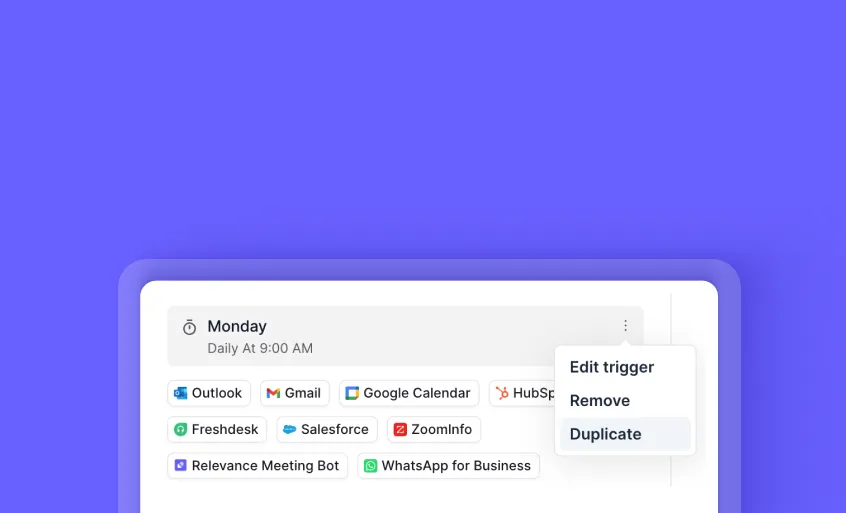
Duplicate Triggers: Clone Your Existing Triggers in Seconds
You can now create exact copies of your triggers with just a few clicks, saving valuable setup time!
The new Duplicate Triggers feature lets you quickly replicate any existing trigger configuration without starting from scratch. When you need multiple similar triggers, simply use the dropdown menu to create an identical copy that you can then customize as needed.
➡️ Save time on repetitive setup - Clone complex trigger configurations instantly
➡️ Maintain consistency - Ensure identical settings across related triggers
➡️ Reduce errors - Eliminate mistakes that come from manual recreation
➡️ Streamline workflows - Create variations of successful triggers without rebuilding
With Duplicate Triggers, you can rapidly scale your automation workflows while maintaining perfect consistency across your trigger configurations.
If you’re interested in duplicating any existing trigger, it’s now live in Agent Settings > Agent Profile > Triggers > Duplicate.
To duplicate a trigger, simply click on the 3 dots menu on any existing trigger and select the “Duplicate” option. Try it out today!
Other improvements
General fixes and UI updates.
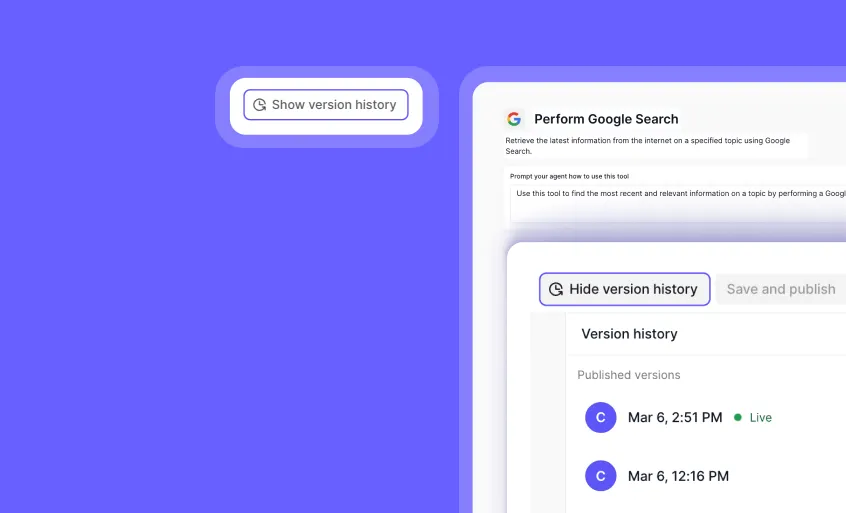
Tool Version Control: Save and Track Changes to Your Tools
You can now save your tools as drafts, track changes, and revert to previous versions when needed!
Version Control allows you to save tool versions before going live, track change history, and revert to older versions when necessary. Each version can be named and documented, providing clear visibility into tool modifications.
➡️ Prevent accidental changes – Save tools as drafts before making them live.
➡️ Track modifications – See who made changes and when.
➡️ Revert when needed – Roll back to previous versions to restore functionality.
➡️ Maintain clarity – Add names and descriptions to each version for documentation.
With Tool Version Control, you can safeguard your tool configurations, prevent accidental overwrites, and ensure smooth collaboration within your team.
To find version control for a tool, go to a tool, then go to ‘Build’ > ‘Show version history’.
Start managing your tool versions today!
Other improvements
General fixes and UI updates.
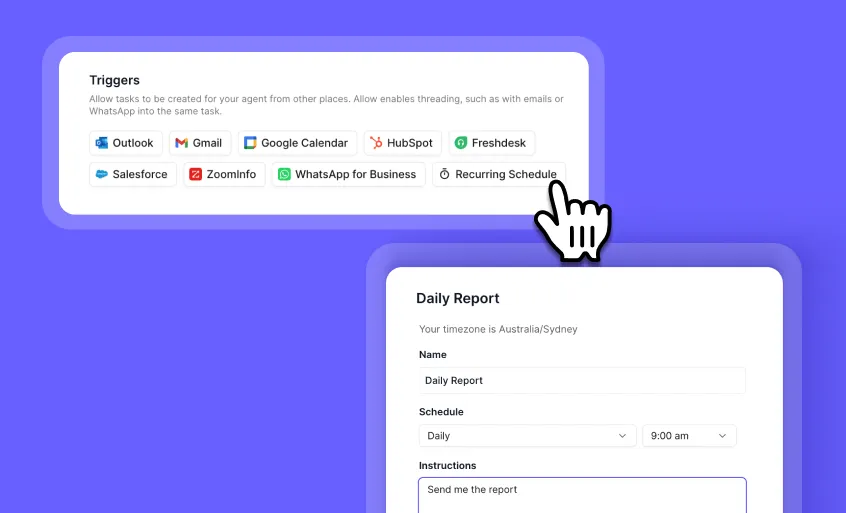
Your AI agents can now run automatically on a recurring schedule—daily, weekly, monthly, or even on specific dates. No more manual triggering or forgetting important tasks!
How it works:
1️⃣ Go to ‘Edit Agent’
2️⃣ Select ‘Recurring Schedule’
3️⃣ Set the perfect cadence for your workflows
Use Cases:
✅ Automate daily reports (e.g., receive a Hacker News summary every morning)
✅ Schedule weekly lead generation outreach without manual intervention
✅ Trigger monthly performance reviews with AI-generated insights
✅ Set reminders for annual contract renewals and compliance tasks
With Recurring Schedules, your agents stay proactive—automating key workflows, reducing manual setup, and ensuring important tasks never slip through the cracks.
This is so much more than a simple reminder—it’s true automation that integrates into your AI workflows, ensuring critical processes happen on time, every time. Another enterprise-ready feature built into Relevance AI’s Agent OS—giving your team the tools to automate, scale, and execute your AI workforce with confidence.
If you’re interested in trying out Relevance AI and triggering an agent with a recurring schedule, it’s now live in Agent Settings > Recurring Schedule. Try it out today!
Other improvements
General fixes and UI updates.
You can now use OpenAI’s GPT-4.5 as an agent model in Relevance AI, giving you more flexibility in selecting the right model for your use case. It’s the latest and most advanced model—powerful, capable… and according to our engineers, insanely expensive.
What this means for you:
-
GPT-4.5 is now available in model selection
-
Expect cutting-edge performance—but at a premium
-
Choose wisely based on your use case
Heads-up: Costs are significantly higher, so keep that in mind when using it in high-volume workflows.
To get started, select OpenAI GPT-4.5 in your agent settings and test how it fits into your workflows.
If you’re interested in trying out Relevance AI and OpenAI GPT-4.5, you can sign up to get started or book a demo to see it in action.
Other improvements
General fixes and UI updates.
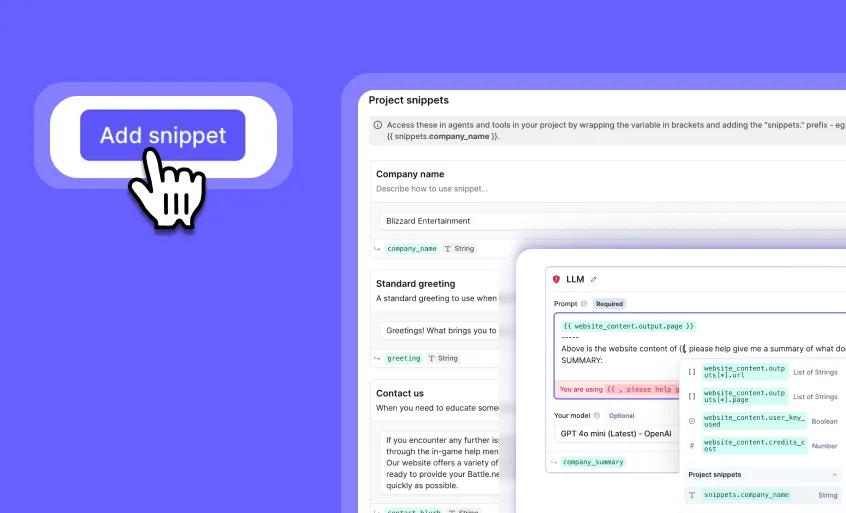
Project Snippets: Reusable Text Variables for Your Tools & Agents
Managing shared text across multiple agents and tools just got way easier!
Introducing ‘Project Snippets’—a centralized way to store and reference reusable text in your Relevance AI workspace.
With snippets, you can:
✅ Store common strings (e.g., company names, greetings, standard messages) in one place
✅ Use them anywhere a variable is accepted (e.g., agents, tool inputs)
✅ Avoid redundant updates—edit once, update everywhere
✅ Eliminate ‘prop-drilling’ by making shared text easily accessible
How it works:
Define a snippet and reference it using the snippets. prefix. Example: ``
This means you can update once and apply everywhere—no more manually changing the same text across multiple tools!
You can find Snippets under the left hand side bar. Try it today and simplify your workflow!
Other improvements
General fixes and UI updates.

You can now use Anthropic’s Claude 3.7 Sonnet as an agent model in Relevance AI, giving you more flexibility in selecting the right model for your use case.
To get started, select Claude 3.7 Sonnet in your agent settings and test how it fits into your workflows.
Alongside this release, Anthropic also launched Claude Code—its first agentic coding tool. Our lead AI engineer, Aman Arora, put it to the test with the Relevance AI SDK, and the results were impressive:
➡️ Generated a 1,300+ LOC pull request with unit tests for the Relevance AI SDK—all without Aman writing a single line of code
➡️ Understood our public repo in minutes, following existing code patterns without explicit instructions
➡️ Ran tests, fixed errors, and created a PR—iterating on feedback and automatically resolving issues
➡️ Installed pytest-asyncio on its own to test async functions, demonstrating strong contextual reasoning
➡️ PR cost: $3.30 USD—a glimpse into the efficiency of agentic coding
If you’re interested in trying out Relevance AI and Claude, you can sign up to get started or book a demo to see it in action.
Other improvements
General fixes and UI updates.
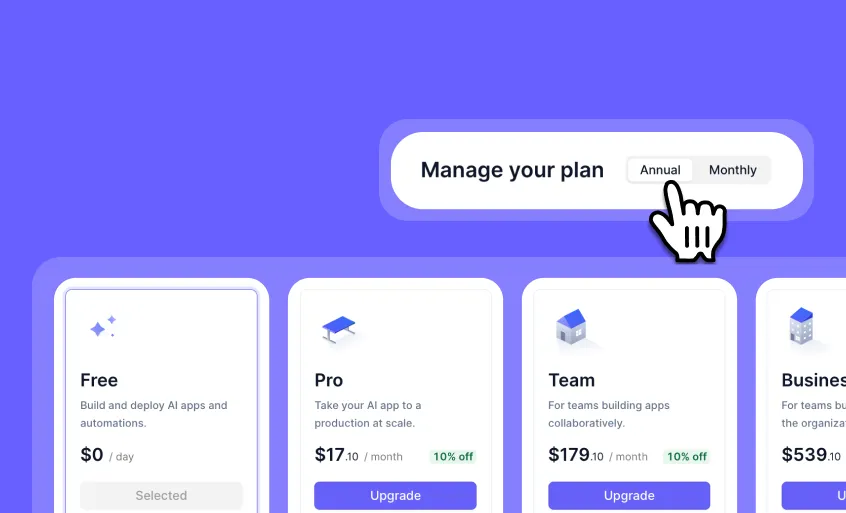
Annual Plans Now Available: Save 10% with Yearly Billing
Relevance AI now offers annual subscription plans, giving you more flexibility and better value.
With annual billing, you get:
✅ 10% discount compared to monthly plans
✅ 12 months’ worth of credits upfront
✅ Longer validity for purchased top-ups
✅ Flexible upgrade & downgrade options
How it works:
-
If you upgrade your plan, the change takes effect immediately
-
If you downgrade or switch to a monthly plan, changes happen at the end of your billing cycle
-
If you upgrade your plan, any unused credits from an annual plan will be refunded when switching from yearly to monthly
-
On an annual plan, you can still buy top-up credits - what’s good is they’ll take longer to expire because of the yearly reset
Click on ‘Manage Plan’ to switch to annual billing today!
Other improvements
General fixes and UI updates.
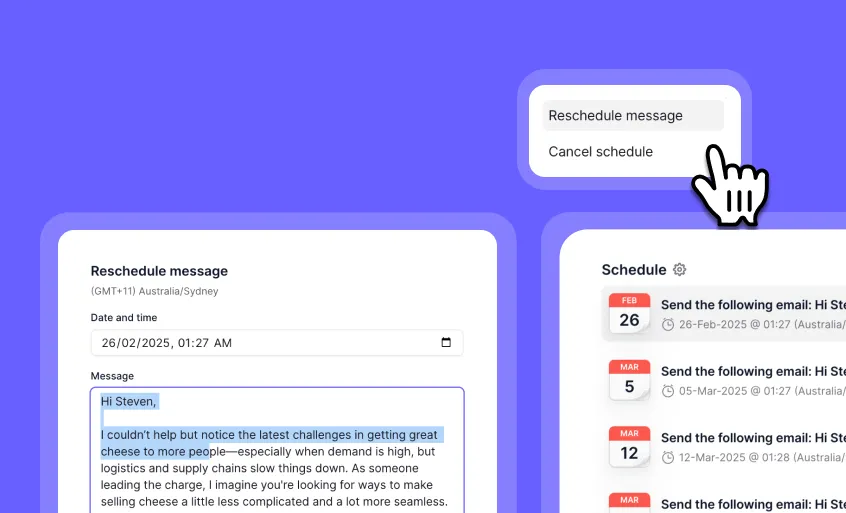
Edit & Reschedule Scheduled Messages with Ease
We’ve introduced an update to Schedule Messages, making it easier to edit and reschedule scheduled messages directly in Task View.
When managing scheduled messages, you often need to make quick changes—whether it’s adjusting the content or rescheduling the send time. Previously, this meant canceling and recreating messages from scratch, but not anymore.
Now, you can:
➡️ Edit the content of a scheduled message before it sends
➡️ Reschedule a message without needing to cancel and recreate it
This means more flexibility and a smoother workflow experience.
To edit a scheduled message, simply navigate to Task View, make your changes, and save—no need to cancel and restart.
Next time you need to adjust a scheduled message, try it out directly in Task View!
Other improvements
General fixes and UI updates.

You can now use OpenAI o3 Mini as an agent model in Relevance AI, giving you more flexibility in selecting the right model for your use case.
When working with AI-driven workflows, you often need an efficient, cost-effective model for tasks like:
➡️ Running lightweight AI processes
➡️ Generating responses at a lower cost
➡️ Balancing model performance with budget optimization
With OpenAI o3 Mini, your AI agents now have a new model option that improves efficiency while keeping costs under control.
To get started, select OpenAI o3 Mini in your agent settings and test how it fits into your workflows.
If you’re interested in trying out Relevance AI and OpenAI o3 Mini, you can sign up to get started or book a demo to see it in action.
Other improvements
General fixes and UI updates.
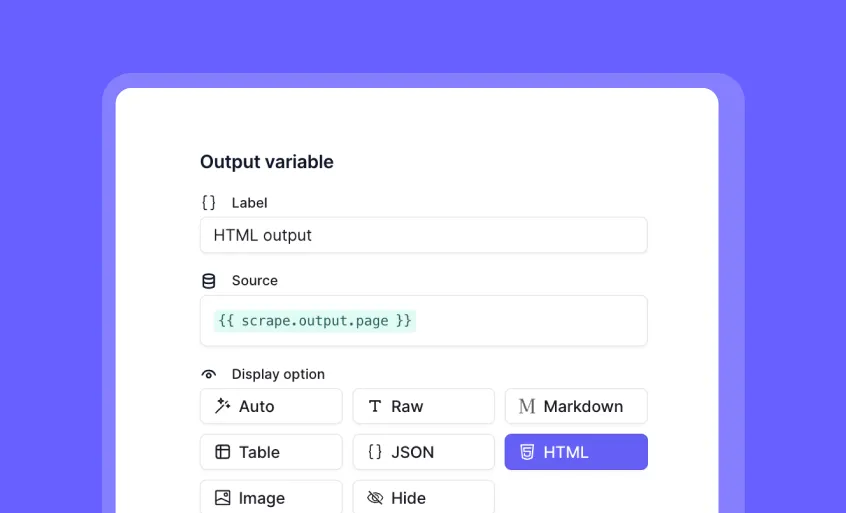
Custom Tool Outputs: More Control Over How Data is Rendered
We now have the ability to customize tool outputs, allowing you to manually define how data is displayed instead of relying on automatic formatting.
When building AI workflows, flexibility in data presentation is key. This update brings 8 Rendering Options:
✅ Auto
✅ Raw
✅ JSON
✅ Table
✅ Image
✅ HTML
✅ Markdown
✅ Hide
These changes can be seen in three different areas:
- Agents
New agent task action view UI displays the selected output format.
-
Option to view the tool output in the agent timeline through the dropdown.
-
Tool builder: Users can manually configure output formatting in tool configuration settings.
To get started, head to the final tool output settings → configure → select manual output → add variable(s) → choose edit.
Before applying these settings, you’ll have the opportunity to preview how each rendering option affects the final output.
This update provides greater flexibility in presenting data, ensuring tool outputs are displayed in the most relevant format for your workflow.
If you’re interested in trying out Relevance AI and Custom Tool Outputs, you can sign up to get started or book a demo to see it in action.
Other improvements
General fixes and UI updates.
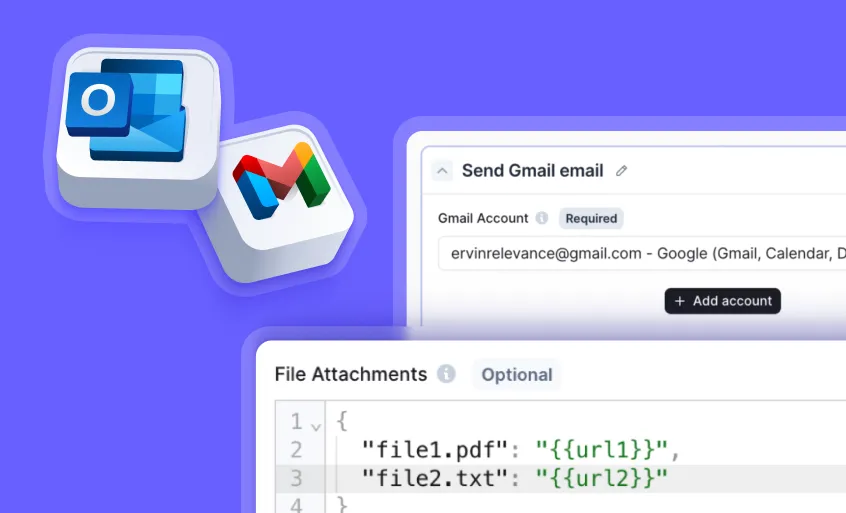
Now in Relevance AI: Attachments in Agent-Generated Emails
You can now add attachments to emails sent by AI agents in Relevance AI, allowing for more complete and professional communication.
When automating emails, you often need a way to send essential documents, reports, and media files, such as:
✅ Sending invoices and contracts as PDFs
✅ Sharing reports in CSV format
✅ Including images for marketing campaigns
✅ Attaching videos for client communications
✅ And much more!
With this update, your AI agents can now handle attachments seamlessly, eliminating manual steps and ensuring critical files are sent along with automated emails.
This applies to the following tool steps: ‘Send Email,’ ‘Send Gmail email,’ or ‘Send Outlook email’.
Here’s how it works:
1️⃣ Upload your file using the “File to URL” input, or generate a temporary link with the Python tool step
2️⃣ In the top right of your send email tool step, click the cog icon to open “Advanced Settings”
3️⃣ In the ‘File Attachments’ section, enter each “file name” and “download link” pair inside a JSON object (e.g., “file1.txt”: “https://example.com/file1.txt”)
Before sending, you’ll have the opportunity to review all attachment details, ensuring your files are correctly included.
This feature enhances AI-driven email automation by making it more complete, efficient, and professional—perfect for automated reporting, customer communications, and more.
If you’re interested in trying out the new email attachment functionality, you can sign up to get started or book a demo to see it in action.
Other improvements
General fixes and UI updates.

Big updates just dropped! Your AI agents can now connect and react to more platforms, making automation even more powerful.
When automating workflows, you often need seamless integration across multiple tools.
These new updates enable:
✅ Automating actions based on ZoomInfo Intent Topics. Agents can now be triggered by ZoomInfo, perfect for customers leveraging ZoomInfo Intent Topics to stay ahead of key signals.
✅ Triggering AI workflows directly from Telegram messages. Your agents can now integrate seamlessly with Telegram!
-
Trigger agents from Telegram messages
-
Search through your message history
-
Send messages
-
…and more!
✅ Running AI workflows before, after, or exactly at a Google Calendar event. Set your AI agent in motion before, after, or exactly at the time of a Google Calendar event—perfect for automating workflows around meetings and key events.
✅ Backfilling Salesforce data with a One-Off Sync. Need to backfill Salesforce tasks or pull data you missed? Now you can! Just go to Advanced Settings > Execute Once Off Sync to run a single-time sync (excluding LIMIT queries).
-
Fetches historical Salesforce data
-
Ideal for backfilling missed records
✅ Generating and publishing LinkedIn posts from AI agents. Agents can now generate and publish LinkedIn posts directly.
✅ Using the Google Sheets API to send, retrieve, and update data. Easily send, retrieve, and update data within Sheets.
✨ To get started, explore the new integrations in your agent settings.
Before enabling new triggers, you’ll have the opportunity to review automation details to ensure they align with your workflow needs.
These enhancements make automation more connected, responsive, and intelligent—allowing your AI agents to work seamlessly across different tools.
If you’re interested in trying out Relevance AI and OpenAI o3 Mini, you can sign up to get started or book a demo to see it in action.
Other improvements
**🛠 More Control with Custom Tool Outputs
**Choose how tool outputs are formatted:
-
Raw
-
Markdown
-
Table
-
JSON
-
HTML
-
Code snippet
**🔍 Smarter Search for Tool Templates
**Finding the right tool just got easier. Semantic search now powers tool template searches, meaning you don’t need to type an exact match—just search by meaning. This makes it much easier to connect placeholder tools when inventing new agents!
✨ Ready to try these updates? Log in now and start automating!
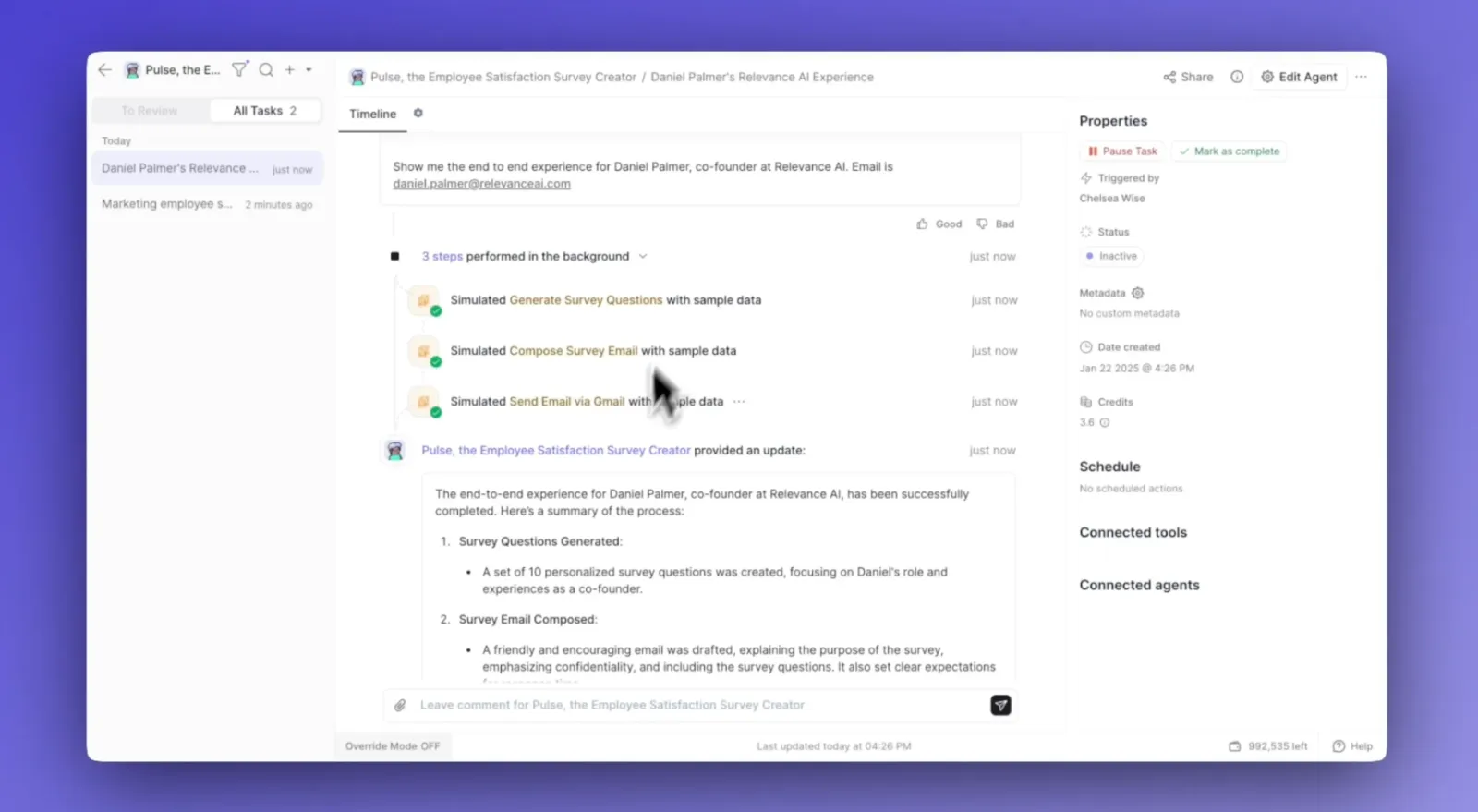
Your Agent Generator ‘Gen’ has leveled up, now allowing you to simulate the entire agent creation process in real time.
When building AI agents, you often need a way to preview how they function before deploying them. With this new update, you can:
✅ Run an End-to-End Simulation – Watch your AI agent operate before launch
✅ Gain Real-Time Insights – See how your AI agent performs at every step
✅ Preview Tools & Capabilities – Review every aspect of your agent’s abilities in action
To get started, type your needs into the “I want an agent that…” field, such as:
📌 “Generates employee satisfaction surveys”
Sit back and watch as your AI agent runs through every step of its workflow in real time.
This update makes agent building more transparent and intuitive, ensuring your AI works exactly as expected before going live.
If you’re interested in trying out the new Agent Inventor, you can sign up to get started or book a demo to see it in action.
Other improvements
General fixes and UI updates.
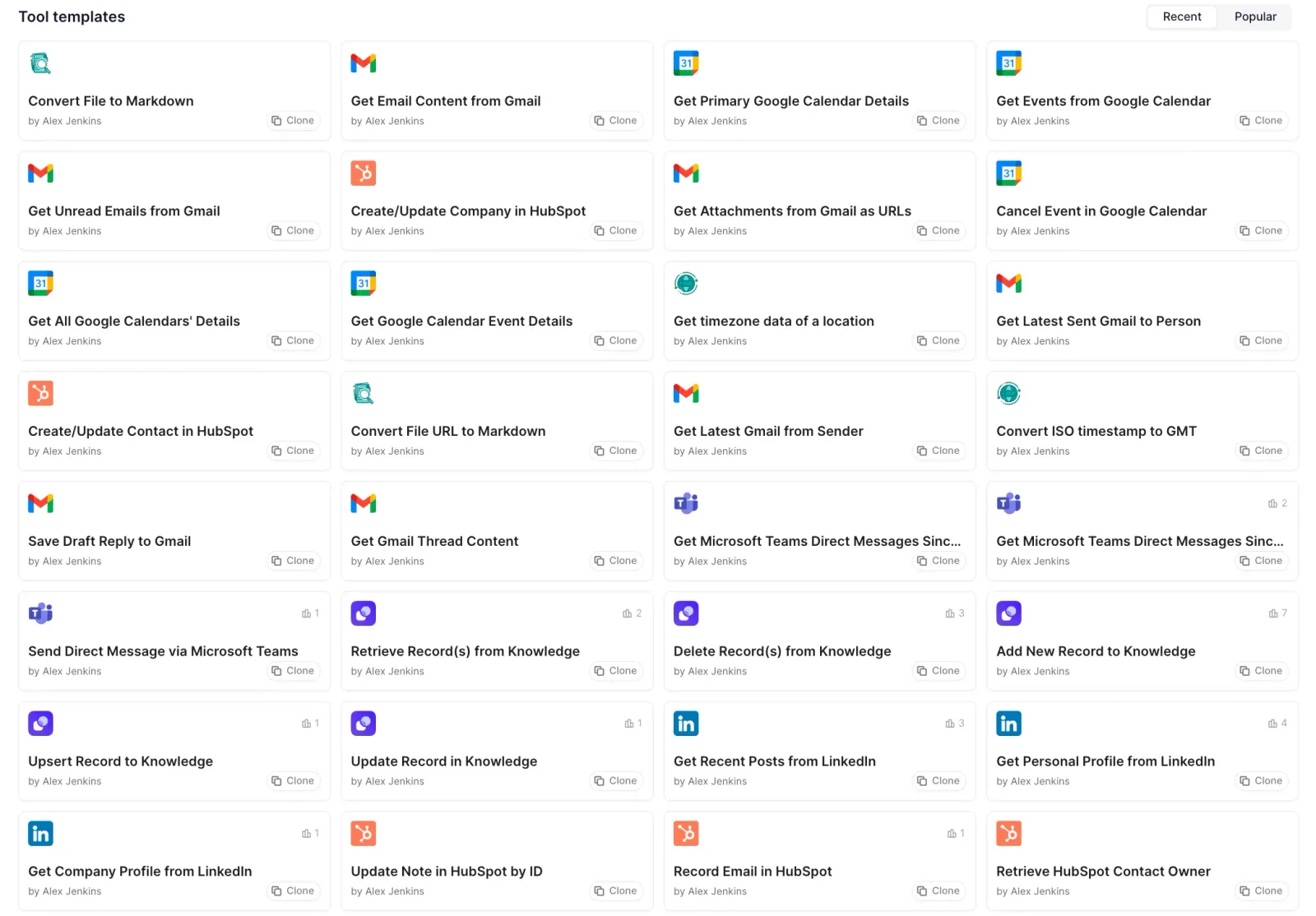
We’ve improved our tools library—the skills your AI agents rely on—to help you build smarter, more capable agents.
When creating AI workflows, having well-optimized tools is critical. This update brings:
1���⃣ Smarter tools – All tools now follow our Tool Style Guide for better clarity, names, and discoverability.
2️⃣ Enhanced performance – Default LLMs have been upgraded, delivering faster, better results at reduced costs.
3️⃣ Expanded tool library – 31 brand-new tools added, including 5 tailored for Google Calendar.
4️⃣ More customization – 19 new tool steps provide even greater flexibility to build and innovate.
To get started, explore the updated tool library inside Relevance AI.
This update makes AI tool-building more intuitive, powerful, and customizable than ever.
📖 Learn more in our Tool Style Guide.)
Other improvements
General fixes and UI updates.
The wait is over. Building AI agents doesn’t have to be complicated. With Agent Generator, anyone can get started.
This is for you if:
-
You’ve thought, “AI agent building isn’t for me.” 🤷
-
You’re unsure where to start 🤔
-
You learn by doing and want an easy, hands-on approach 🙌
Agent Generator solves this by allowing you to describe what you need in plain English, instantly generating a blueprint to set up your AI agent.
To get started, simply type your needs into the “I want an agent that…” field and watch as your personalized agent blueprint is created.
Keen to power your agent building with Gen? 👇
For now, Agent Generator provides a fully personalized framework for your AI agent, including placeholders like “Get Instagram Account Analytics” for where your AI tools go. While it doesn’t automatically create or insert the AI tools yet, you can either build them yourself or browse through available tool templates (for now). More features coming soon!
If you’re interested in trying out the new Agent Inventor, you can sign up to get started or book a demo to see it in action.
Other improvements
General fixes and UI updates.
New models and features have landed in Relevance AI, expanding support for advanced AI capabilities.
When working with AI-driven applications, having optimized models and training tools is key. These new updates include:
✅ ModernBERT for Advanced RAG – Now leveraging ModernBERT Embed (released by the answer.ai team), a model trained from ModernBERT-base, bringing new embedding advancements to AI workflows. More details on the model are available here: https://huggingface.co/nomic-ai/modernbert-embed-base
✅ Expanded DSPy Support – We’ve added DSPy get training data, DSPy train, and DSPy run steps to train DSPy systems for response generation based on gold set answers.
✅ Qwen 2.5 for AI Agents – Our tool-calling model suite now includes Qwen 2.5, known for exceptional coding & tool execution performance, achieving benchmarks comparable to GPT-4o.
To get started, explore these new models and capabilities inside Relevance AI.
Before using these updates, you’ll have the opportunity to review model specifications and tool integrations to ensure they align with your workflows.
These enhancements bring more power, flexibility, and precision to AI agents, making your automation workflows even stronger.
If you’re interested in learning more, you can sign up to get started or book a demo to see it in action.
Other improvements
A small one but a good one! —> The entry point for viewing agent queues has been restyled!
At a glance you can now see how many active queues your agent has and how many upcoming items are going to be processed in those active queues. For better user experience, the button is now also hidden if the agent has no queues (active or paused). The scheduled triggers queue is now only created when the agent enables that ability instead of by default on agent creation.